Internet faxing
7
VarioLink 2221/2821/3621 7-3
7 Internet faxing
7.1 Specifying a destination with a one-touch dial button
You can transmit data simply by touching a one-touch dial button if the e-
mail address of a destination or a mail program has been registered with a
one-touch dial button in advance.
Detail
For registering one-touch dial buttons, refer to "Registering destinations"
on page 7-33.
For registering mail programs, refer to "Registering mail programs" on
page 4-40.
To change the index name, refer to "Naming an index" on page 4-38.
Selecting a one-touch button
A one-touch dial button can be selected in any of the following ways. Use the
appropriate method according to the number of recipients and the desired
use.
- Directly touching the one-touch dial button
- Entering the number of the one-touch dial button
- Specifying chain dialing
Specifying a destination by touching a one-touch dial button
1 Position the document to be scanned.
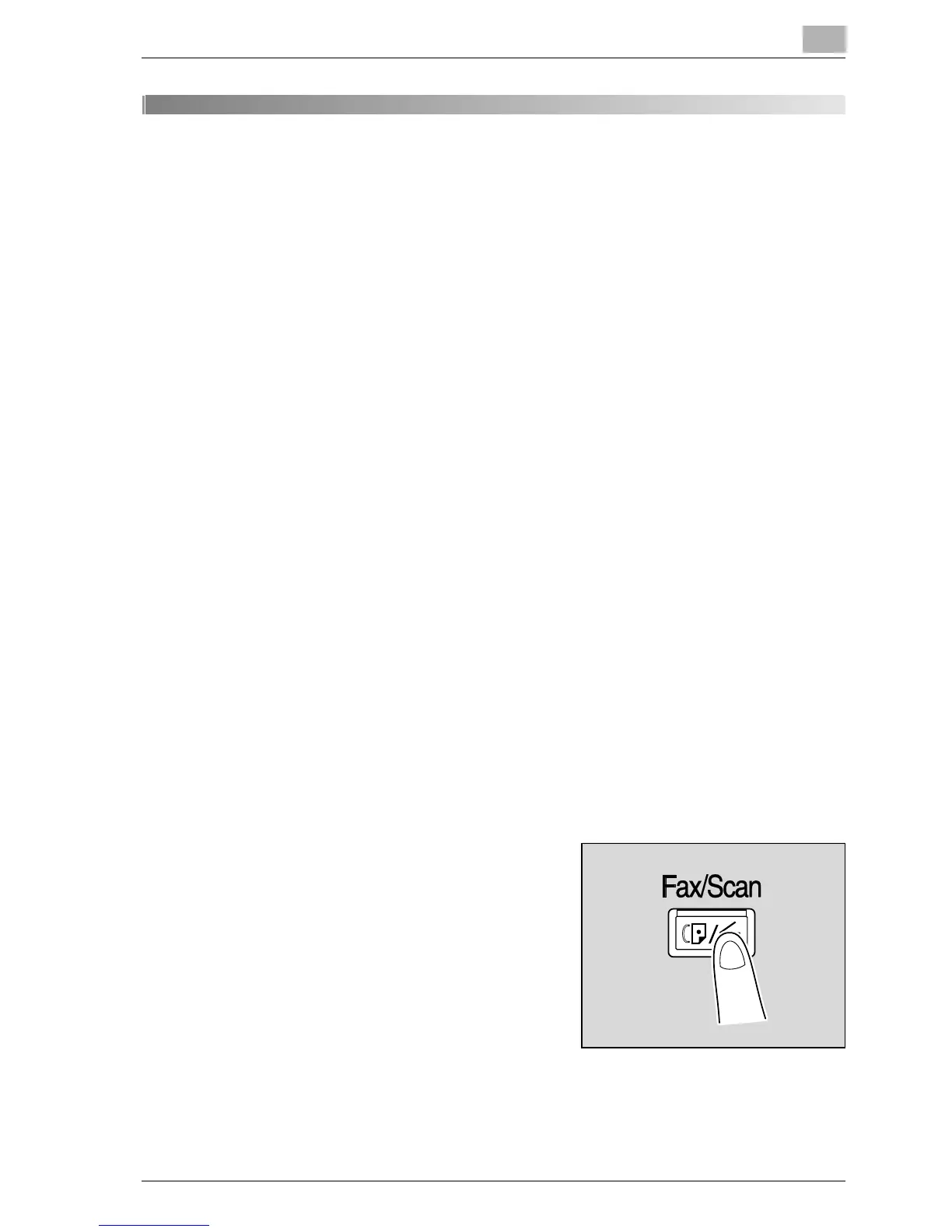
2 Press the [Fax/Scan] key.
3 Touch [One-Touch].



 To Next Page