3
Setup
3-34 VarioLink 2221/2821/3621
3.9 Priority Compress Level (Scan Mode)
You can specify the file format and encoding method for transmitting files
with the Scan to E-Mail, Scan to FTP, Scan to SMB, or Scan to HDD
operations. The transmission size setting specified here is the default setting
when programming a one-touch dial button.
In Scan Mode, settings can be specified for the following.
To specify the scan mode settings
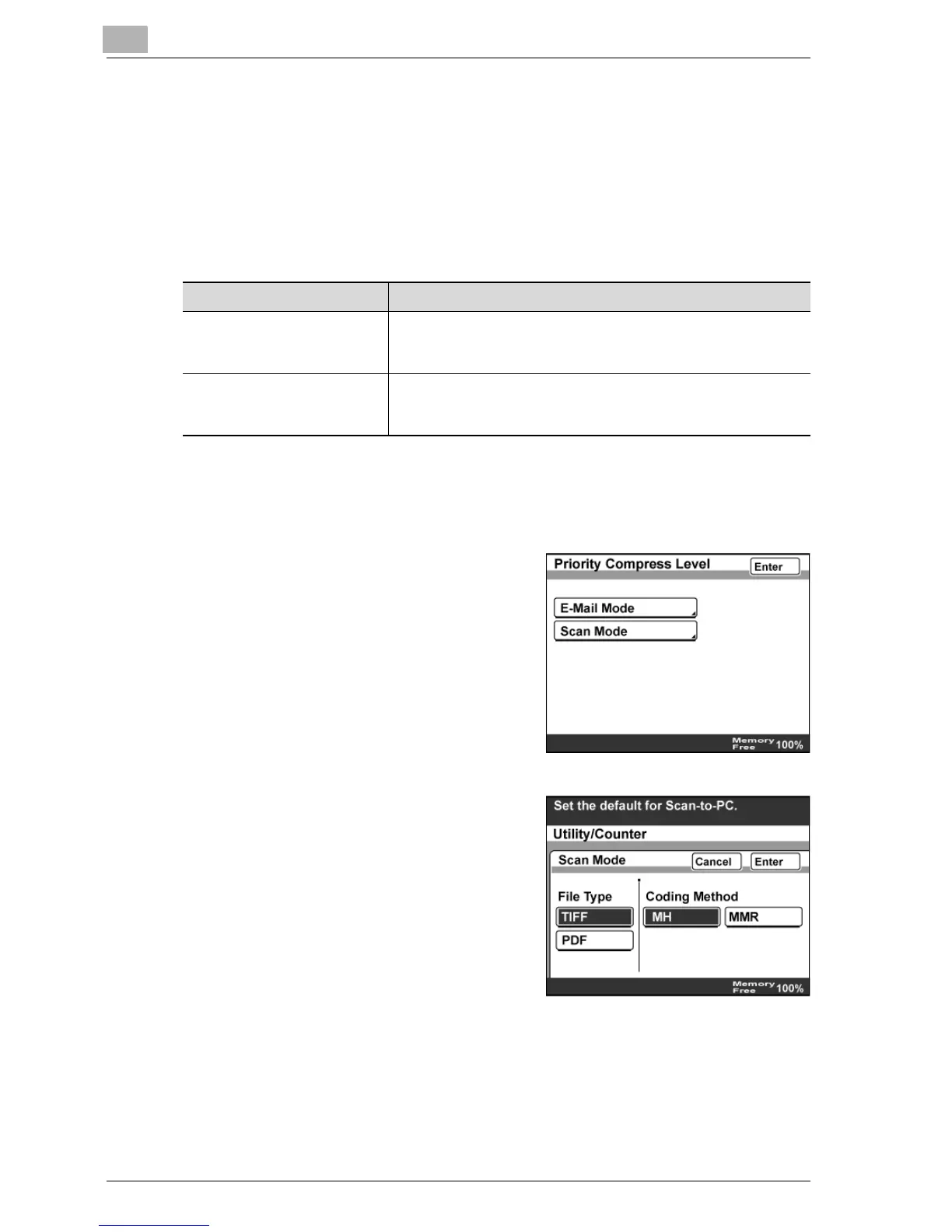
1 In the Network Setting screen, touch [Priority Compress Level].
2 Touch [Scan Mode].
3 Select the file format and encoding
method, and then touch [Enter].
Item Description
File Type Select the file format (TIFF or PDF) for sending files.
If "TIFF" was selected, the setting changes to "Multi Page TIFF"
with the Scan to FTP, Scan to SMB or Scan to HDD operation.
Coding Method Select either "MH" or "MMR" as the encoding method for the
selected file format. The data capacity is lowest with "MMR"
and highest with "MH".



 To Next Page