10
Specifying management settings
10-42 VarioLink 2221/2821/3621
Specifying the default address input screen (mode 366)
Specify the settings concerning the default address input screen for the Scan
to FTP and Scan to SMB operations.
Settings at time of purchase
Specifying settings
The shaded cells represent the factory settings.
Bit 7 6 5 4 3 2 1 0
Setting 0 0 0 0 1 0 0 0 (HEX: 08)
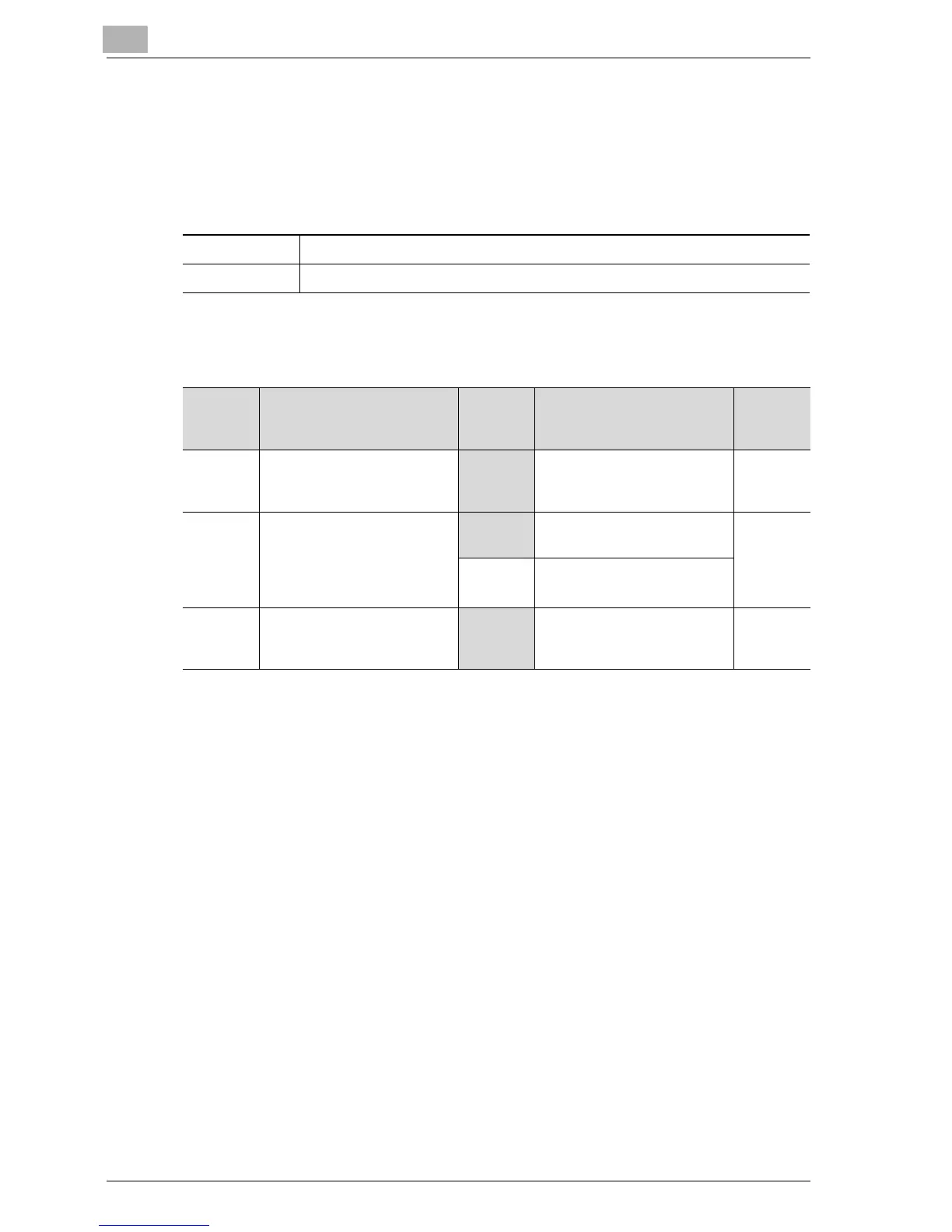
Bit Description Setting Description Page
Refer-
ence
7 -----------------------------
0 *Do not change this bit when
specifying settings for this
function.
---------
6 Specifies the default screen
that is displayed when regis-
tering a one-touch dial but-
ton with the Scan to FTP and
Scan to SMB operations.
0 Gives priority to IP address
input
---------
1 Gives priority to host name
input
5, 4, 3, 2,
1, 0
-----------------------------
001000 *Do not change these bits
when specifying settings for
this function.
---------



 To Next Page