Setup
3
VarioLink 2221/2821/3621 3-25
3.7 POP3 Settings
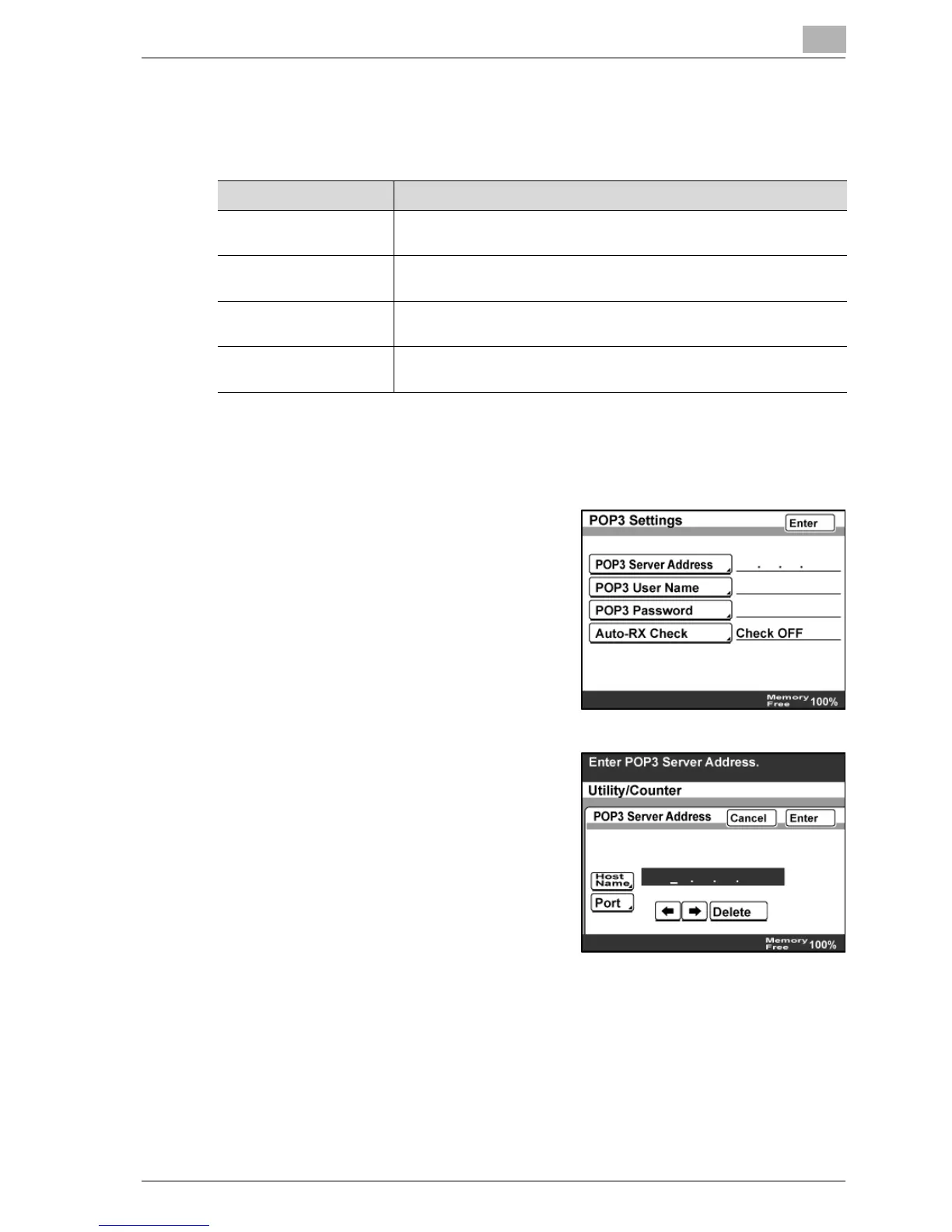
Settings can be specified for the following.
POP3 Server Address
1 In the Network Setting screen, touch [POP3 Settings].
2 Touch [POP3 Server Address].
3 Type in the POP3 server address
using the keypad.
– When "DNS Setting" is set to
"YES", you can enter the IP
address and the host name.
Item Description
POP3 Server Address Required setting for receiving Internet faxes.
Contact the network administrator for the information to be entered.
POP3 User Name Specify the POP3 user name of this machine.
Contact the network administrator for the information to be entered.
POP3 Password Specify the POP3 password of this machine.
Contact the network administrator for the information to be entered.
Auto-RX Check Specify the interval at which to connect to the POP3 server and
check for e-mail messages (Internet faxing). (1—99 minutes)



 To Next Page