Specifying settings using Web Connection
9
VarioLink 2221/2821/3621 9-41
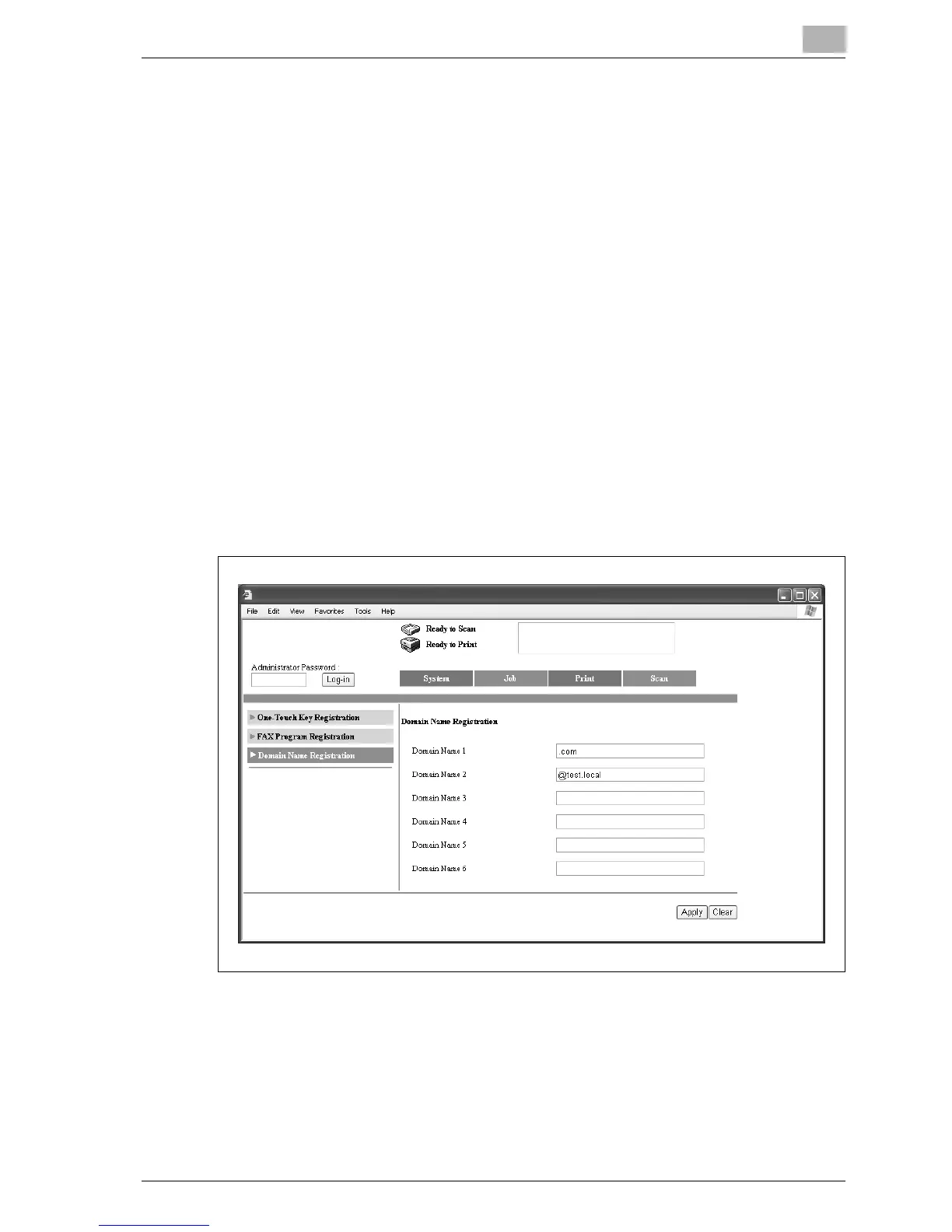
9.5 Domain Name Registration (User mode)
When entering an e-mail address from this machine’s control panel, the
destination address can be entered quickly if domain names that are often
entered have been registered in advance.
On this machine’s control panel, a registered domain name can be selected
after touching [Domain] in the displayed screen.
Up to 6 domain names can be registered.
To register domain names
1 Click the Scan tab.
– If the optional fax kit has been installed, click the Fax/Scan tab.
2 Click [Domain Name Registration].
3 Enter the domain name, and then click [Apply].
Up to 64 characters can be entered.
4 Click [OK].



 To Next Page