3
Setup
3-46 VarioLink 2221/2821/3621
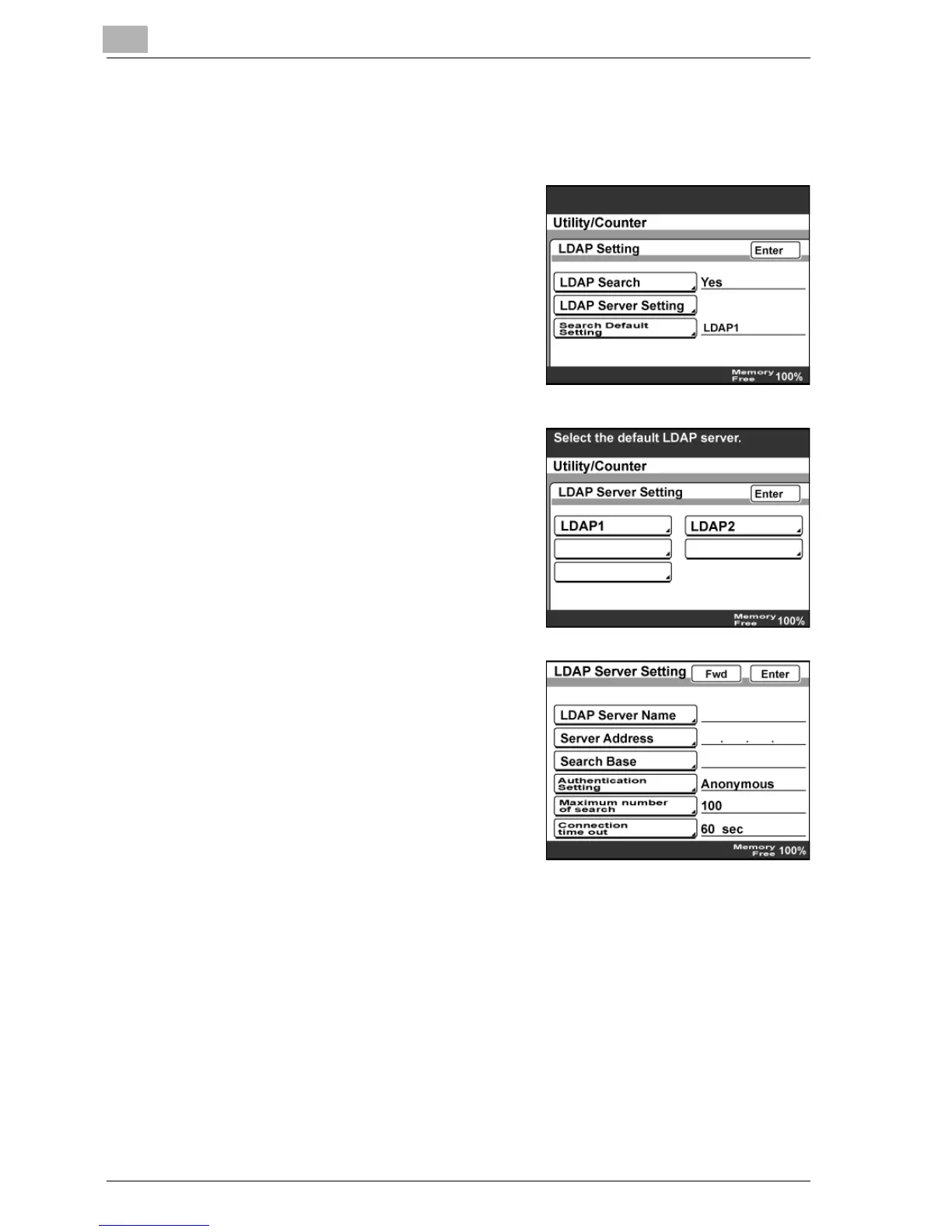
To specify the LDAP server settings
1 In the Network Setting screen, touch [LDAP Setting].
2 Touch [LDAP Server Setting].
3 Touch the button for the LDAP server
to be registered or changed.
– To register a new LDAP server,
touch a button with no name on
it.
4 Specify the detailed LDAP server
settings.



 To Next Page