5
Scan to FTP
5-14 VarioLink 2221/2821/3621
Specifying the transmission report printing conditions
You can specify the conditions for printing a transmission report (TX Report).
The printing conditions for a transmission report are preset with the Report
Settings parameters from the Administrator Management screen. Select the
appropriate printing condition.
Settings can be specified for the following.
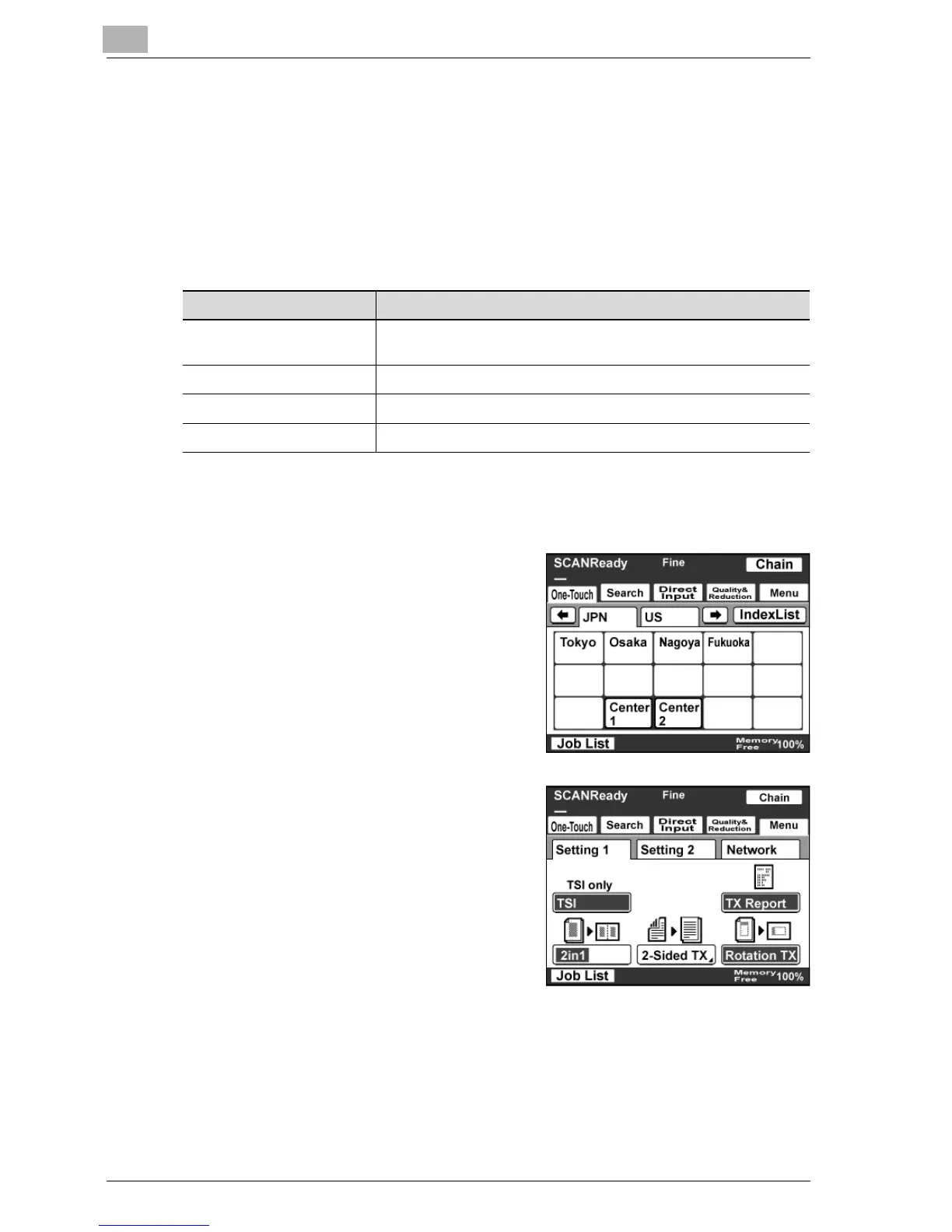
To specify the transmission report printing conditions
1 Touch [Menu].
– If the optional fax kit has been
installed, touch [FAX Menu].
2 Touch [Setting 1], then [TX Report].
– If the optional fax kit has been
installed, touch [Set 1], then [TX
Report].
Item Description
Default Displays the printing conditions specified in the Administrator
Management screen.
ON Prints regardless of the results.
If TX Fails Prints when the transmission failed.
OFF Does not print regardless of the results.



 To Next Page