3
Setup
3-52 VarioLink 2221/2821/3621
3.14 Entering a domain name
When entering an e-mail address with this machine’s control panel, the
destination address can be entered quickly when the character string of a
domain name that is entered often has been registered.
On this machine’s control panel, the domain names can be automatically
entered by touching [Domain] when it appears.
Note
Up to 6 domain names can be registered.
Registering a domain name
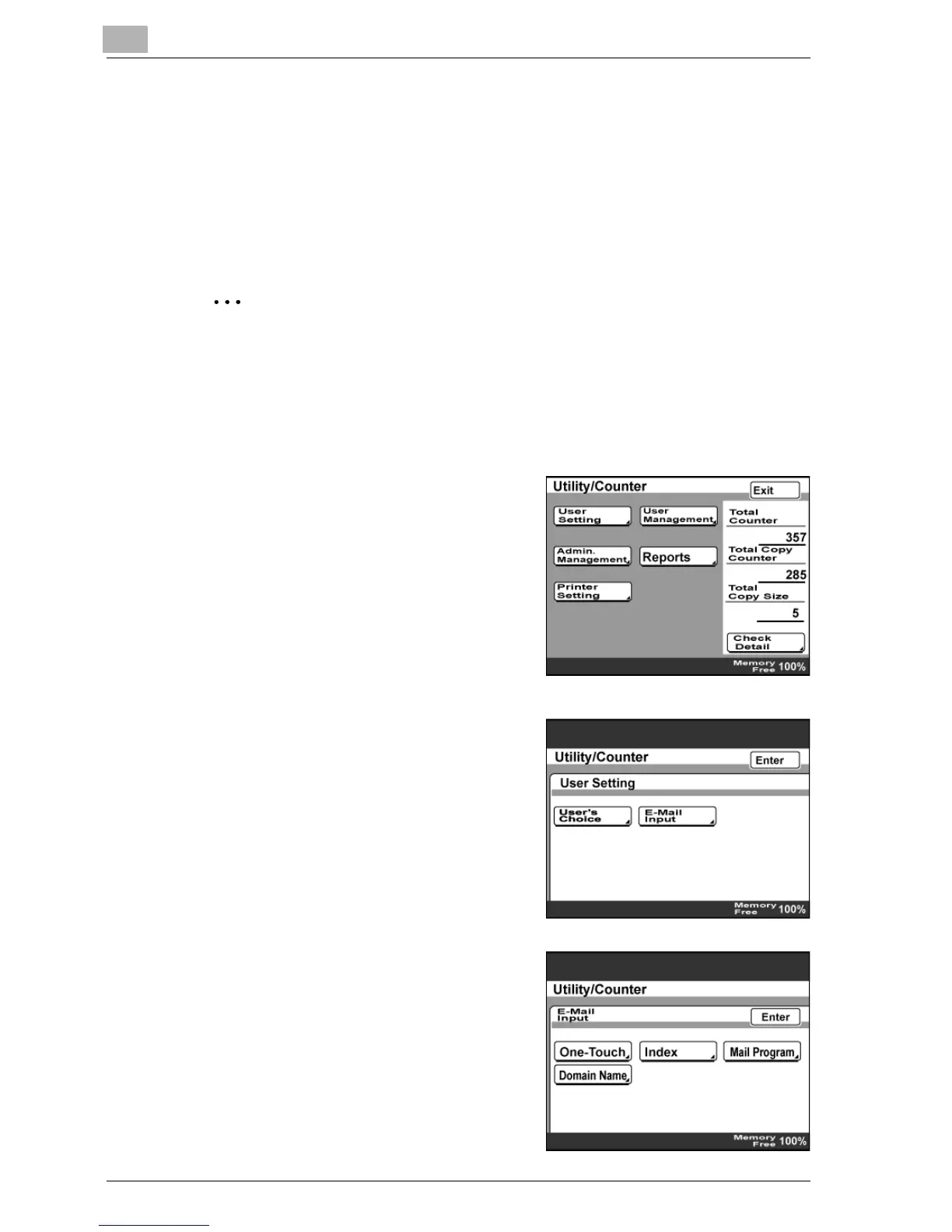
1 Press the [Utility/Counter] key.
2 Touch [User Setting].
3 Touch [E-Mail Input].
– If the optional fax kit has been
installed, touch [FAX].
4 Touch [Domain Name].



 To Next Page