9
Specifying settings using Web Connection
9-8 VarioLink 2221/2821/3621
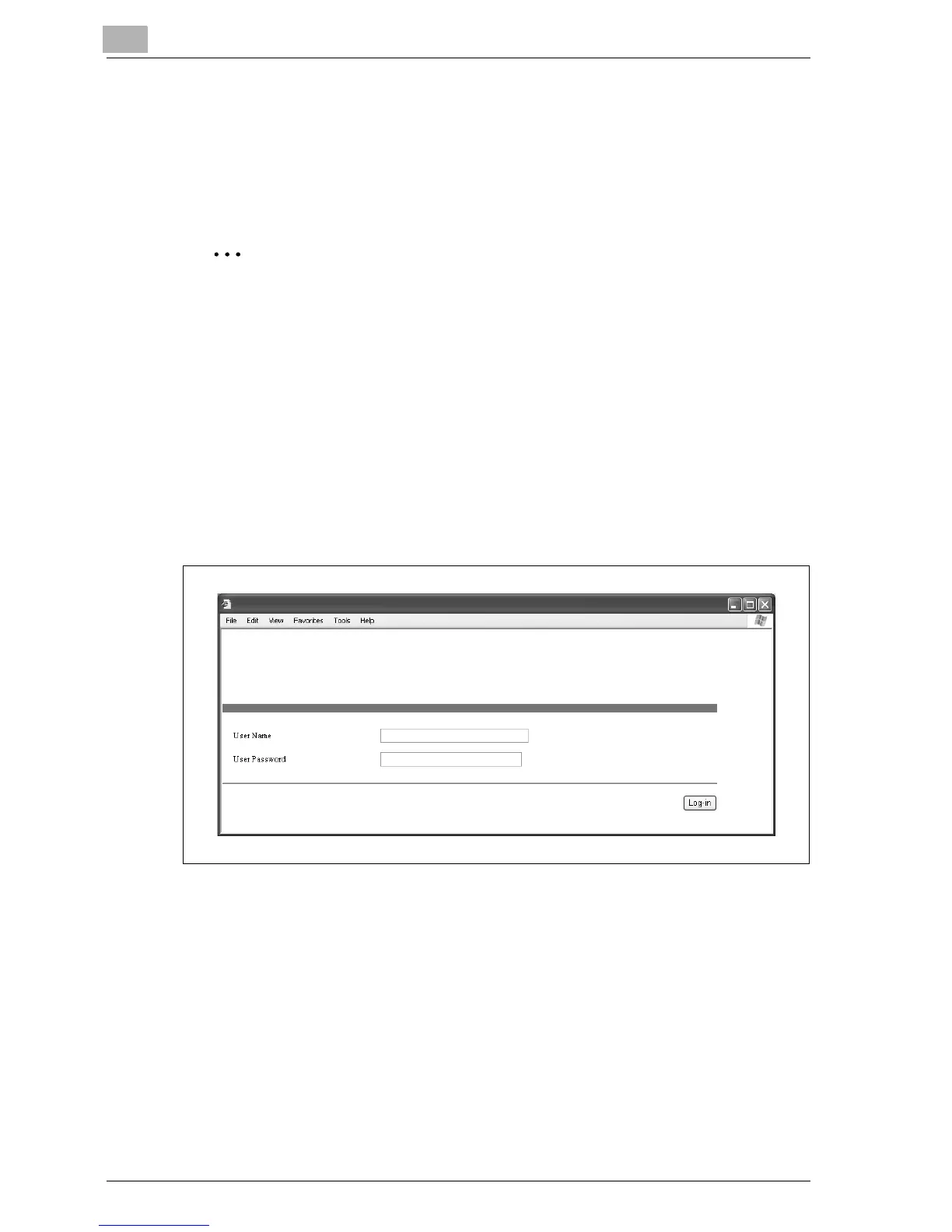
If user authentication settings have been applied
If user authentication or external server authentication settings have been
applied, the following page appears.
Type in the user name and password, and then click [Log-in].
Note
For details on user authentication, refer to User manual [Copy
Operations].
Contact the network administrator for a user name and password.
When logged on with user authentication, a timeout occurs and you will
automatically be logged off from Administrator mode if no operation is
performed for 10 minutes.
If user authentication is performed with an external server and a domain
other than the default domain name is used as an Active Directory, type
in the user name as "user_name@domain_name".
To log off, click [Log-out] in the upper-left corner of the page.
If account track settings have been applied
If account track settings have been applied, the account number is not
required in order to access Web Connection.



 To Next Page