3
Setup
3-4 VarioLink 2221/2821/3621
3.2 Specifying the network settings
The operations that are available depend on the LAN environment of the
machine.
Specify the network settings according to the LAN environment and the
operation to be performed.
Detail
Before specifying any settings, contact your network administrator for
the required information.
Specify the network settings in Administrator mode by using either this
machine’s control panel or Web Connection. The setting procedure using
this machine’s control panel is described below.
To specify the settings using on Web Connection, refer to Chapter 8,
"Specifying settings using Web Connection" on page 9-3.
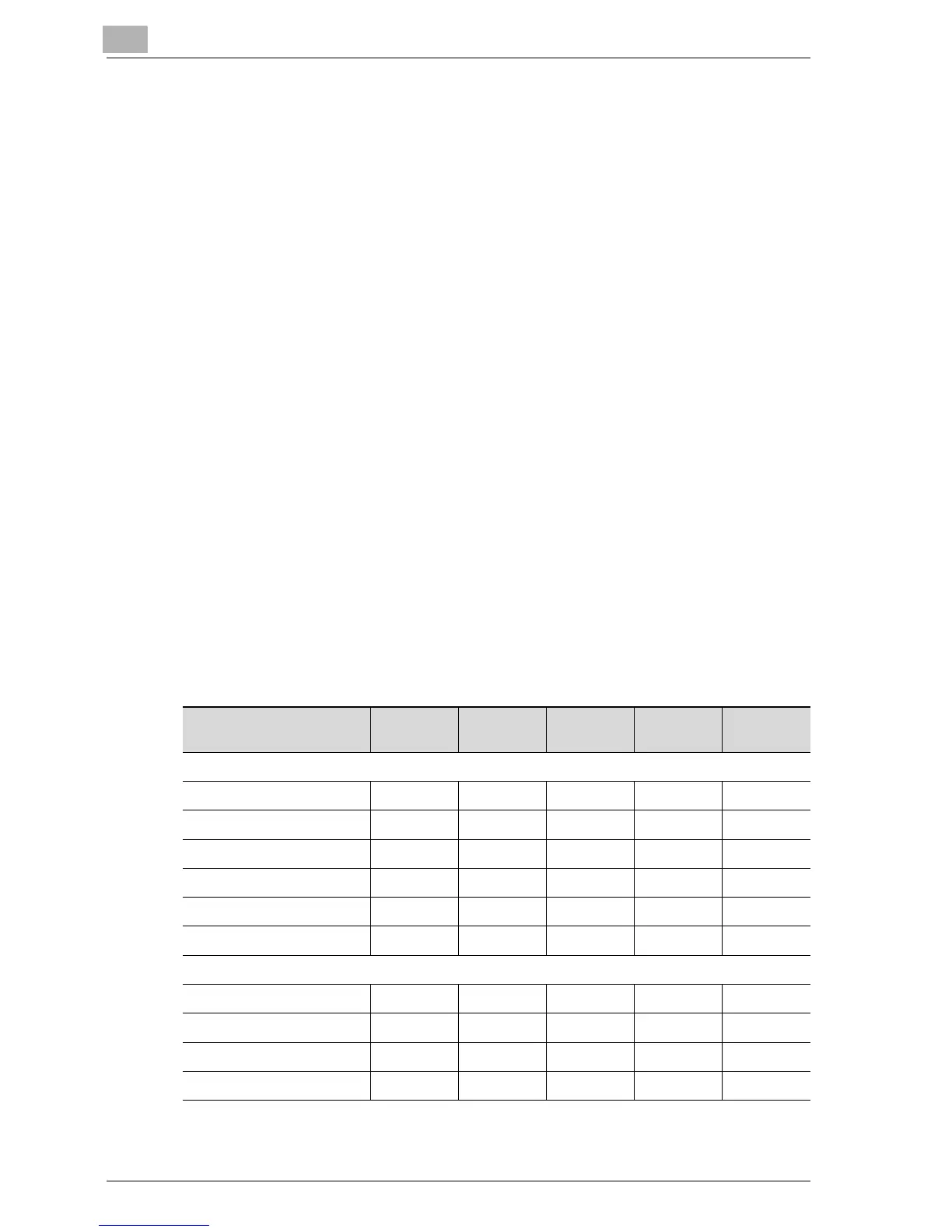
Network setting table
The network settings required for each operation are described below.
o: A setting is required.
+: A setting is required depending on the environment.
0: The parameter is available.
– : The parameter is not available.
Operation
Parameter
Scan to
E-Mail
Scan to
FTP
Scan to
SMB
Scan to
HDD
Internet
faxing
Basic Settings
DHCP +++++
IP Address Setting ooooo
Subnet Mask ooooo
Gateway ooooo
Self-Domain Name–––––
Network Board Set +++++
DNS Settings
YES/NO +++++
Host Name +++++
Domain Name +++++
DNS Server Address +++++



 To Next Page