3
Setup
3-10 VarioLink 2221/2821/3621
DHCP
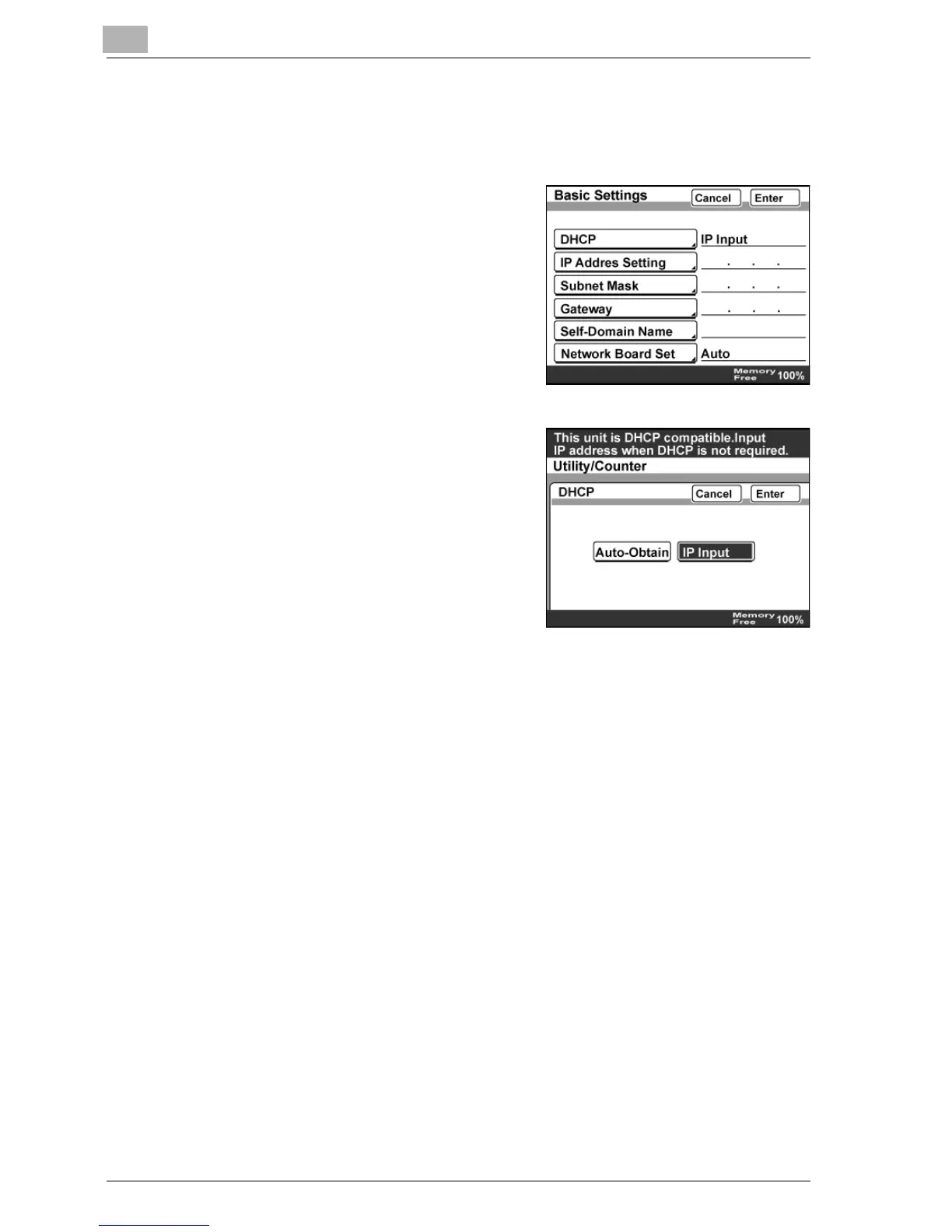
1 In the Network Setting screen, touch [Basic Settings].
2 Touch [DHCP].
3 To use the DHCP server, touch
[Auto-Obtain]. To use a fixed IP
address, touch [IP Input].
– When [IP Input] was selected,
specify the settings for "IP
Address Setting" and "Subnet
Mask".
4 Touch [Enter].



 To Next Page