Specifying management settings
10
VarioLink 2221/2821/3621 10-21
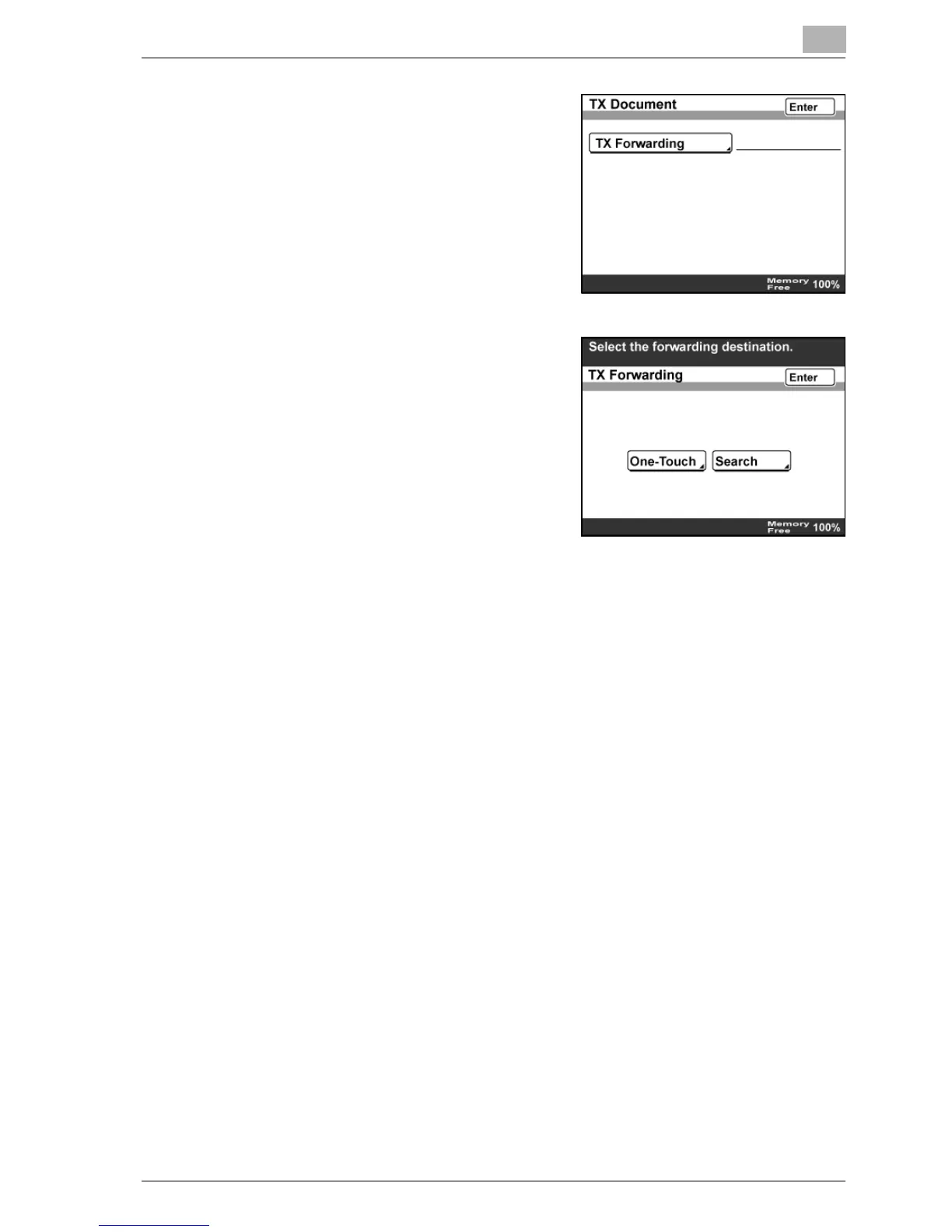
4 Touch [TX Forwarding].
5 Specify the forwarding destination,
and then touch [Enter].
– To specify the forwarding
destination with a one-touch dial
button, touch [One-Touch],
specify the destination, and then
touch [Enter].
– To search for a one-touch dial
button, touch [Search], specify
the destination, and then touch [Enter].
– You can select one address for the forwarding destination.
6 Touch [Enter] until the initial screen appears.



 To Next Page