Internet faxing
7
VarioLink 2221/2821/3621 7-17
*
The receiving machine prints these items when "Yes" is specified on the RX
Doc. Header Print screen.
**
Changes to ( ) if the optional fax kit has been installed.
Network
**(Net.)
Subject Se-
lection
*
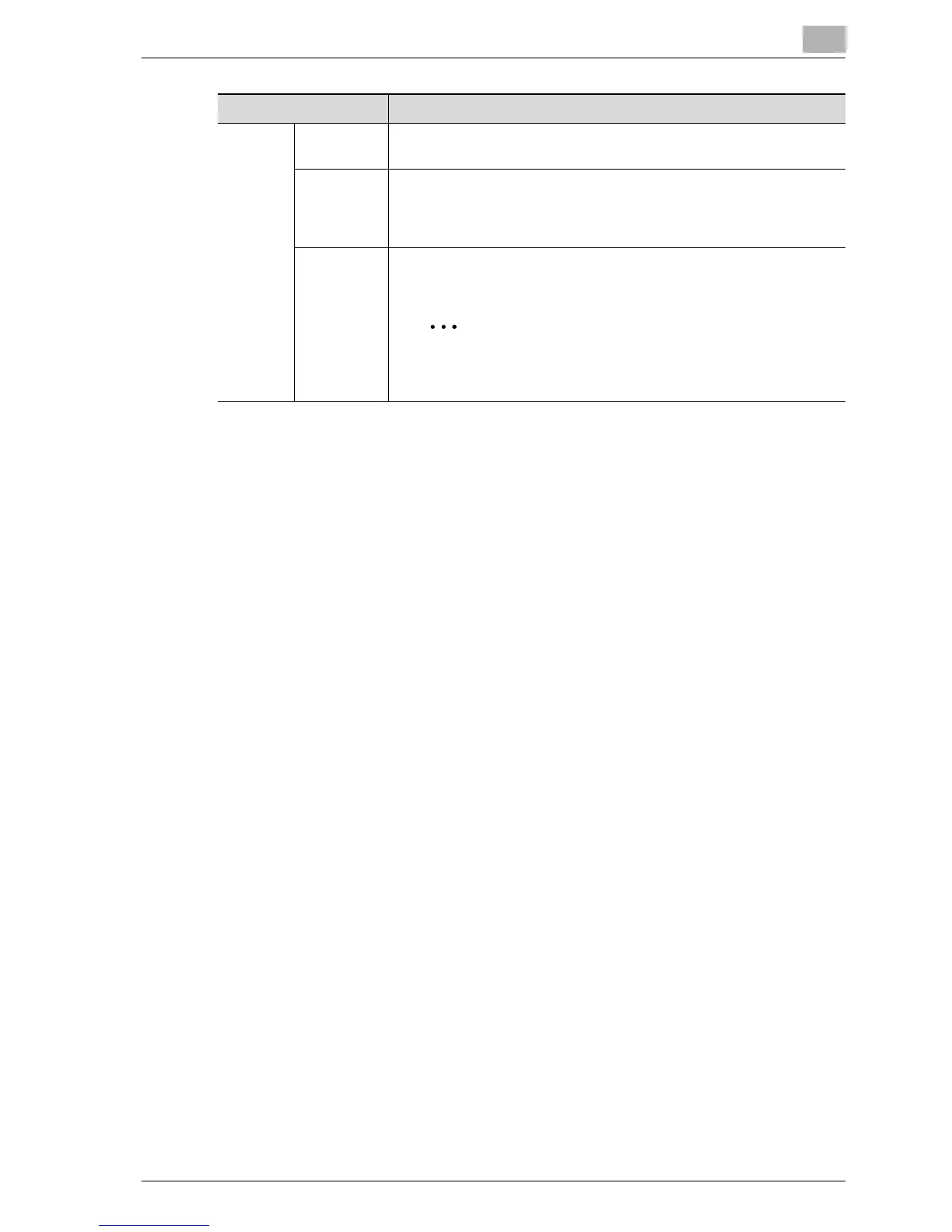
The subject line of an e-mail message can be selected from subject
lines registered in advance.
Reply Ad-
dress
*
Displays the e-mail address of this machine as the sender of the e-
mail message. When specifying e-mail addresses other than that of
this machine, select an address from a registered one-touch dial but-
ton.
File Name Enter when a set file name is to be specified as the file name when
saving the file. Up to 16 characters can be entered.
Note
The file name in Network functions only when the desti-
nation is a computer e-mail address.
Item Description



 To Next Page