Scan to FTP
5
VarioLink 2221/2821/3621 5-27
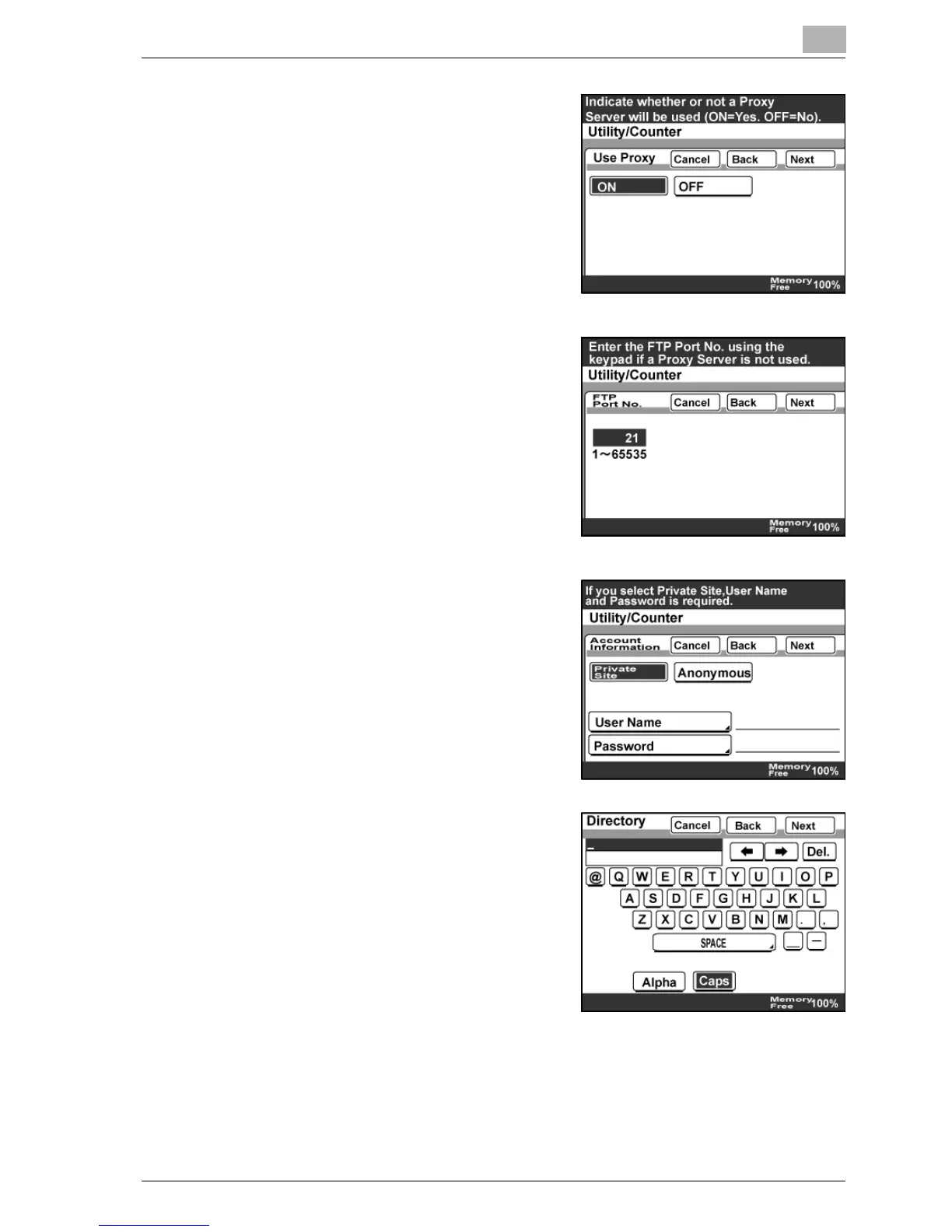
9 Select whether to use a proxy server,
and then touch [Next].
10 Enter the FTP port number. Press the
[C] (clear) key to delete the number,
type in the port number using the
keypad, and then touch "Next".
11 Specify the Account Information, and
then touch [Next].
– If "Private Site" is selected, enter
the login user name and
password.
12 Enter the server directory name to be
saved, and then touch [Next].



 To Next Page