7
Internet faxing
7-6 VarioLink 2221/2821/3621
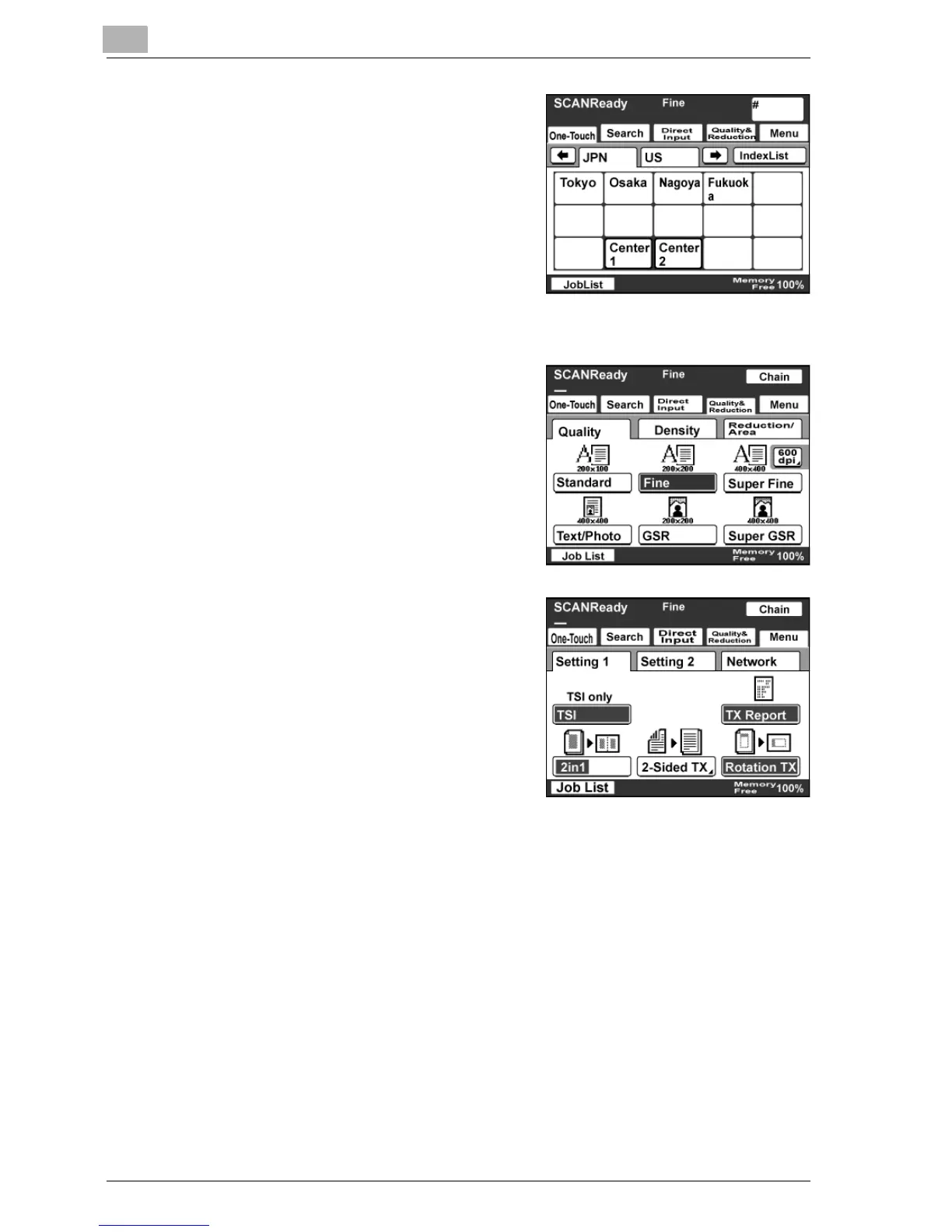
4 Use the keypad to type in the number
of the one-touch dial button.
– You can specify multiple
destinations for simultaneous
transmission with the same one-
touch dial button. Up to 300
destinations can be specified at a
time.
The specified one-touch dial button
is highlighted.
5 Specify the Quality & Reduction
settings for the original document to
be sent.
– For details, refer to "Specifying
the scanning quality and zoom
ratio" on page 4-14.
6 Specify the necessary Menu
settings.
– If the optional fax kit has been
installed, specify the FAX Menu
settings.
– For details, refer to "Specifying
additional functions" on
page 7-16.
7 Press the [Start] key.



 To Next Page