9
Specifying settings using Web Connection
9-10 VarioLink 2221/2821/3621
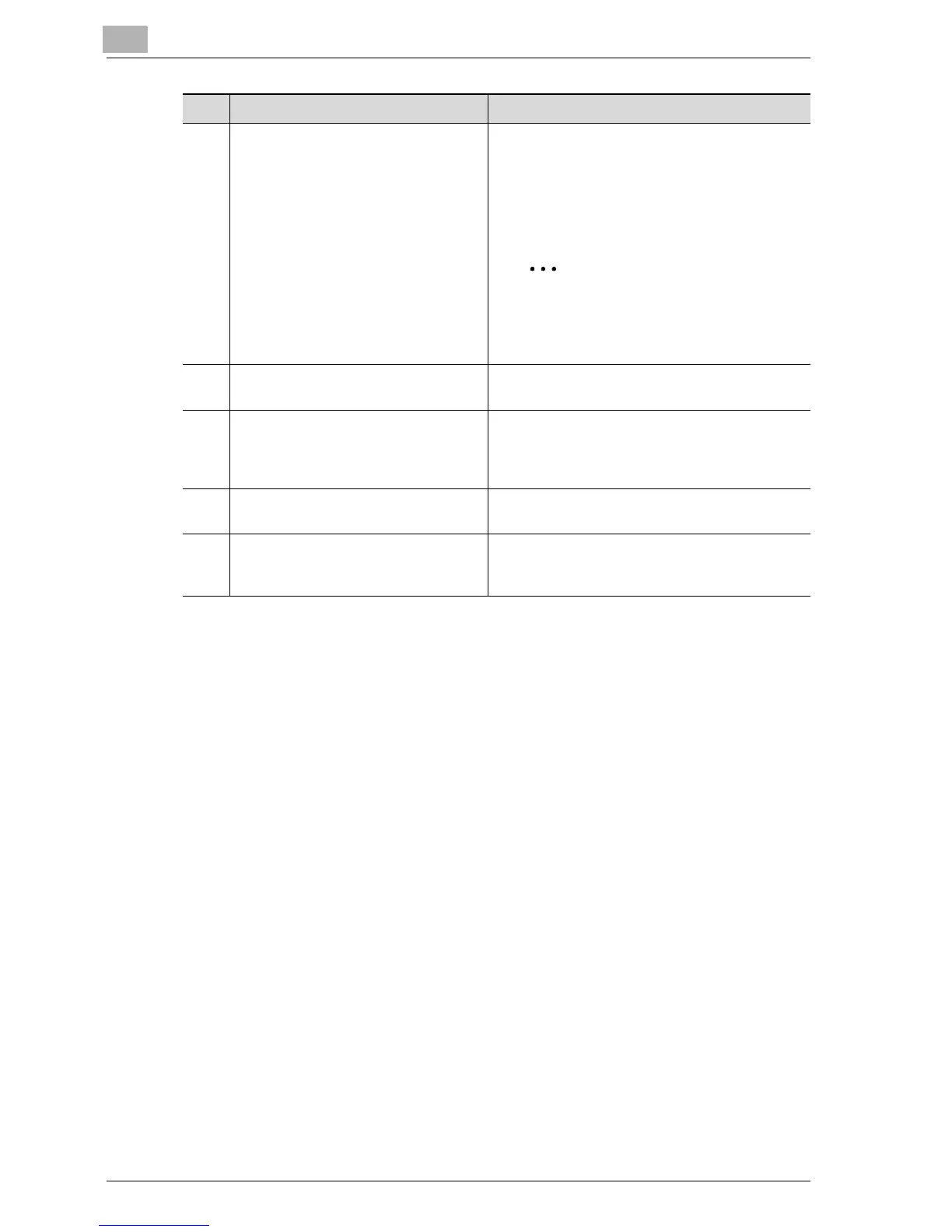
4 Tabs Select the category of the page to be displayed.
The following tabs are displayed in User mode.
• System
•Job
•Print
• Scan
Note
If the optional fax kit has been in-
stalled, the Scan tab changes to the
Fax/Scan tab.
5 Device name The name of the device being accessed is dis-
played.
6 [Log-out] button This button appears after you have logged on
when user authentication or external server au-
thentication settings have been applied. Click
this button to log off.
7 Information and settings Details of the item selected from the menu are
displayed.
8 Menu Information and settings for the selected tab are
listed. The menu that appears differs depending
on the tab that is selected.
No. Item Description



 To Next Page