Specifying settings using Web Connection
9
VarioLink 2221/2821/3621 9-95
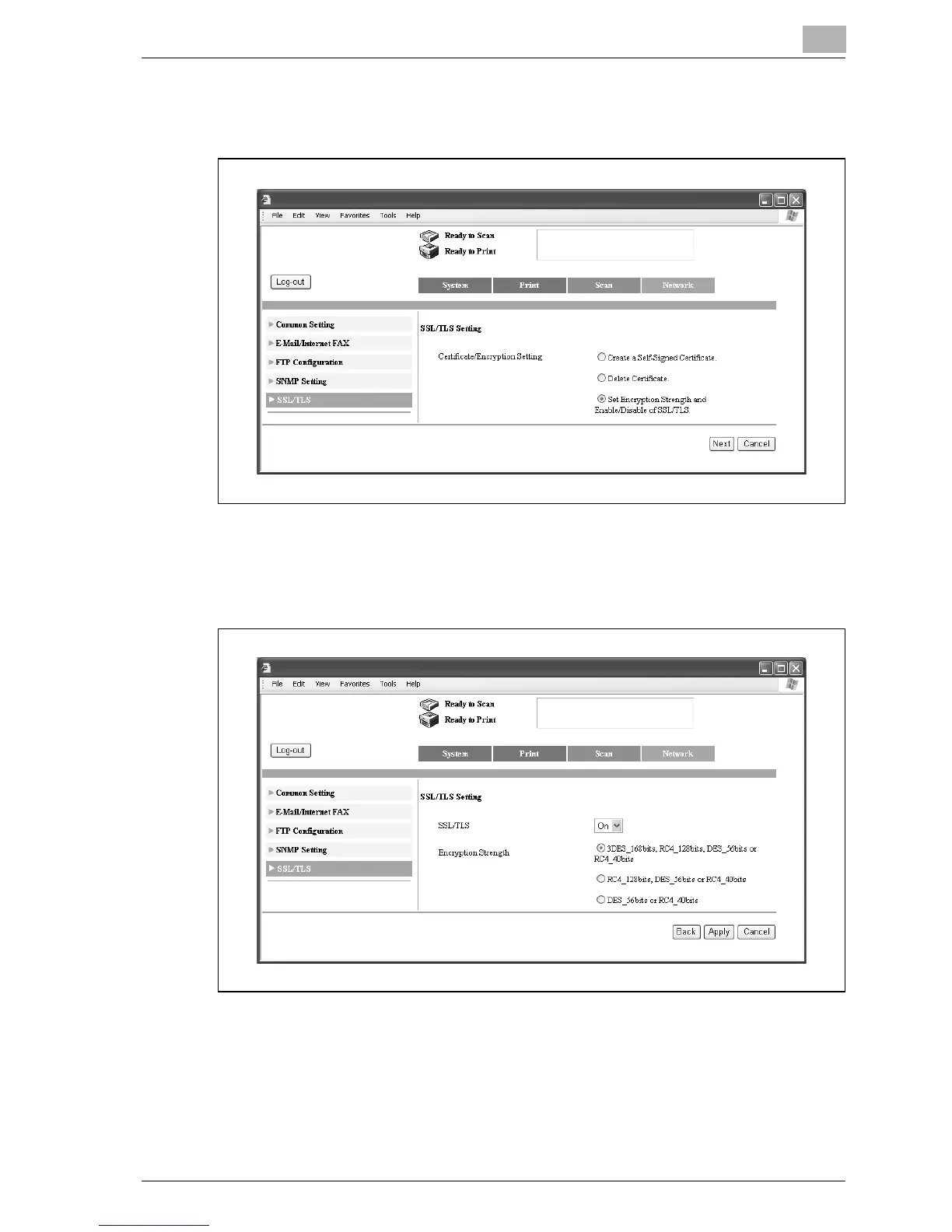
4 Select "Set Encryption Strength and Enable/Disable of SSL/TLS.", and
then click [Next].
5 Specify a setting for each parameter.
– If "Enhance Security" is set to "ON", "SSL/TLS" cannot be set to
"Off".
6 Click [Apply].
7 Click [OK].



 To Next Page