Specifying management settings
10
VarioLink 2221/2821/3621 10-11
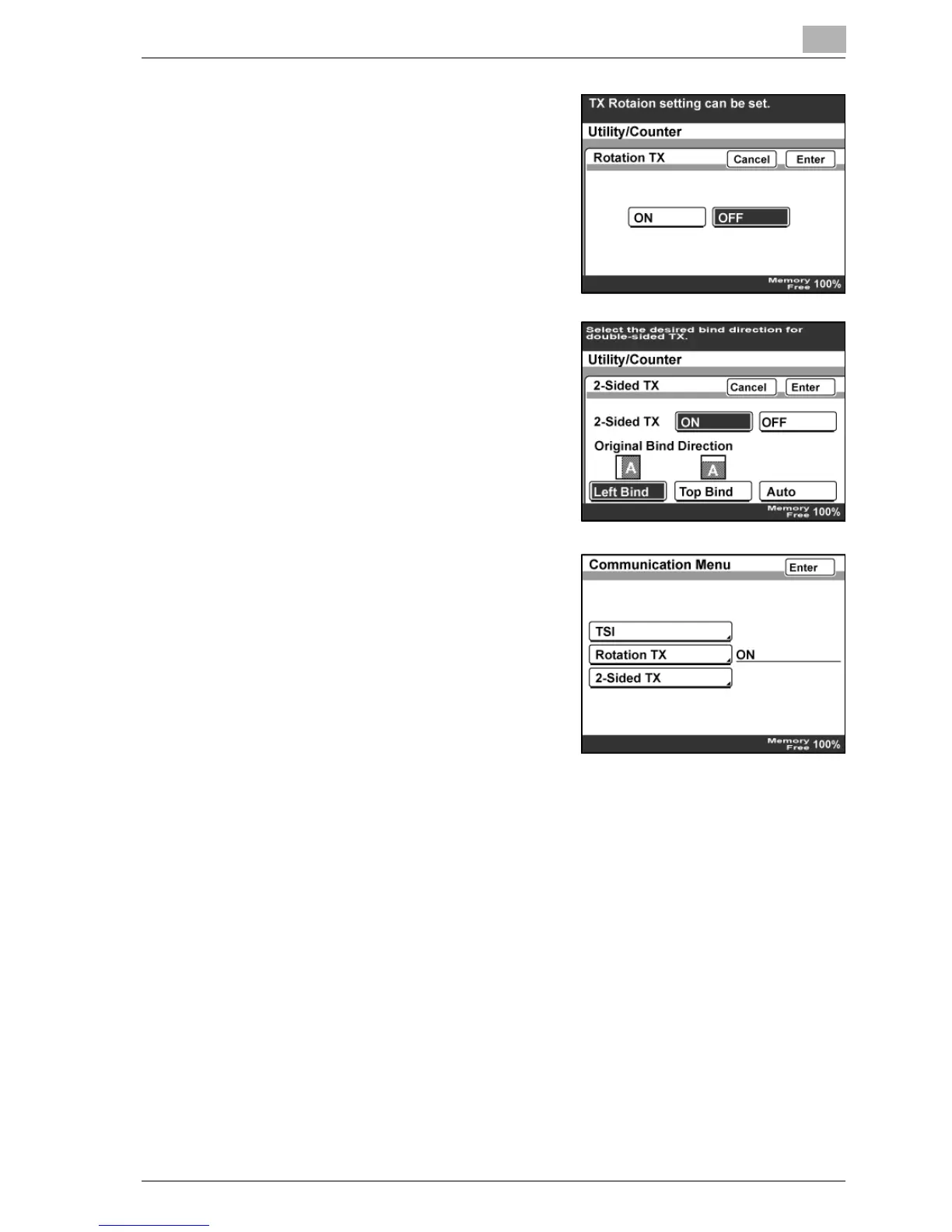
– In the Rotation TX screen, select
whether to enable rotation
transmission.
– In the 2-Sided TX screen, select
whether to enable duplex
transmission. If "ON" is selected,
specify the binding position.
5 Touch [Enter].
6 Touch [Enter] until the initial screen appears.



 To Next Page