Specifying management settings
10
VarioLink 2221/2821/3621 10-27
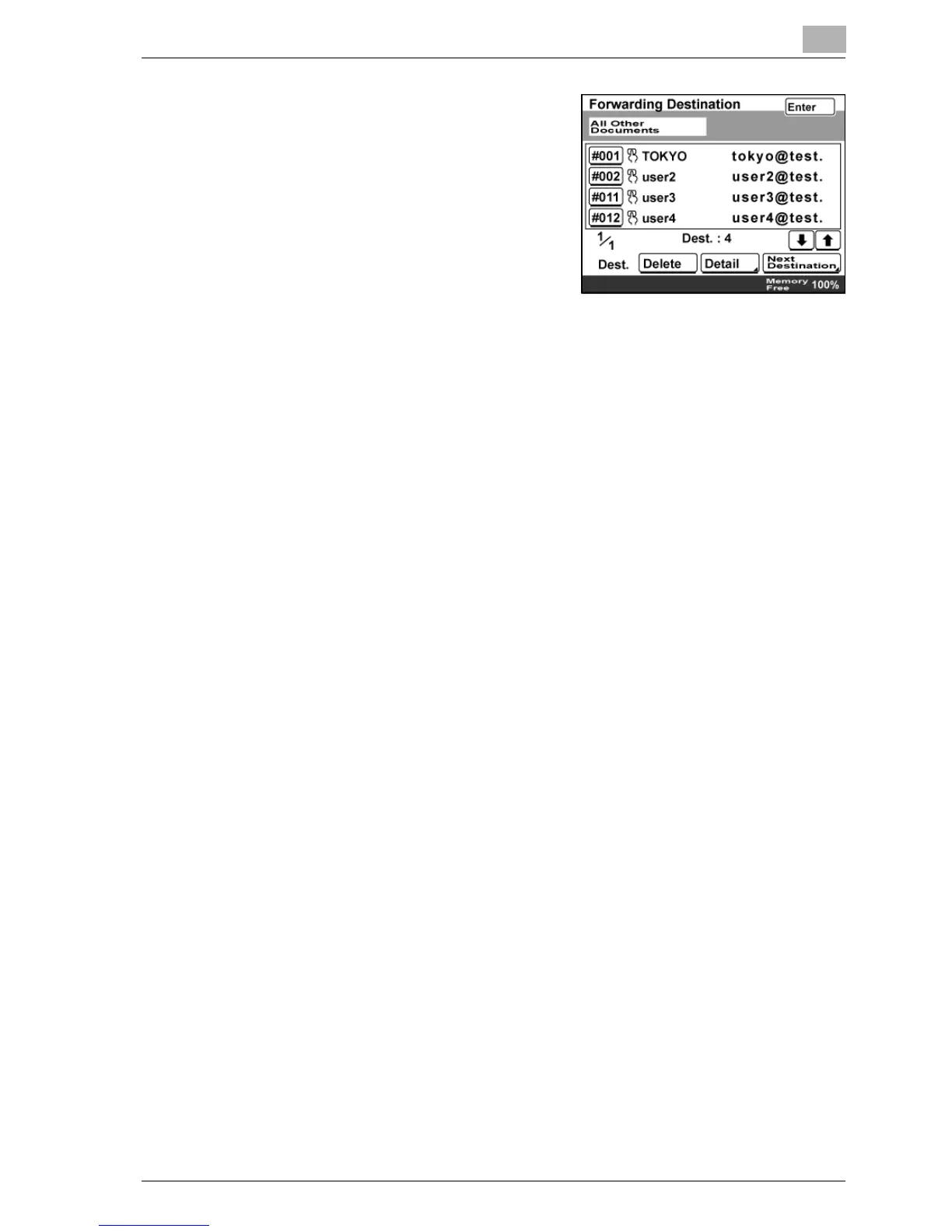
6 Specify when "Forward" is selected
in the Setting of RX Doc. screen.
– To add a new forwarding
destination, touch [Next
Destination].
– To view the details of the
forwarding destinations, touch
[Forward], and then touch
[Detail].
– To delete a forwarding destination, touch [Forward], and then touch
[Delete].
7 Touch [Enter] until the initial screen appears.



 To Next Page