3
Setup
3-50 VarioLink 2221/2821/3621
4 Touch [1] of the range.
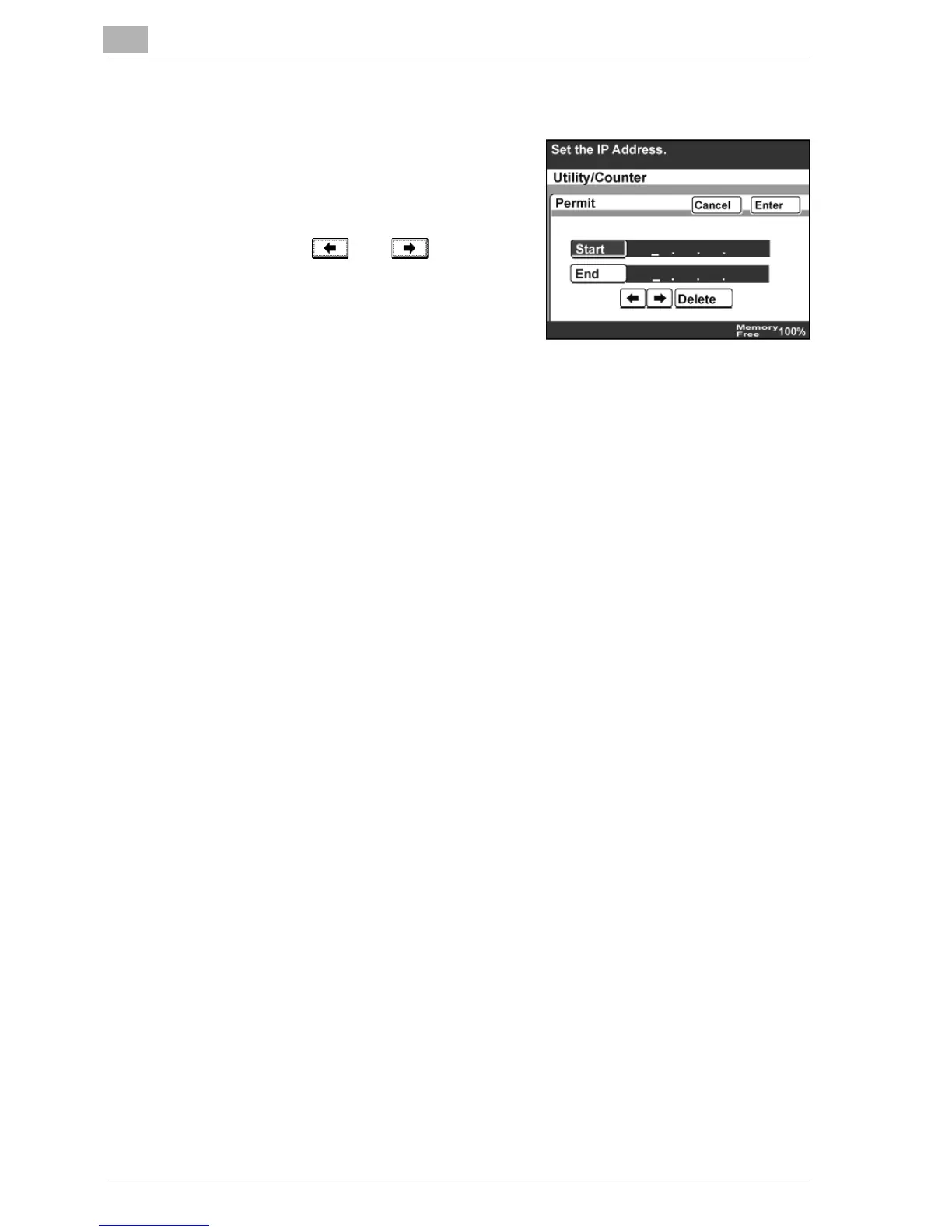
5 Touch [Start], and then type in the IP
address at the beginning of the
range.
– To change an entered value,
touch and to move the
cursor to the number to be
changed, touch [Delete], and
then type in the desired number.
– To clear all entered values, press
the [C] (clear) key.
6 Touch [Enter], and then touch [Enter] in the next two screens that
appear.
IP filtering is specified.



 To Next Page