Browsing Your History and Records 11
126
11 Browsing Your History and Records
11.1. About Your Recent History and Past Records
e Omnipod 5 App can store 90 days of history records. Once the memory is
full, new records begin to replace the oldest records. You can browse but not edit
the information in your records.
Your records are displayed on:
• Sensor Graph (recent)
• History Detail screens, which show insulin, glucose, carbohydrate, Pod
events and Auto Events
• History of alarms and notications can be viewed on the Notication screen.
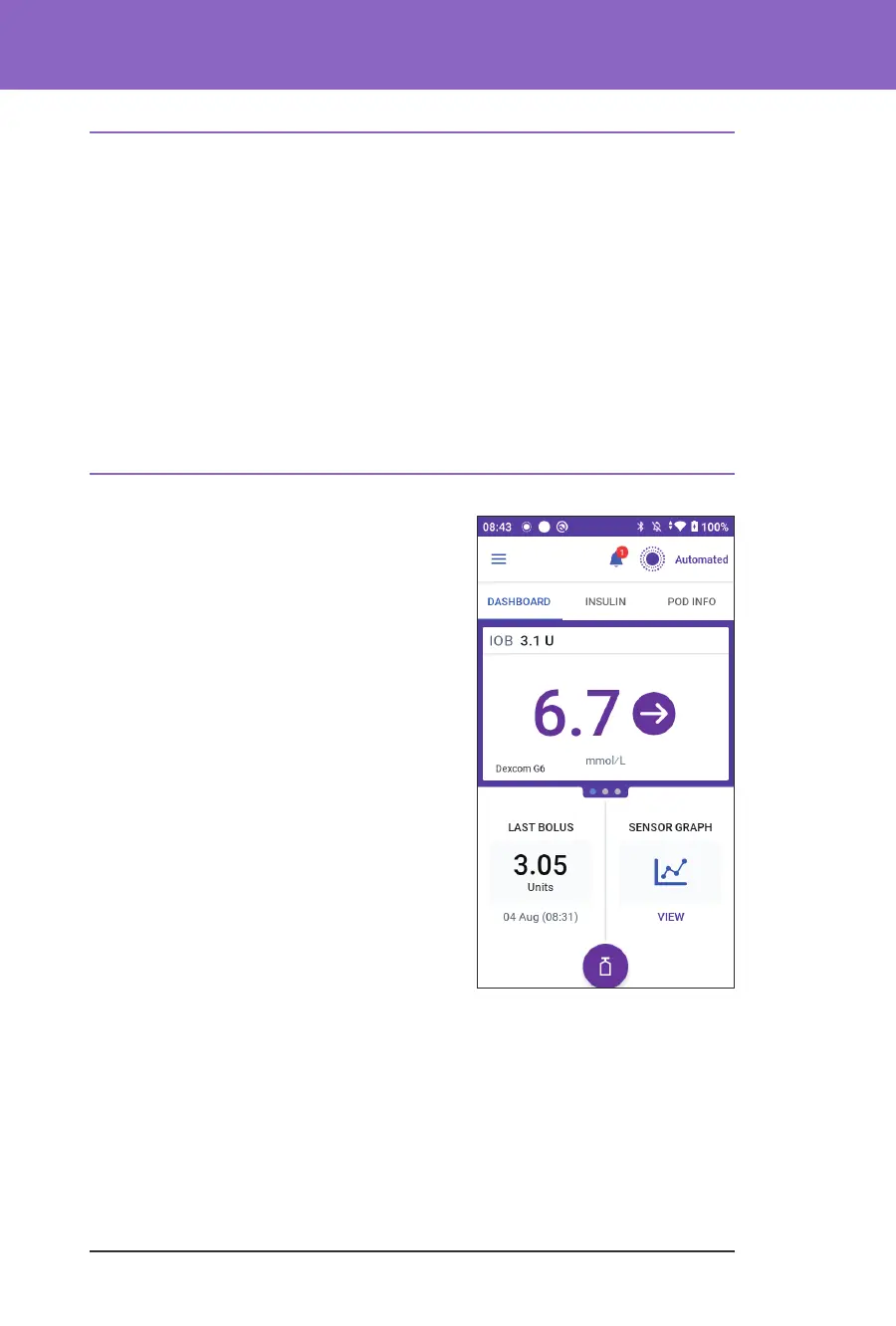
11.2. Viewing the Sensor Graph
e Sensor Graph can be viewed from the
Home screen in both Manual Mode and
Automated Mode.
To view the Sensor Graph:
¾ On the lower right part of the Home
screen, tap VIEW.
To exit the Sensor Graph:
¾ Tap the (X) located in the top right corner
of the graph.



 To Next Page