Setting Up Your Omnipod5 Application 4
60
4 Setting Up Your Omnipod5 Application
4.4. Basal Settings
Warning: DO NOT start to use your system or change your settings without
adequate training and guidance from your healthcare provider. Initiating and
adjusting settings incorrectly can result in over-delivery or under-delivery of
insulin, which could lead to hypoglycaemia or hyperglycaemia. Settings that
impact insulin delivery mainly include: Pod Shutdown, basal rate(s), Max Basal
Rate, Max Bolus, Correction Factor(s), Insulin to Carb (IC) Ratio(s), Minimum
Glucose for Calculations, Target Glucose, Correct Above and Duration of
Insulin Action.
Next, you will set basal settings, which will be used to deliver basal insulin while in
Manual Mode.
1. Tap SET UP PROFILE.
2. Tap the arrow (>) on the Basal screen to move to the next screen.
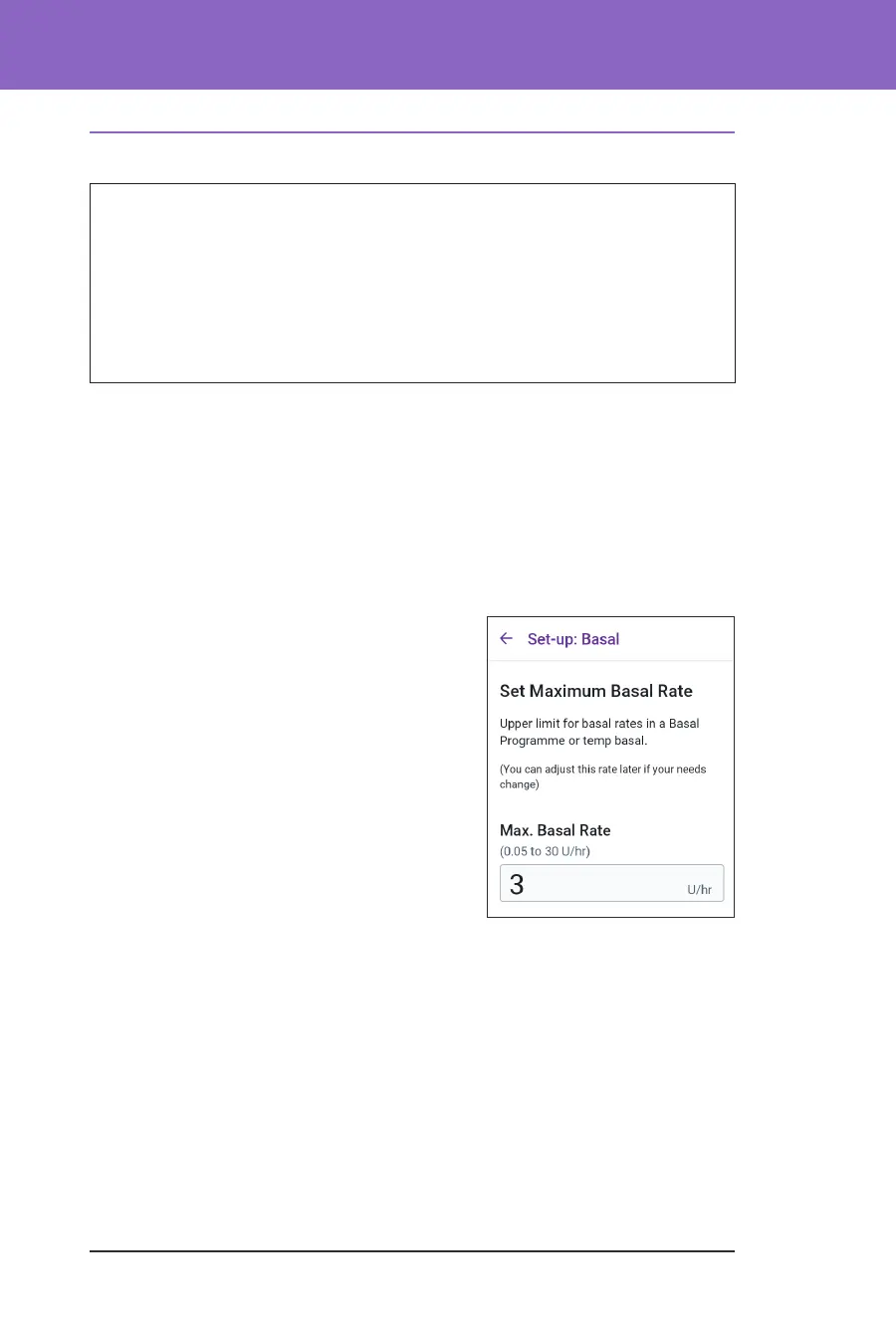
Set Maximum Basal Rate
e Maximum Basal Rate sets the upper limit of any basal insulin rate you can use
while in Manual Mode.
1. Tap the Max Basal Rate eld.
2. Scroll to your desired Maximum Basal
Rate. When the correct number is in the
centre of the scroll wheel, tap the number
to select it.
Tip: Alternatively, tapping outside of the
scroll wheel selects the value in the centre
of the scroll wheel.
3. Tap NEXT.
Note: You can adjust your Maximum
Basal Rate later, if your needs change. See
“Maximum Basal Rate” on page 123.



 To Next Page