63
Setting Up Your Omnipod5 Application 44 Setting Up Your Omnipod5 Application
e. Set the end time and basal rate for any following segments, as needed.
7. When the Basal Programme is correct, tap SAVE.
Note: If the basal rate for a segment is 0 U/hr, the Omnipod 5 App displays
a message calling this to your attention. Tap OK if the 0 U/hr rate is correct.
Otherwise, tap CANCEL and edit the segment with the 0 U/hr rate.
Note: To create additional Basal Programmes aer set-up is complete, start at
page91 and begin steps again.
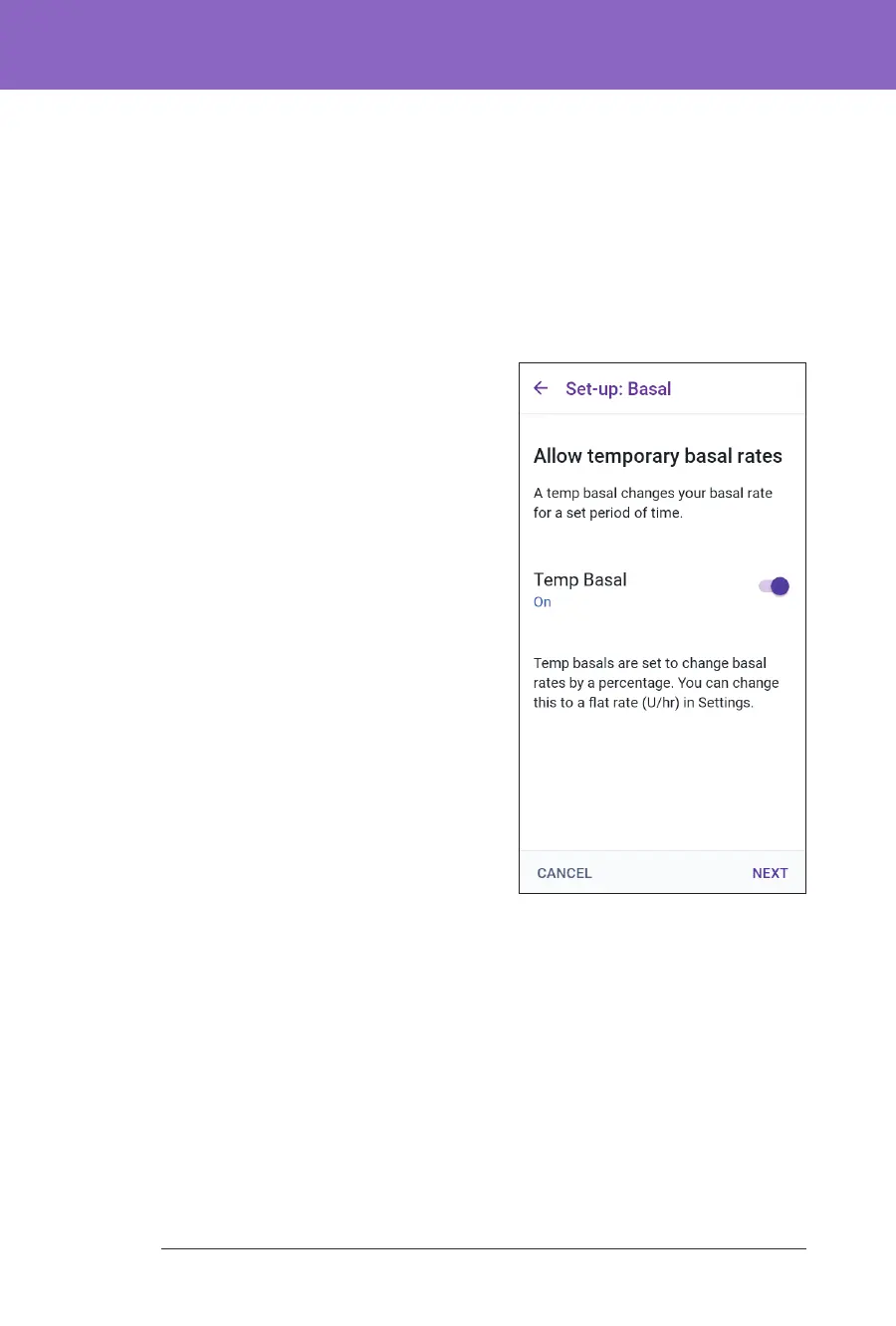
Temporary Basal Conguration
For a description of temporary basal rates,
also called temp basals, see page 95.
Note: Temp basal is available in Manual
Mode only.
1. If you want the ability to use temp
basals, tap the toggle to the ON
position. e toggle is in the ON
position when it is on the right and is
blue.
If you turn temp basals on, percentages
are used by default. To specify temp
basal as a at rate (U/hr), see “Temp
Basal” on page 123.
2. Tap NEXT.



 To Next Page