138
11 Browsing Your History and Records
Automated Events (Auto Events)
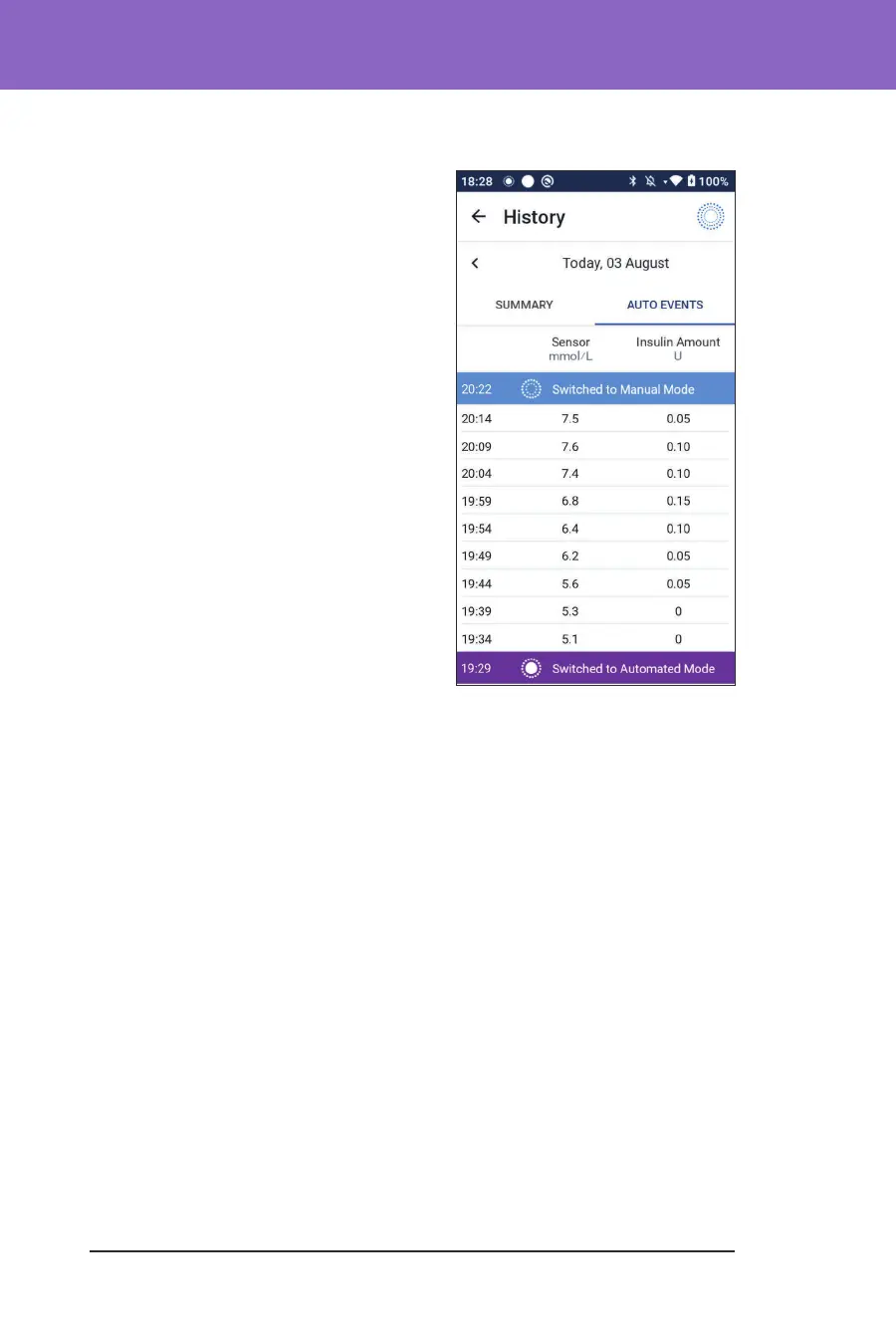
Tap AUTO EVENTS on the history screen to
display the amount of insulin delivered at
each 5-minute period while in Automated
Mode.
A system mode icon and banner show the
time the system switched to Automated
Mode or to Manual Mode.



 To Next Page