35
Omnipod 5 System Overview 33 Omnipod 5 System Overview
3.2. Omnipod 5 App
You use the Omnipod 5 App to control and monitor the Pod's operations using
Bluetooth® wireless technology.
Caution: AVOID leaving your Controller in a place that would prevent you
from hearing alarms and notications from your Omnipod 5 App. Delivery
of insulin in Manual Mode or Automated Mode continues as programmed if
you move away from your Controller.
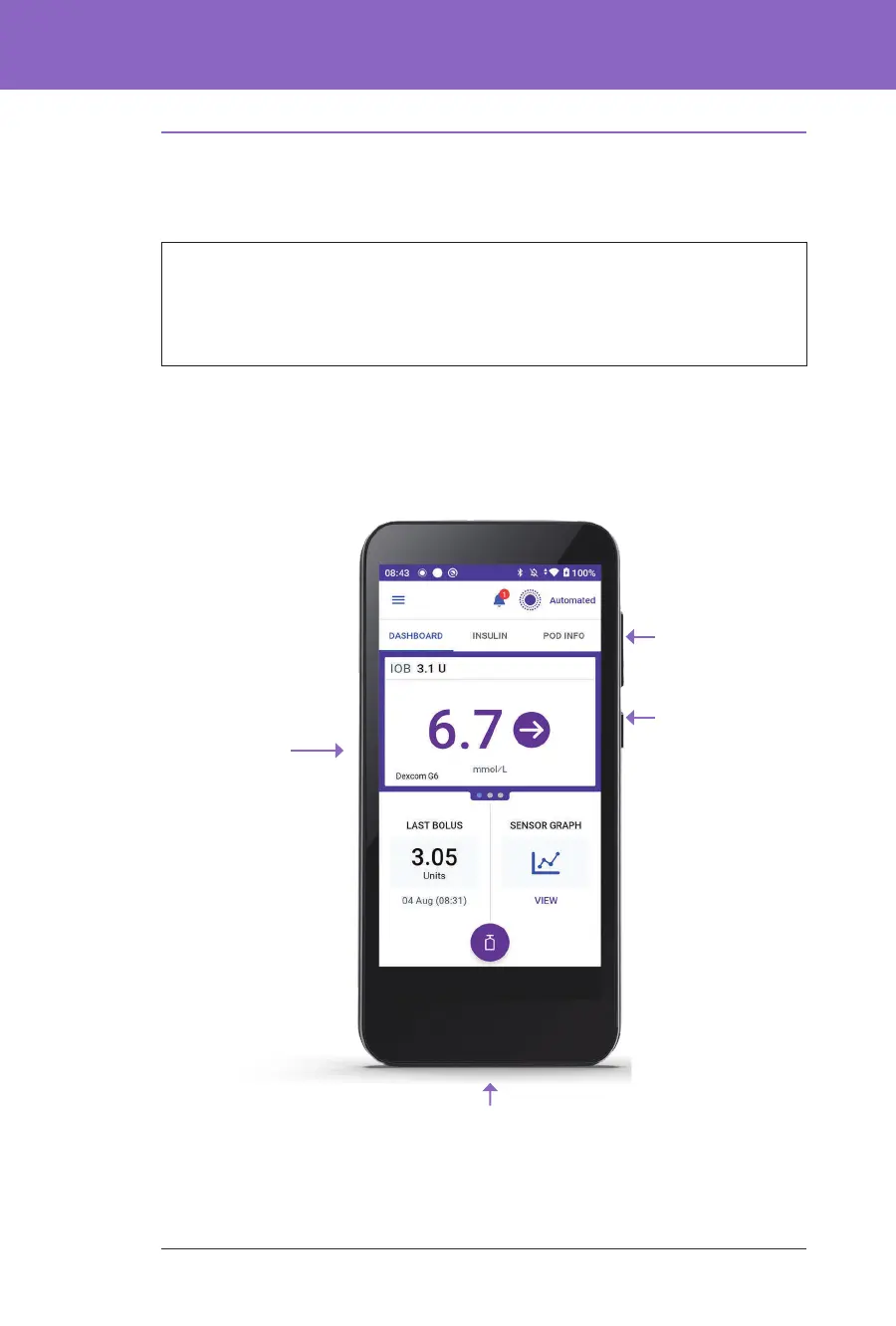
The Omnipod 5 Controller
Touchscreen
Power button:
Used for
wake/sleep
and on/o.
Note: If you press
the power button
for too long,
you'll see a Power
O option. Do
NOT power o.
Tap outside that
menu.
Sound/vibrate
button
USB C port:
Used for charging the battery



 To Next Page