159
Alarms, Action and Reminder Notications 1313 Alarms, Action and Reminder Notications
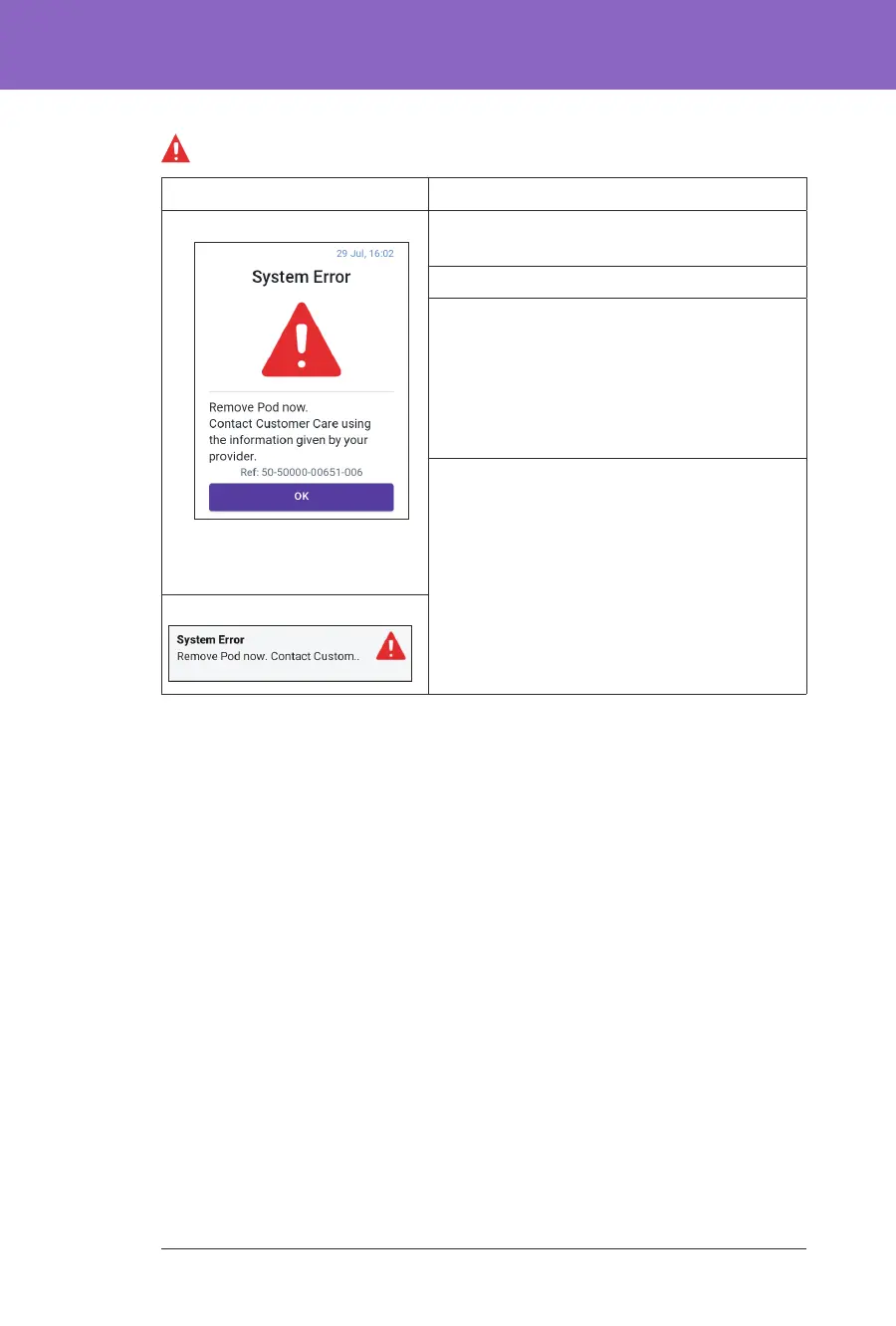
System Error
Screen Alert Description
Omnipod 5 App: Why it occurs: An unexpected error is
detected in the Pod or the Omnipod 5 App.
Pod sound: None
Controller sound and vibration:
• 30-second tone
• 30-second vibration
• Vibration and tone repeat every
15 minutes until acknowledged
What to do:
1. Tap OK to acknowledge the alarm.
2. Remove your Pod.
3. Contact Customer Care immediately.
4. Check your blood glucose.
Lock Screen:



 To Next Page