163
Alarms, Action and Reminder Notications 1313 Alarms, Action and Reminder Notications
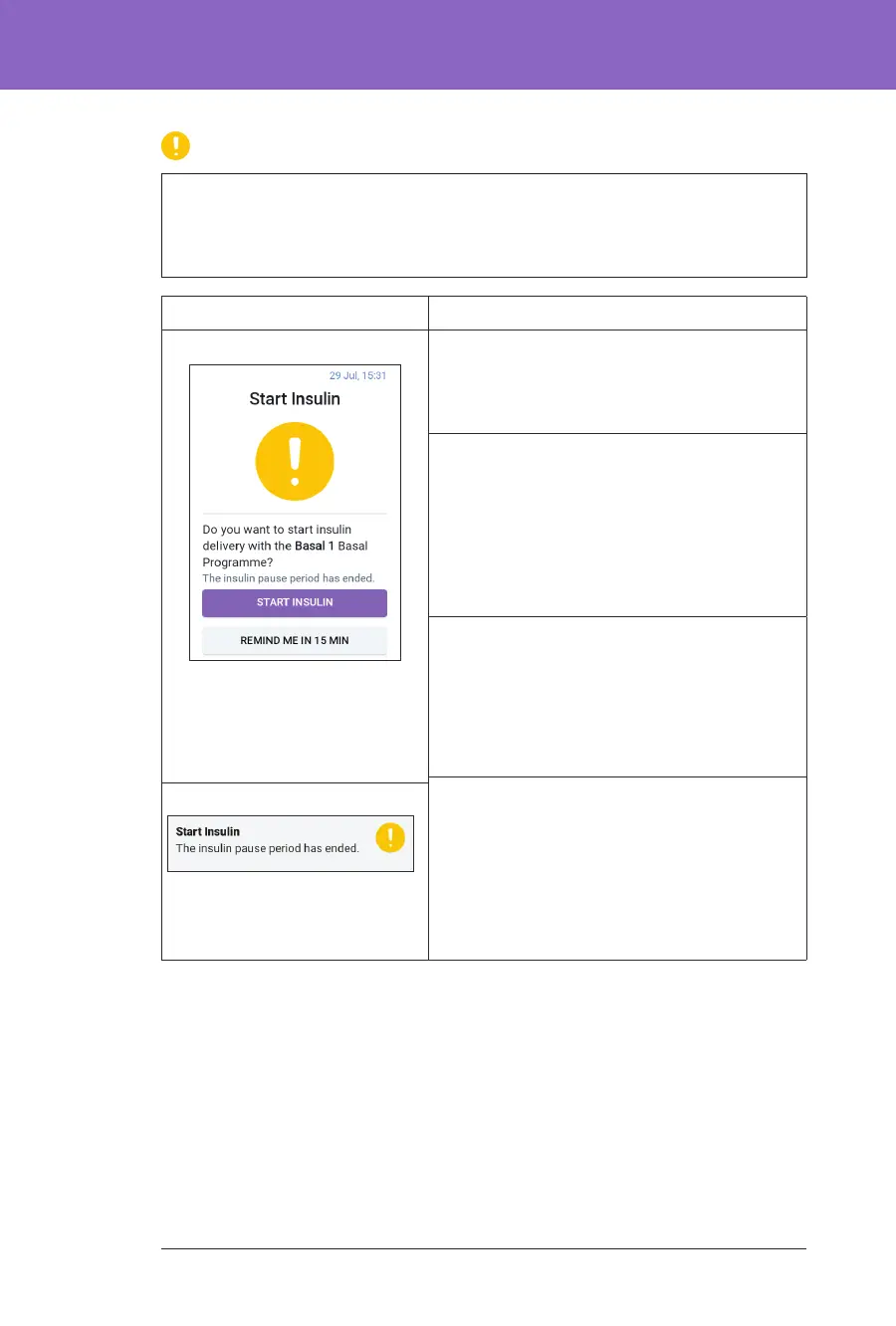
Start Insulin
Caution: ALWAYS tap START INSULIN to start insulin delivery aer a
pause period has ended during Manual Mode use. Insulin delivery does not
automatically start aer a pause. If you do not start insulin delivery, you could
develop hyperglycaemia.
Screen Alert Description
Omnipod 5 App: Why it occurs: e time period that you
specied to pause insulin has passed. If you do
not start insulin delivery, you could develop
hyperglycaemia.
Pod sound:
• 8-beep tone
• Tone sounds once every minute for
3 minutes
• Repeats every 15 minutes until
acknowledged
Controller sound and vibration:
• 3-second tone
• 3-second vibration
• Vibration and tone repeat every
15 minutes until acknowledged
What to do:
Do one of the following:
• If you want to start insulin with the Basal
Programme, tap START INSULIN.
• If you want to keep insulin paused, tap
REMIND ME IN 15 MIN.
Lock Screen:



 To Next Page