276
22 Switching Between Manual Mode and Automated Mode
22.2. Switching from Automated Mode to Manual Mode
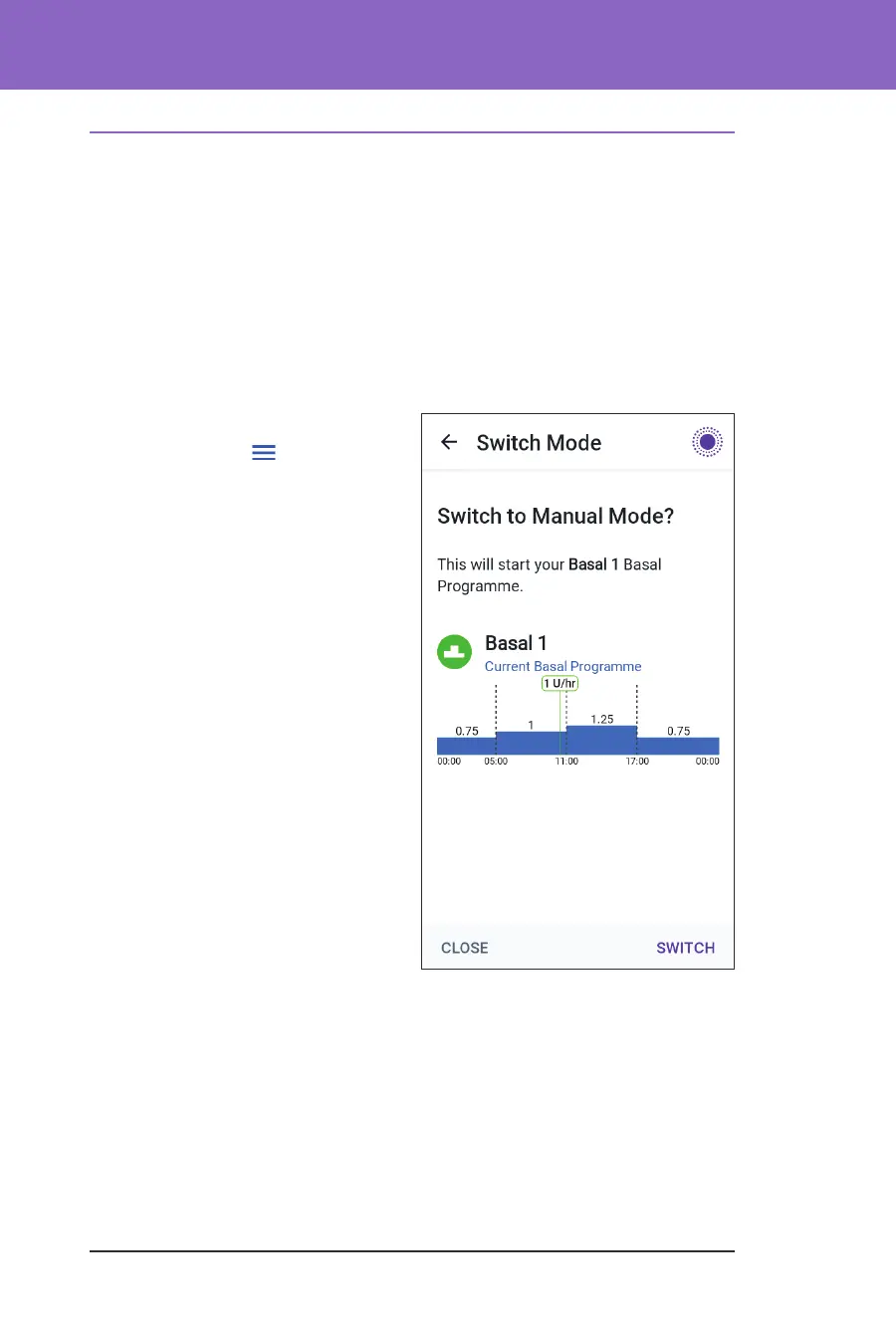
When you switch from using Automated Mode to using Manual Mode, basal
insulin will be delivered based on the Basal Programme scheduled for the current
time. If your Sensor is connected, you will still be able to view these values and use
them in the SmartBolus Calculator while in Manual Mode.
Before you begin, do the following:
¾ Cancel the Activity feature, if it is enabled. See “23.3. Cancelling the Activity
Feature” on page 279.
To switch to Manual Mode
1. From the Home screen, tap the
Menu button (
) > Switch
Mode.
Note: If the screen displays a
red circle with an exclamation
mark and SWITCH TO MANUAL
is disabled (greyed out), take the
corrective action described on
the screen before you try again.
2. Tap SWITCH.



 To Next Page