59
Setting Up Your Omnipod5 Application 44 Setting Up Your Omnipod5 Application
Enabling Notications and Sound on Your Controller
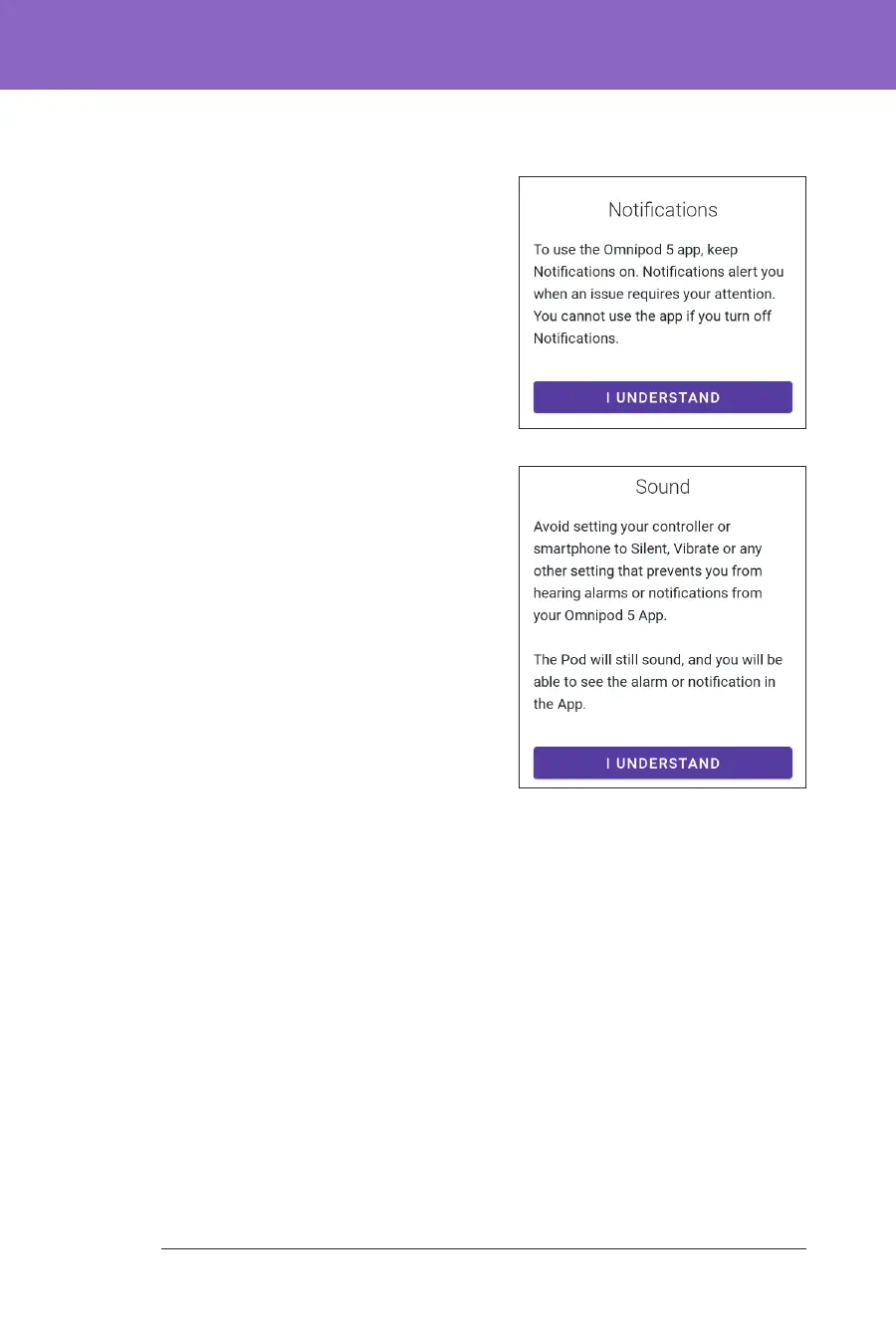
1. Read the message explaining the
importance of enabling Omnipod 5
App notications. You cannot enter
or use the App if you turn
notications o.
¾ Tap I UNDERSTAND.
2. Read the message explaining the
importance of enabling sound on your
Omnipod 5 App. If you do not have
sound enabled, you may miss
important messages.
¾ Tap I UNDERSTAND.
If you do silence your device, the
Omnipod 5 App will still be able to
sound for important alerts and alarms,
such as Urgent Low glucose. Your Pod
will not be silenced.



 To Next Page