Alarms, Action and Reminder Notications 13
164
13 Alarms, Action and Reminder Notications
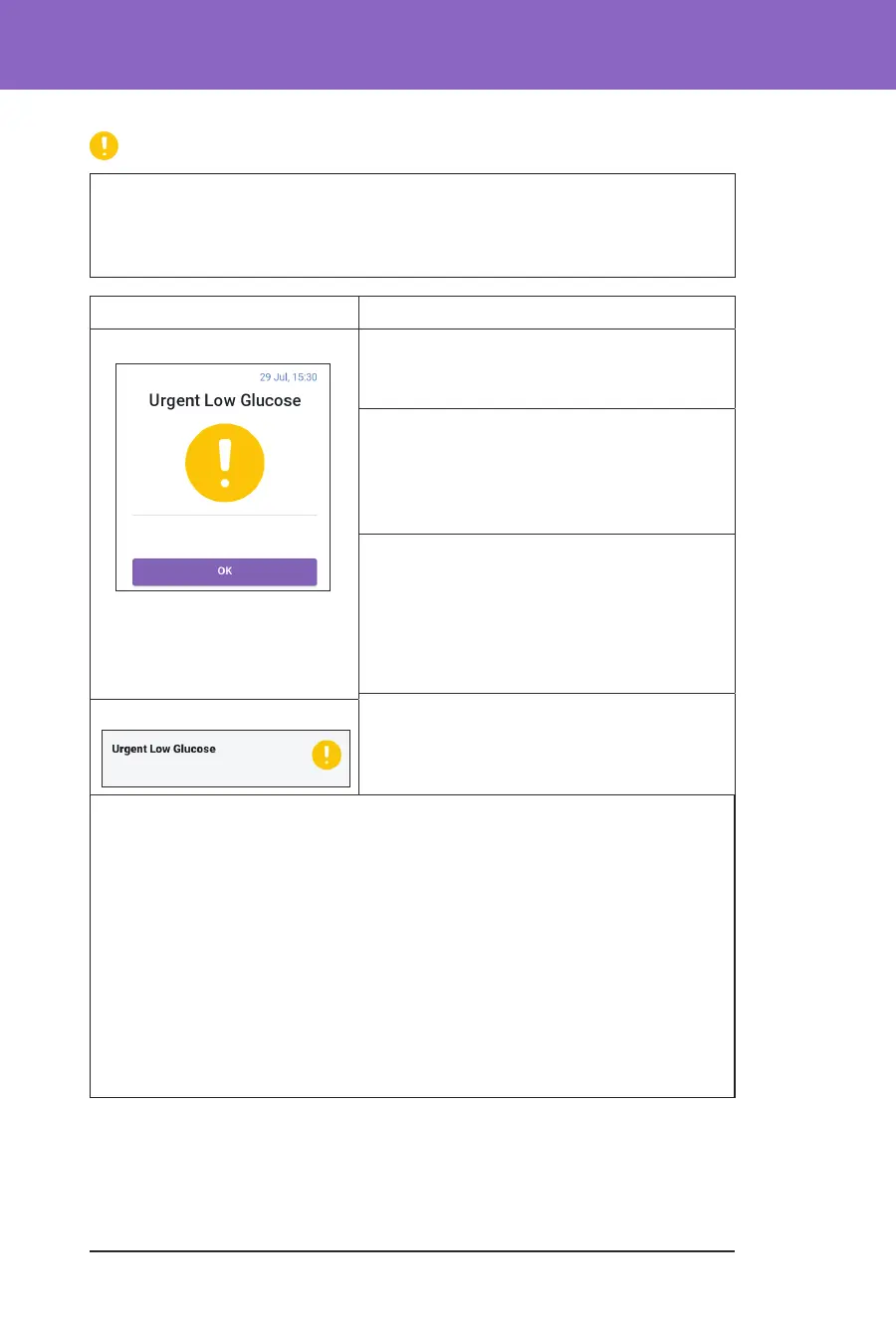
Urgent Low Glucose
Warning: ALWAYS promptly treat low glucose. Glucose at or below
3.1 mmol/L indicates signicant hypoglycaemia (very low glucose). If le
untreated, this could lead to seizure, loss of consciousness or death. Follow your
healthcare provider's recommendations for treatment.
Screen Alert Description
Omnipod 5 App: Why it occurs: Your glucose is at or below
3.1 mmol/L, according to what your Sensor
sent to the Omnipod 5 App.
Pod sound:
• 4-beep tone
• Repeats every 5 minutes that sensor
glucose value is urgently low
Controller sound and vibration:
• 3-second tone
• 3-second vibration
• Vibration and tone repeat every
15 minutes until acknowledged
What to do:
¾ Tap OK to acknowledge the alarm.
Lock Screen:
Note: is Advisory Alarm will only stop repeating aer a glucose value of
3.2 mmol/L or greater is received. You may silence this Advisory Alarm for
30minutes by acknowledging the on-screen message.
Note: Aer the initial Advisory Alarm is acknowledged, the Advisory Alarm
will occur again if sensor glucose values are still below 3.1 mmol/L aer
30minutes.
Note: Use a blood glucose meter to conrm your blood glucose reading. Treat
low glucose as needed.
Note: e Urgent Low Glucose Advisory Alarm has to do directly with
your body’s current glucose, while other alarms have to do with the Pod or
Omnipod5 App state.



 To Next Page