Alarms, Action and Reminder Notications 13
166
13 Alarms, Action and Reminder Notications
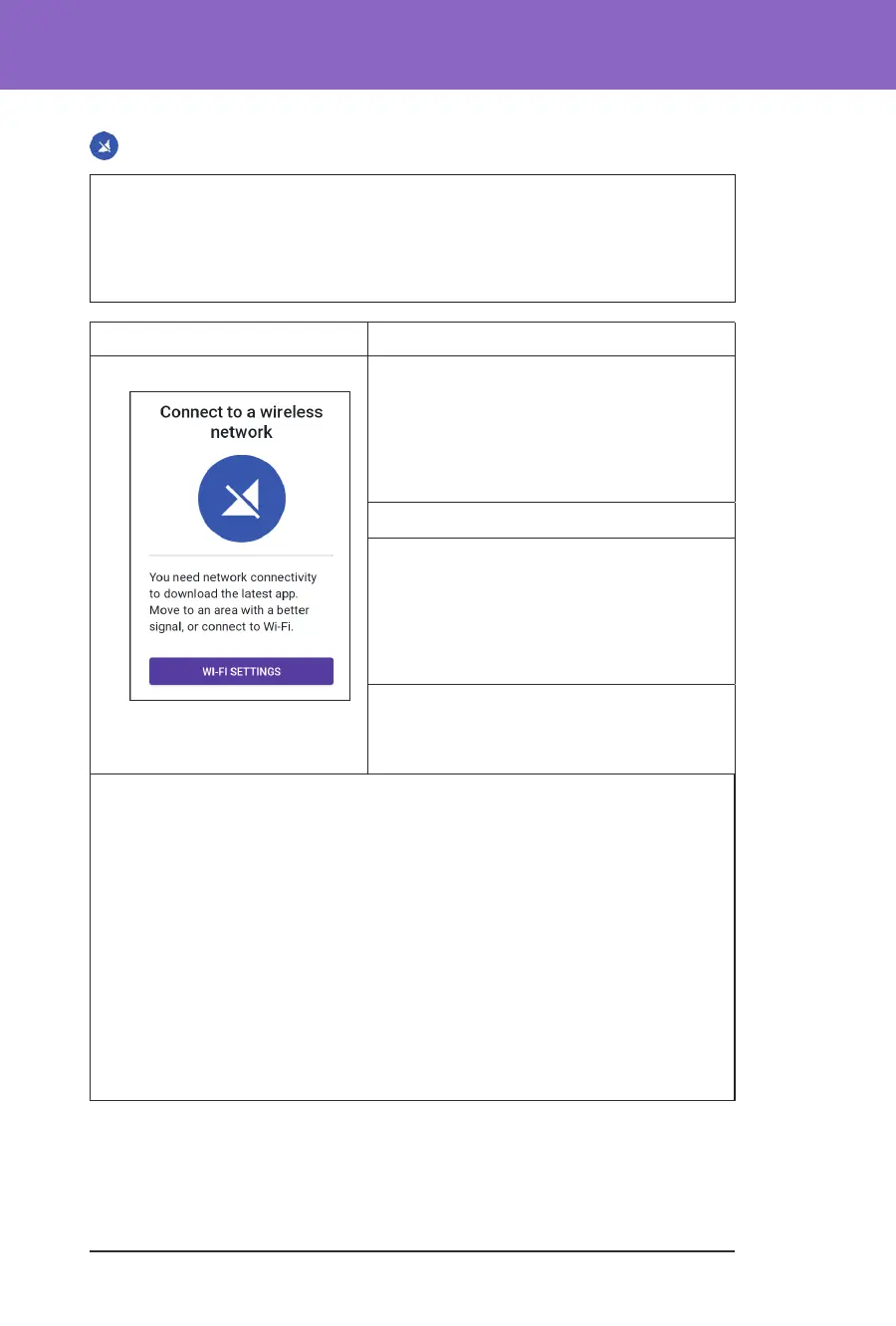
Connect to a Wireless Network
Caution: Connect ONLY to trusted Wi-Fi networks with your Controller.
AVOID connecting to public Wi-Fi networks, such as those found in airports,
coee shops, etc., as these networks are not secure and could result in exposing
your Controller to malware. DO NOT connect to public Wi-Fi networks during
rst-time set-up of your Omnipod 5 System.
Screen Alert Description
Omnipod 5 App: Why it occurs: Your Omnipod 5 App has
not connected to Insulet’s network for 7 or
more days.
Pod sound: None
Controller sound and vibration:
• 3-second tone
• 3-second vibration
• No repetition
What to do:
¾ Tap WI-FI SETTINGS when prompted.
Connect to a Wi-Fi network.
Tip: When you are connected to a network, your Omnipod 5 App is notied
about soware updates when you need them.
Tip: If Wi-Fi is not available, move to an area with a better mobile phone signal.
Note: e SIM Card on your Omnipod 5 Controller enables data to be sent and
received via the AT&T wireless network when your Controller is not connected
to a Wi-Fi network. If you stop using the Omnipod 5 App over a mobile
network on your Controller, Insulet may deactivate the SIM Card.
Note: Please note that the Controller is still functional using Wi-Fi. If you return
to using the Omnipod 5 App on your Controller aer a signicant period of
time, please contact Customer Care to request SIM card reactivation for full
coverage via both the mobile network and Wi-Fi. Upon request, the SIM card is
reactivated.



 To Next Page