57
Setting Up Your Omnipod5 Application 44 Setting Up Your Omnipod5 Application
Setting Up Training
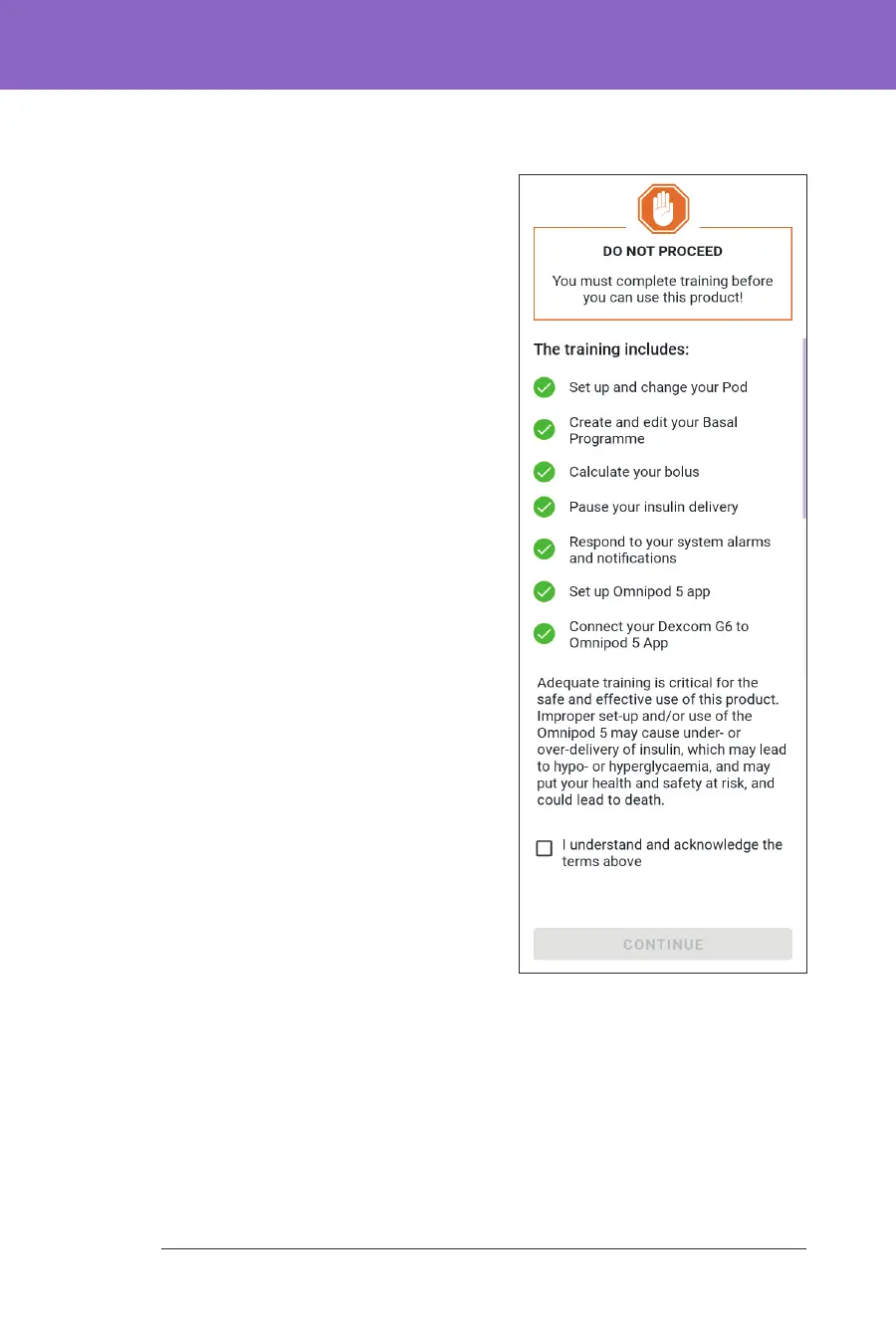
Aer signing into the Controller, you
will be prompted to schedule or conrm
training for the Omnipod 5 System.
Training is critical for the safe and
eective use of the Omnipod 5 System.
1. Tap the check box if you
understand and acknowledge
the importance of completing
training.
2. Tap CONTINUE.



 To Next Page