81
Activating and Changing Your Pod 55 Activating and Changing Your Pod
5. Let the infusion site air-dry thoroughly. Do not blow on the site to dry it.
Remove the Pod's Tab
Warning: DO NOT apply a Pod if you see the cannula is extended beyond
the adhesive backing aer the tab on the Pod is removed. is cannula
cannot be inserted, resulting in under-delivery of insulin, which could lead to
hyperglycaemia.
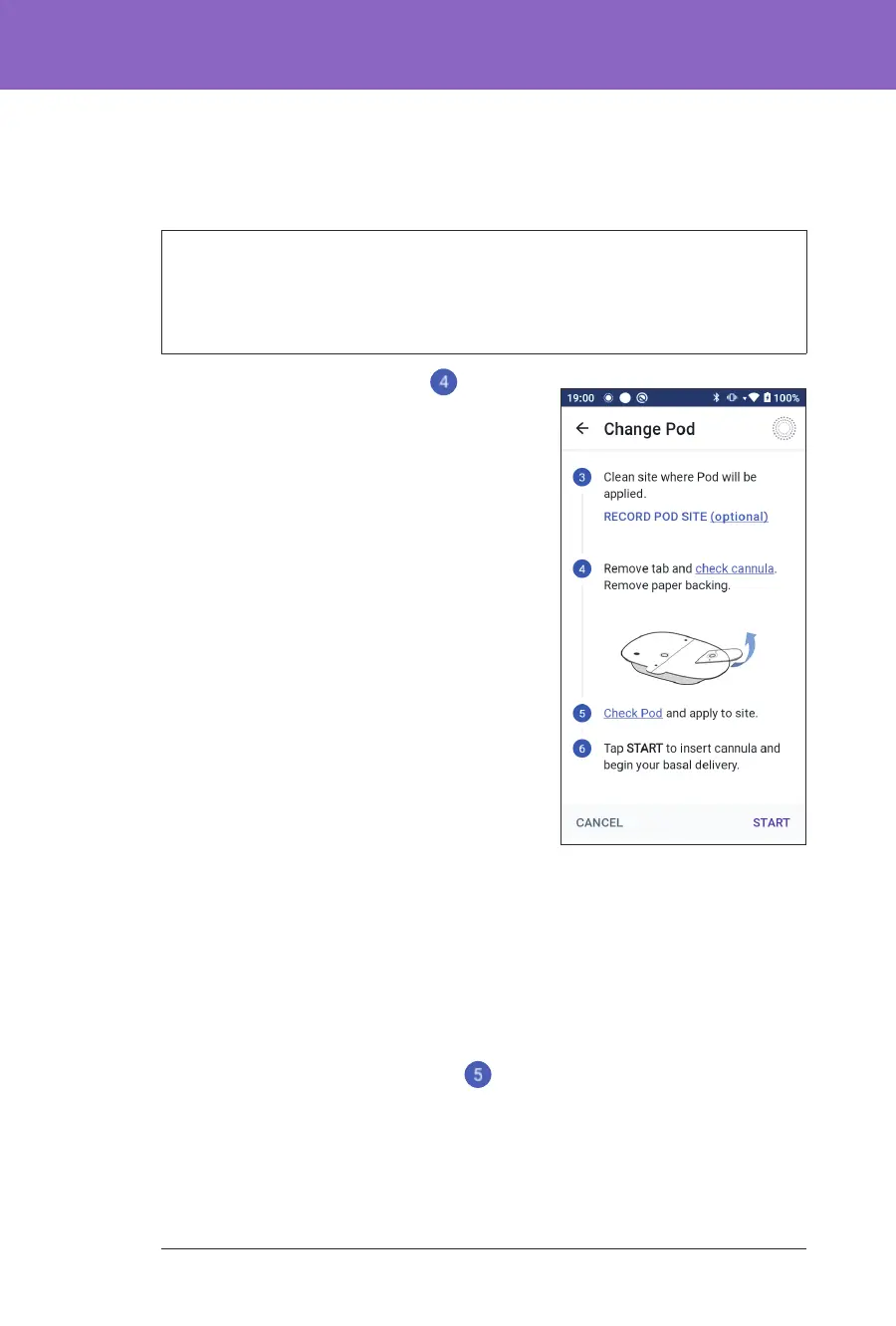
Remove the Pod's tab (screen step
):
1. Turn the Pod so the tab is up and facing
you.
2. Place your thumb on the bottom (at
edge) of the tab and pull the tab upwards.
e tab snaps o. row the tab away.
When you remove the tab, a drop of
insulin may be visible at the end of the
cannula or in the well.
3. If any of the following apply, tap CANCEL
and then dispose of the Pod and begin
again with a new Pod:
• e Pod is accidentally dropped, as
this could mean the Pod is no longer
sterile.
• e Pod or its adhesive pad is wet,
dirty or damaged.
• e cannula extends beyond the
adhesive backing when the tab is
removed.
4. Using the pull tabs, remove the white paper backing covering the adhesive
pad. Be careful not to remove the adhesive pad itself. Do not allow the
adhesive to fold back on itself.
Apply the Pod
Inspect and apply the Pod (screen step ):
1. Examine the Pod. Tap CANCEL and dispose of the Pod if the adhesive pad is
folded, torn or damaged, and begin again with a new Pod.



 To Next Page