161
Alarms, Action and Reminder Notications 1313 Alarms, Action and Reminder Notications
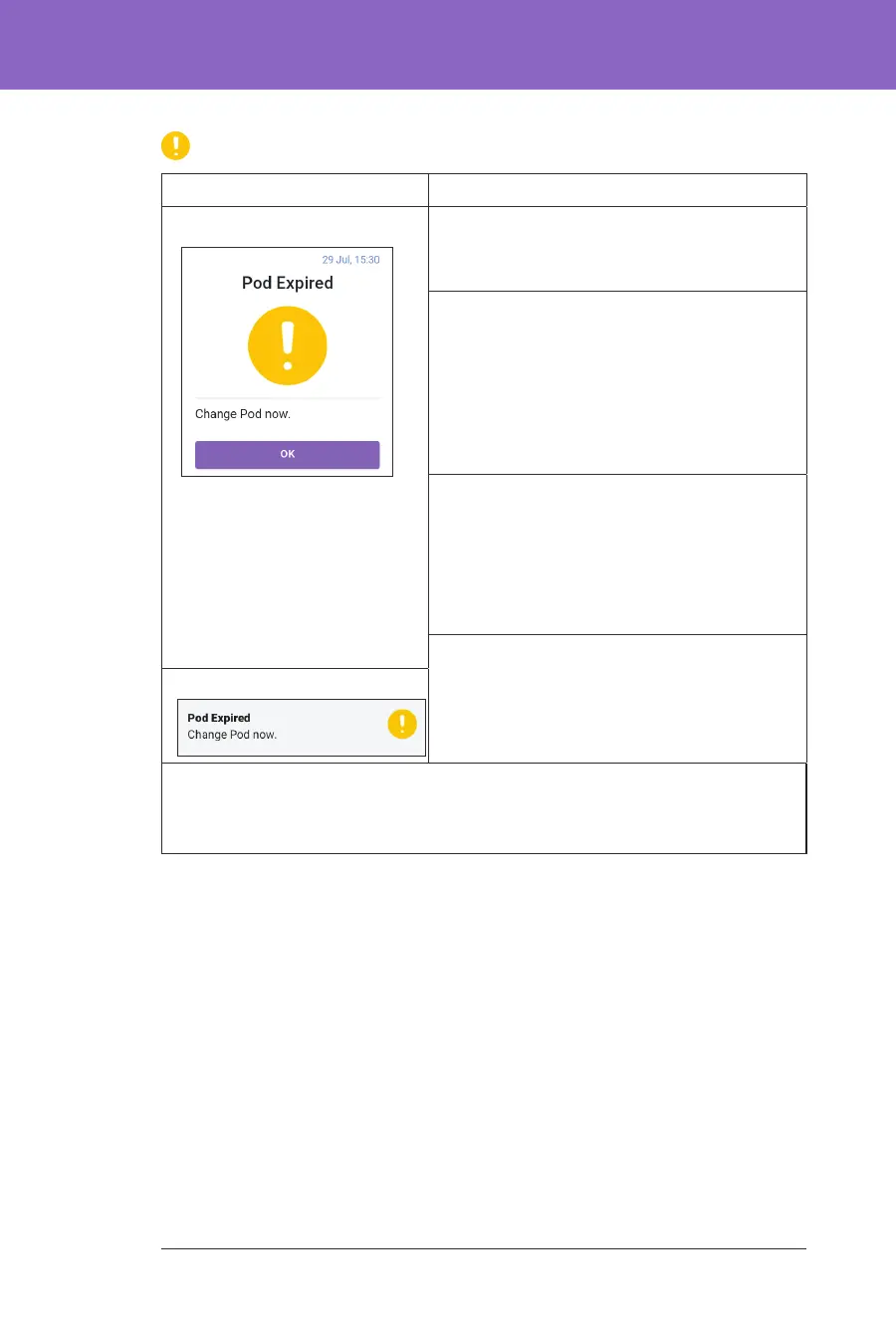
Pod Expired
Screen Alert Description
Omnipod 5 App: Why it occurs: Your Pod will stop delivering
insulin soon.
Pod sound:
• 8-beep tone
• Tone issued once every 60 minutes
starting aer 72 hours of Pod life
• Aer 79 hours of Pod life, tone is issued
once every 5 minutes
Controller sound and vibration:
• 3-second tone
• 3-second vibration
• Vibration and tone repeat every
15 minutes until acknowledged
What to do:
1. Tap OK.
2. Change your Pod.
Lock Screen:
Note: Aer acknowledgement or if ignored, the alarm will repeat when there is
1 hour of Pod life le.
Note: is escalates to the Pod Expired hazard alarm if ignored.



 To Next Page