About the DexcomG6 19
252
19 About the DexcomG6
Note: is Alarm will occur again if another sensor glucose value of 3.1 mmol/L
or lower is received aer the initial Advisory Alarm was acknowledged.
Note: is Advisory Alarm will only stop repeating aer a glucose value of
3.2 mmol/L or greater is received. You may silence this Advisory Alarm for
30minutes by acknowledging the on-screen message.
Note: Use a BG meter to conrm your glucose. Treat low glucose as needed.
Note: e Urgent Low Glucose Advisory Alarm has to do directly with your
body’s current glucose, while other alarms have to do with the Pod or Omnipod 5
App state.
19.5. Sensor Glucose Trend Arrows
Trend arrows display per Dexcom specications. e arrow colour matches the
sensor glucose value colour. For more information, refer to the Dexcom G6 CGM
System Instructions for Use.
e colour of the sensor glucose value and trend arrow can vary as follows:
Sensor Glucose Value Colour Description
Purple Sensor glucose value is within Glucose Goal
Range (Automated Mode)
Blue Sensor glucose value is within Glucose Goal
Range (Manual Mode)
Red Sensor glucose value is below Glucose Goal
Range
Orange Sensor glucose value is above Glucose Goal
Range
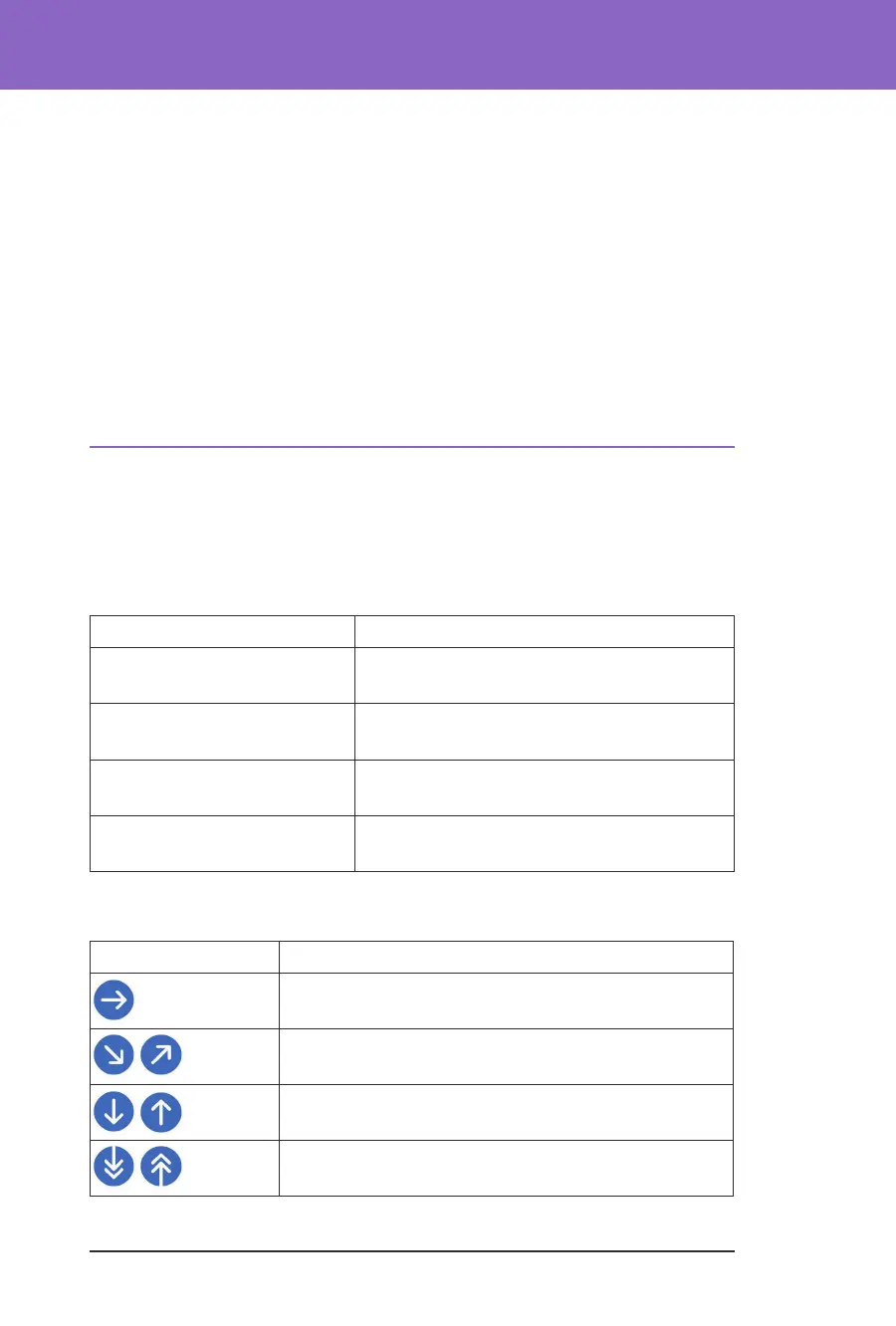
e following table describes the sensor glucose trend arrows. e trend arrows
are shown in blue for example purposes only.
Trend Arrows Description
Steady; decreasing/increasing less than 0.1 mmol/L per
minute
Slowly falling/rising; glucose could decrease/increase
up to 3.4 mmol/L in 30 minutes
Falling/rising; glucose could decrease/increase
up to 5 mmol/L in 30 minutes
Rapidly falling/rising; glucose could decrease/increase
more than 5 mmol/L in 30 minutes



 To Next Page