251
About the DexcomG6 1919 About the DexcomG6
19.4. Sensor Glucose Values
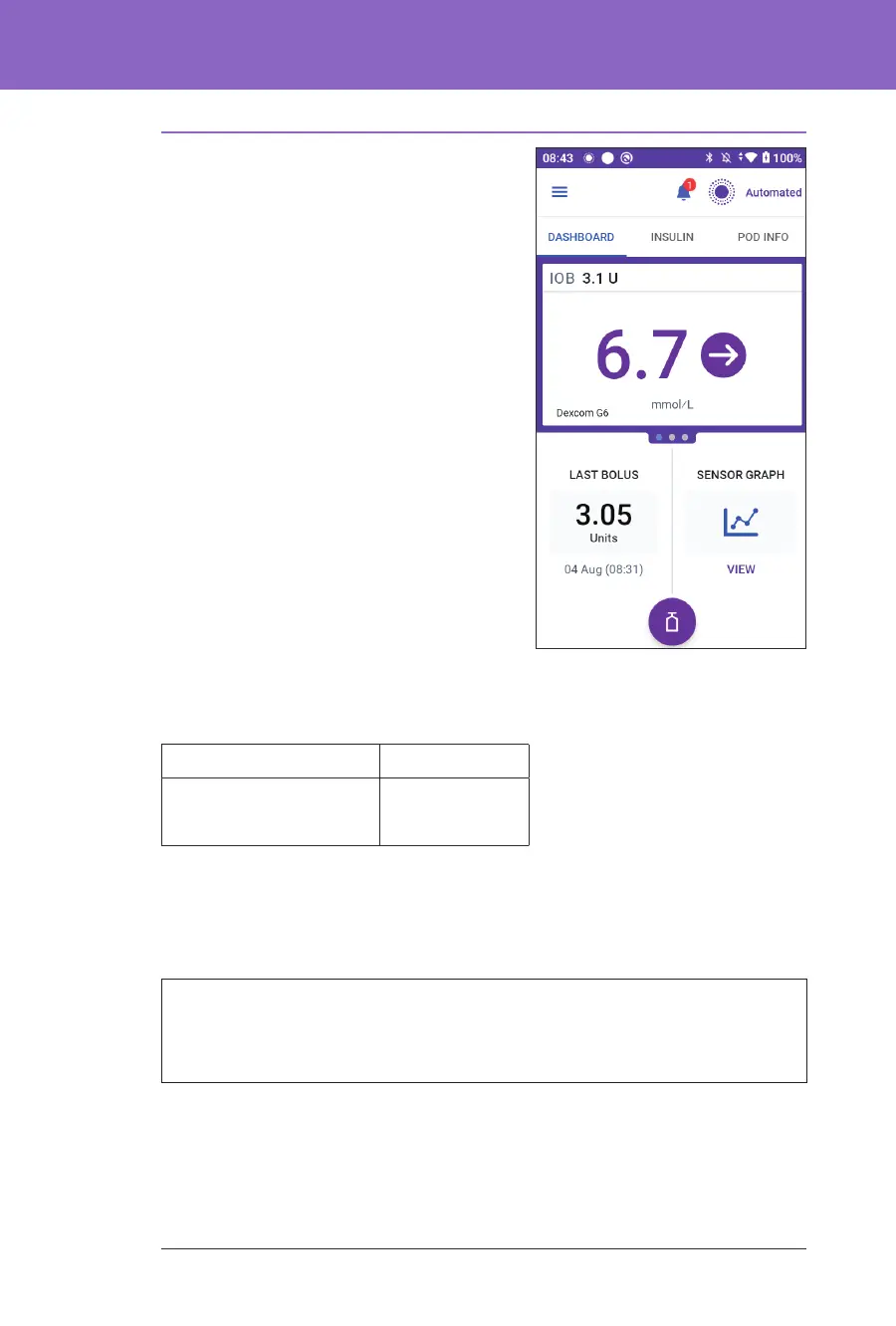
Sensor glucose values are displayed on
the DASHBOARD. e DASHBOARD
also displays a sensor glucose trend
arrow to indicate whether sensor
glucose values are trending up, down
or holding steady. In Automated Mode,
the system takes your sensor glucose
trend into account every 5 minutes
when making automated insulin
delivery decisions.
In Manual Mode and Automated
Mode, the sensor glucose value and
trend can be used in the SmartBolus
Calculator. e SmartBolus Calculator
can increase or decrease your bolus as
needed based on your sensor glucose
value and trend.
High and Low Sensor Glucose Values
e Omnipod 5 App indicates high and low sensor glucose values as follows.
Sensor Glucose Values Screen display
Above 22.2 mmol/L HIGH
Below 2.2 mmol/L LOW
Note: Sensor glucose values are automatically recorded on the Omnipod 5
System and do not need to be entered on the Enter BG screen.
Urgent Low Glucose
Warning: ALWAYS promptly treat low glucose. Glucose at or below
3.1 mmol/L indicates signicant hypoglycaemia (very low glucose). If le
untreated, this could lead to seizure, loss of consciousness or death. Follow your
healthcare provider's recommendations for treatment.
When your sensor glucose value is at or below 3.1 mmol/L, your Dexcom G6
will send the value to your Pod. e Pod will sound an Advisory alarm to let you
know that your glucose is very low. You can acknowledge the alarm from your
Controller. See “13.7. Advisory Alarm List” on page 160.



 To Next Page