Activating and Changing Your Pod 5
80
5 Activating and Changing Your Pod
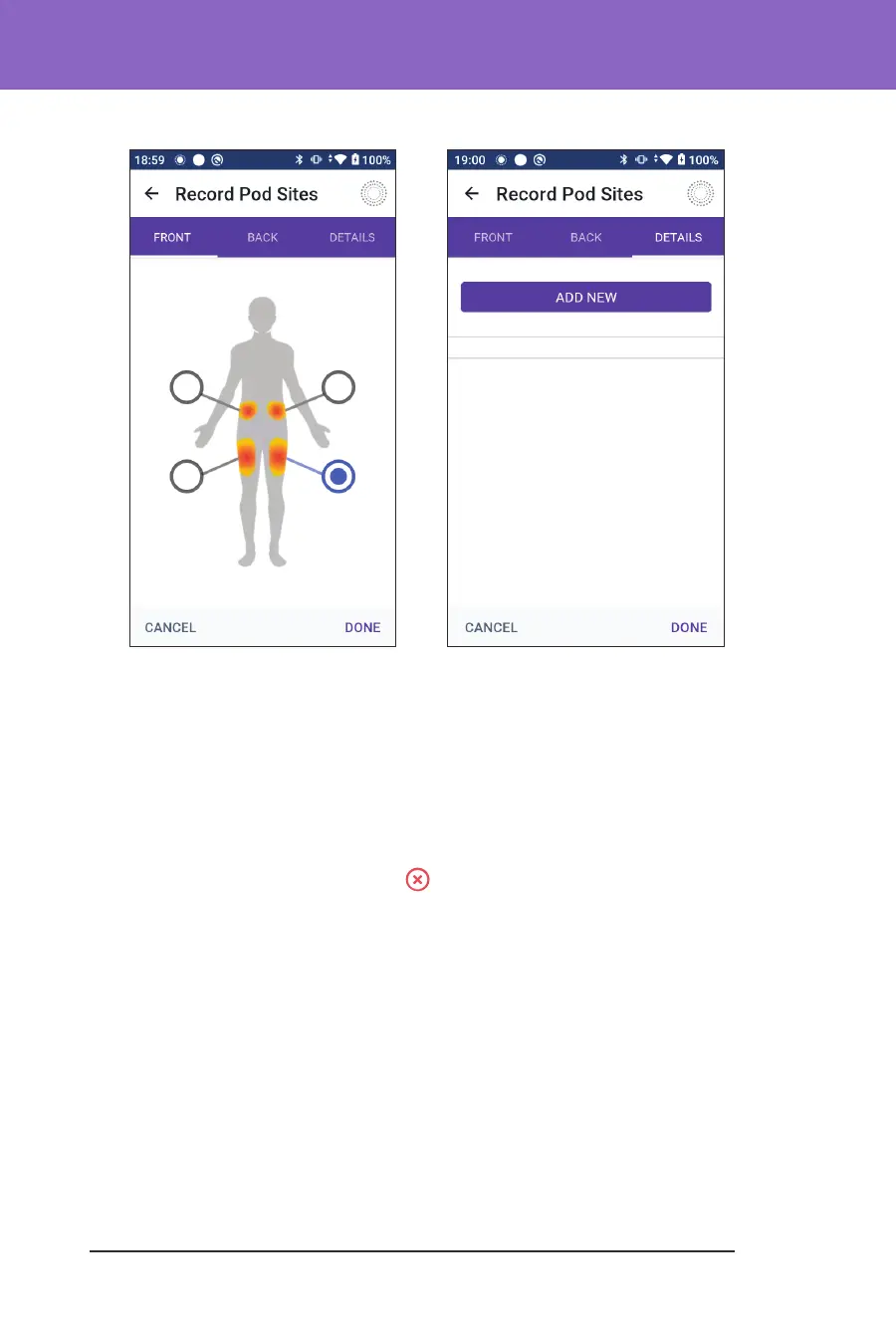
4. Tap the DETAILS tab to add a detail about the placement of this Pod. For
example, you could add a detail that says “Facing up” or “Facing down” to
describe the Pod's orientation.
a. To add a new detail, tap ADD NEW and type in the new detail. Tap ADD
when done. e new detail is added to the list.
b. Select a detail for the new Pod by tapping the circle next to that detail. You
may only add one detail for each Pod. Tap again to deselect the detail.
Note: To delete a site detail, tap the next to the detail.
5. Tap DONE when nished to return to the Change Pod screen.
Prepare the infusion site
To reduce the risk of infection at the infusion site:
1. Wash your hands with soap and water.
2. Wash your selected infusion site with soap and water.
Note: Antibacterial soap may irritate skin, especially at the infusion site.
Ask your healthcare provider how to treat any skin irritation.
3. Dry the infusion site with a clean towel.
4. Use an alcohol prep swab to disinfect the infusion site. Start at the centre of
the site and gently rub outwards in a circular motion.



 To Next Page