Alarms, Action and Reminder Notications 13
162
13 Alarms, Action and Reminder Notications
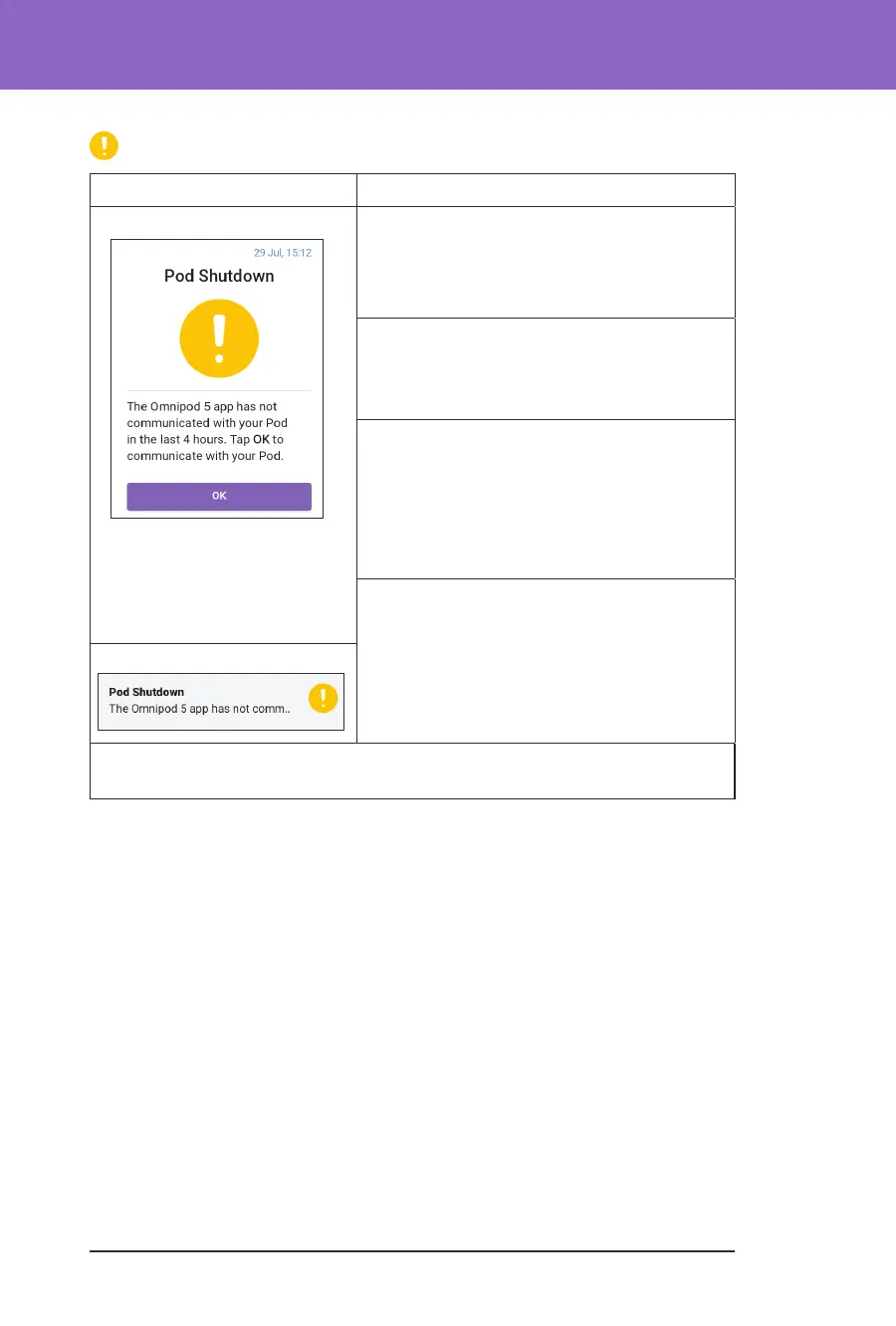
Pod Shutdown
Screen Alert Description
Omnipod 5 App: Why it occurs: You have reached the Pod
Shutdown time you set. e Pod will stop
delivering soon if you do not respond to this
alarm.
Pod sound:
• 6-beep tone
• Once every minute for 15 minutes
Controller sound and vibration:
• 3-second tone
• 3-second vibration
• Vibration and tone repeat every
15 minutes until acknowledged
What to do:
¾ Tap NEXT to reset the Pod Shutdown
timer.
Lock Screen:
Note: To enable or disable the Pod Shutdown feature or to change the
countdown period, see “Pod Shutdown” on page 121.



 To Next Page