31
System Terminology and Navigation 22 System Terminology and Navigation
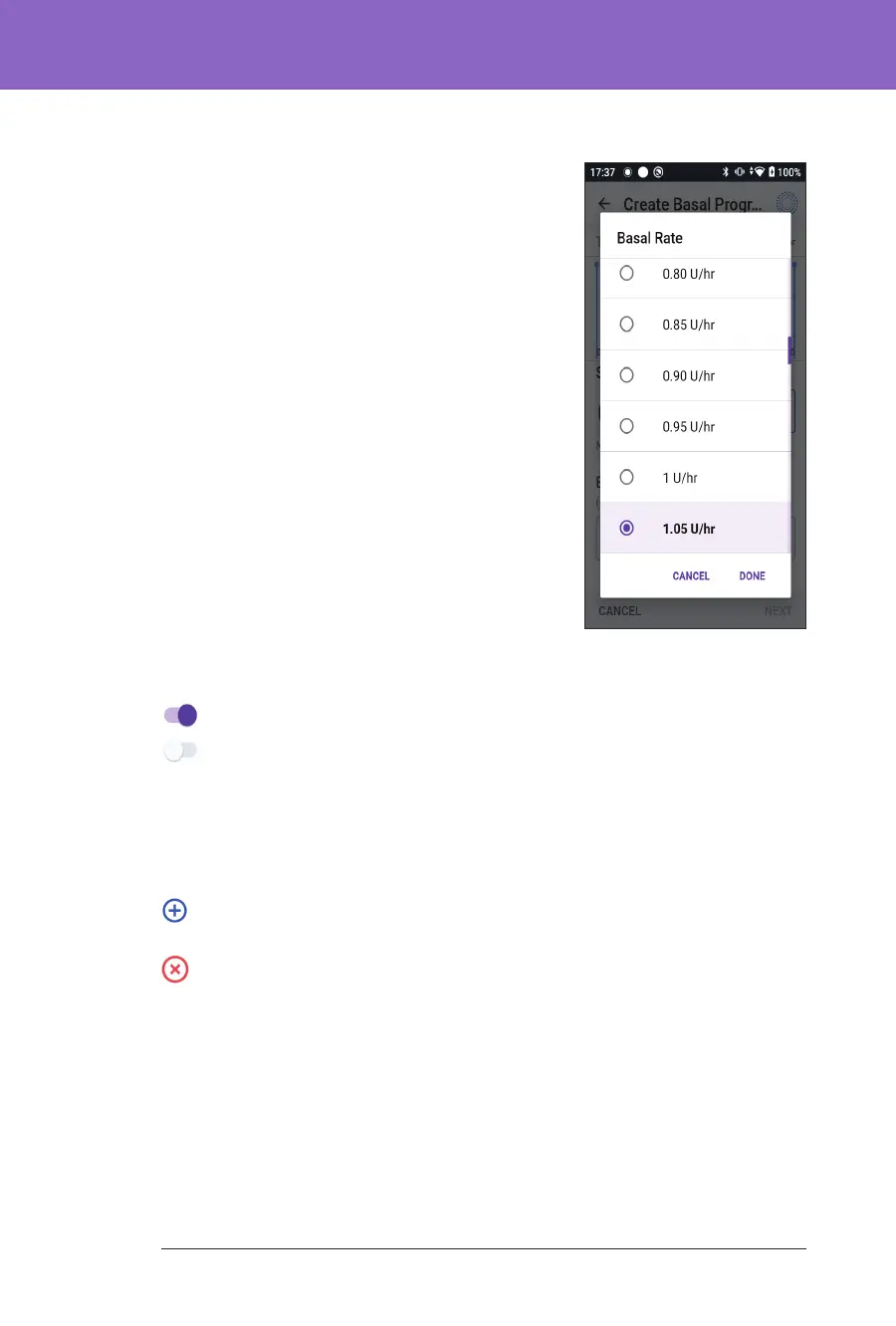
Using a scroll wheel
Tapping an editable eld can bring up a scroll wheel.
Place your nger on the scroll wheel. Swipe up or
down to select your desired value. e faster you
move your nger, the faster the wheel will scroll.
When your desired selection is shown, select the
value by tapping the radio button next to the value
and tapping DONE.
Selecting, Adding and Deleting Items
Toggles
Tap a toggle to change the selection from one side to the other.
Toggles allow you to turn a feature ON or OFF. e toggle is on the right
side and purple when a feature is ON, and on the le and grey when a
feature is OFF.
Drop
Add and delete buttons
A plus symbol in a circle indicates that you can add an item to a list. Tap the
plus symbol to add the item to the list.
A red x in a circle indicates that you can remove an item from a list.
To remove the item, tap the red x.



 To Next Page