Alarms, Action and Reminder Notications 13
156
13 Alarms, Action and Reminder Notications
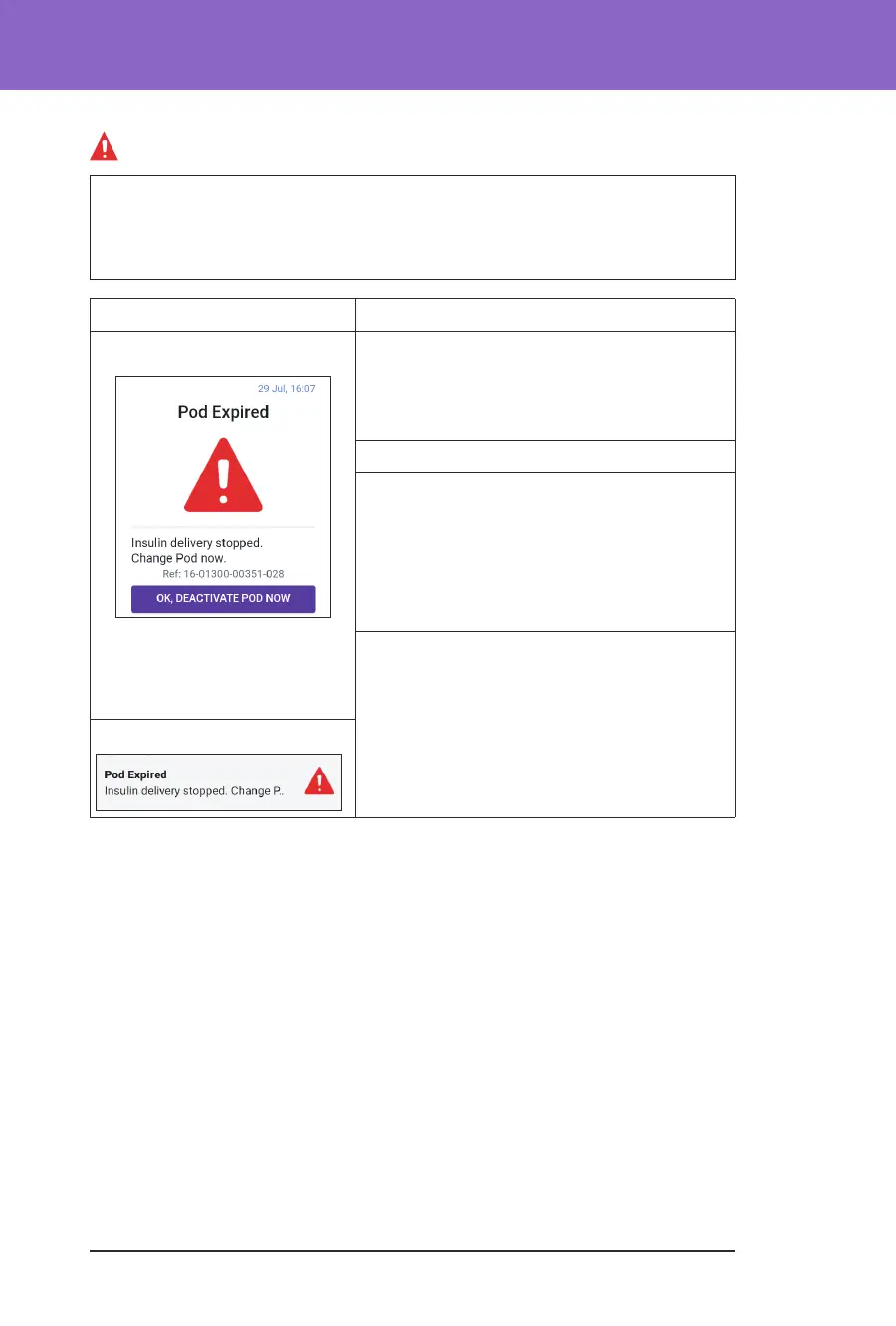
Pod Expired
Caution: ALWAYS activate a new Pod in a timely manner. Waiting too long
between Pod changes could result in under-delivery of insulin, which can lead
to hyperglycaemia. If another Pod is not available, use a dierent insulin delivery
method.
Screen Alert Description
Omnipod 5 App: Why it occurs: e Pod has reached the end
of its operating life and insulin delivery has
stopped.
Pod sound: Continuous tone
Controller sound and vibration:
• 30-second tone
• 30-second vibration
• Vibration and tone repeat every
15 minutes until acknowledged
What to do:
1. Tap OK, DEACTIVATE POD NOW.
2. Change your Pod.
3. Check your blood glucose.
Lock Screen:



 To Next Page