Delivering a Bolus with the SmartBolus Calculator 17
216
17 Delivering a Bolus with the SmartBolus Calculator
17.2. Entering Meal Information
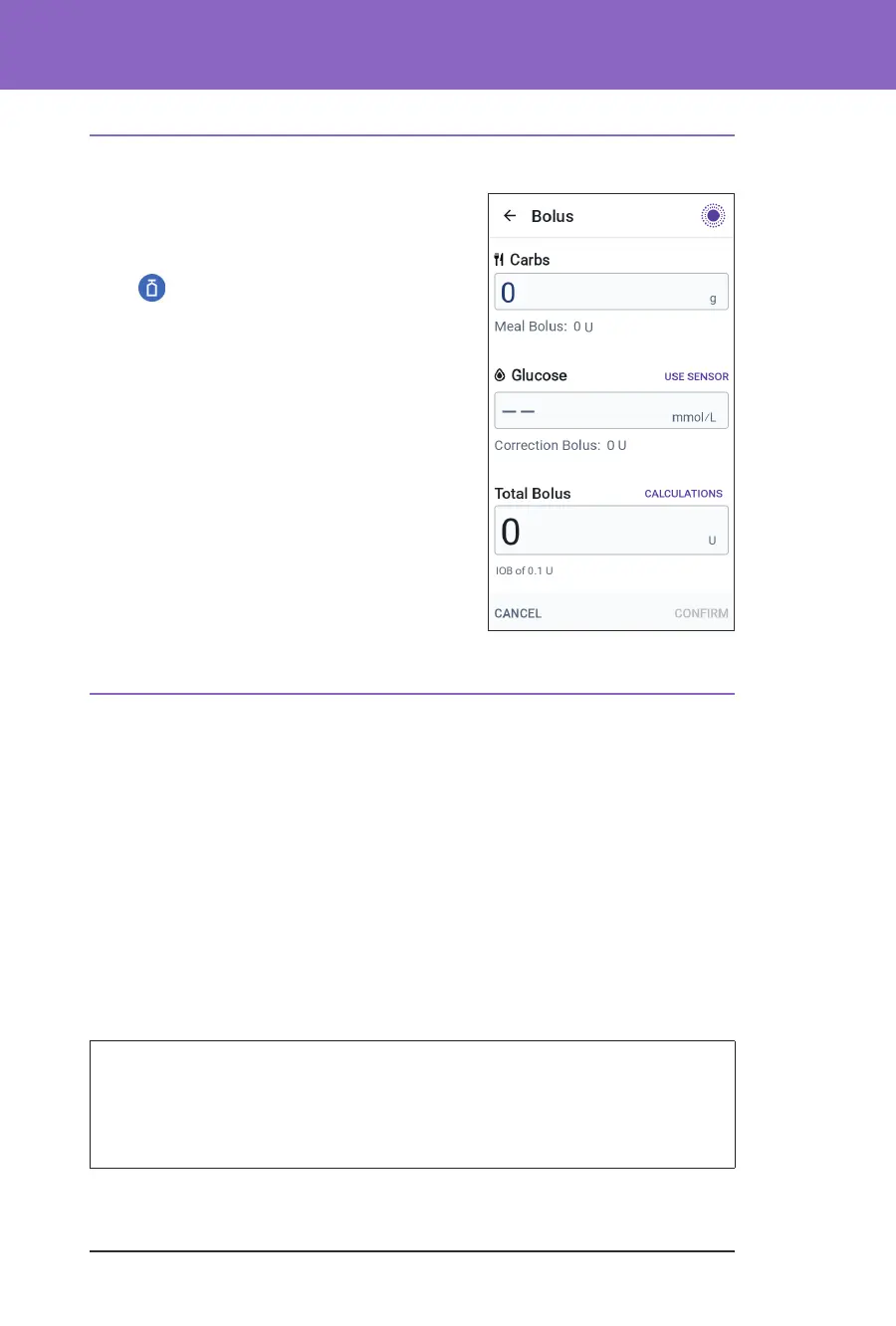
To enter carbohydrates, or “carbs”, for your
meal:
1. On the Home screen, tap the Bolus button
(
).
Note: e Bolus screen is only valid
for 5minutes. Aer 5 minutes, if bolus
delivery has not started, you must refresh
and re-enter new values.
2. Tap the Carbs eld. Enter the grams of
carbs and tap Done.
Note: Consult your healthcare provider
about how to calculate the grams of carbs.
3. Review the suggested meal bolus, which is
shown below the grams of carbs.
4. Optional: tap CALCULATIONS to see the
details of the bolus calculations.
17.3. Entering a Blood Glucose Reading or Using a Sensor
Glucose Value
e SmartBolus Calculator uses your glucose information to calculate a
correction portion of your bolus. e following sections describe how to give the
SmartBolus Calculator your glucose information by either manually entering a
blood glucose reading or by obtaining and using the current sensor glucose value.
Note: e SmartBolus Calculator can generate a suggested bolus dose based on
the carbohydrates in a meal and the blood glucose reading, or the sensor glucose
value with trend. Entering a recent blood glucose reading or using a sensor
glucose value with trend can help with safety and accuracy.
Manually Enter Your Blood Glucose Reading
Warning: AVOID entering a blood glucose reading that is older than
10minutes. If you use a reading older than 10 minutes, the bolus calculator
could calculate and recommend an incorrect dose, which could result in
over-delivery or under-delivery of insulin. is can lead to hypoglycaemia or
hyperglycaemia.



 To Next Page