Alarms, Action and Reminder Notications 13
168
13 Alarms, Action and Reminder Notications
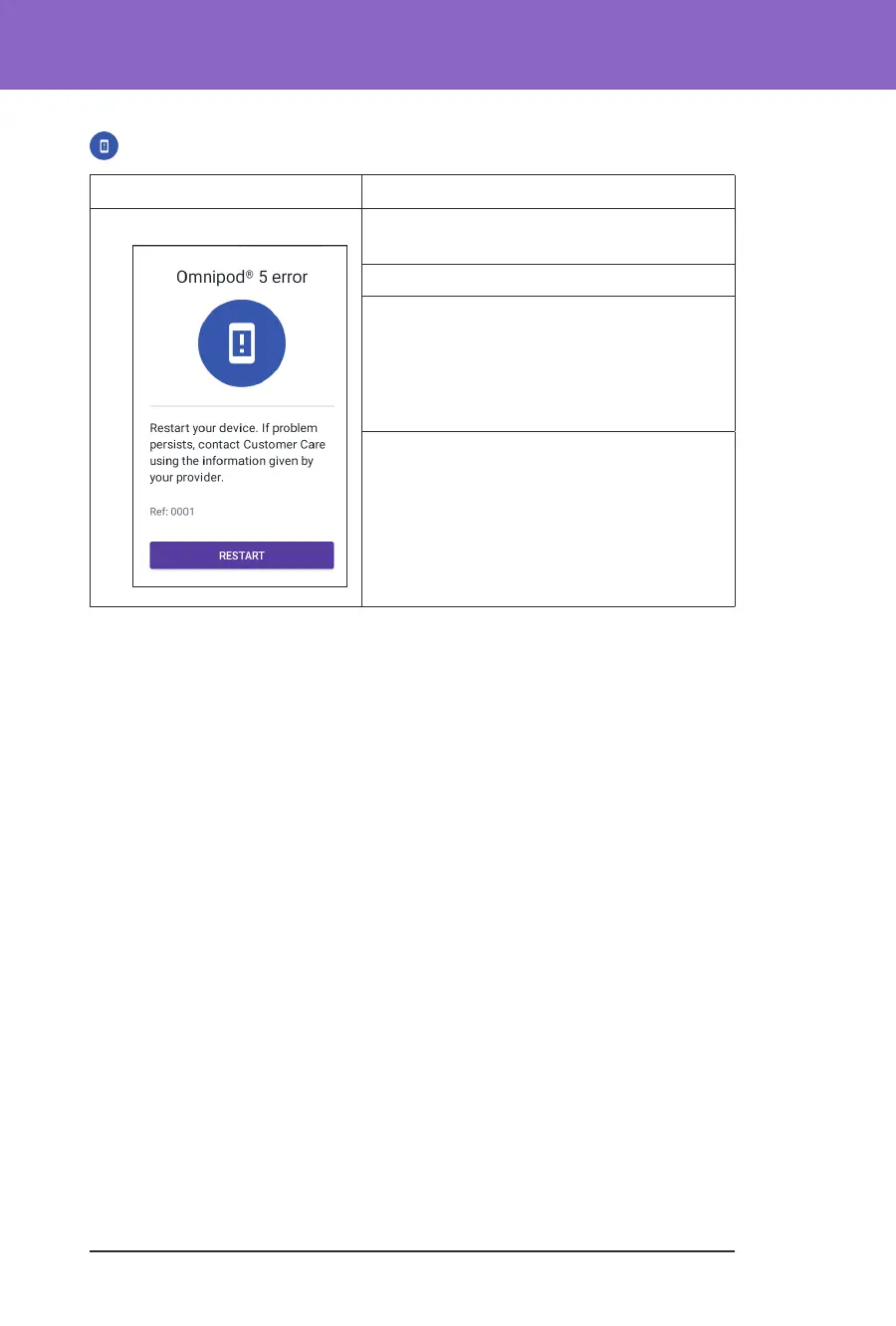
Omnipod 5 Error
Screen Alert Description
Omnipod 5 App: Why it occurs: Your Omnipod 5 App has
encountered a problem.
Pod sound: None
Controller sound and vibration:
• 3-second tone
• 3-second vibration
• No repetition
What to do:
1. Tap RESTART to restart your device.



 To Next Page