275
Switching Between Manual Mode and Automated Mode 2222 Switching Between Manual Mode and Automated Mode
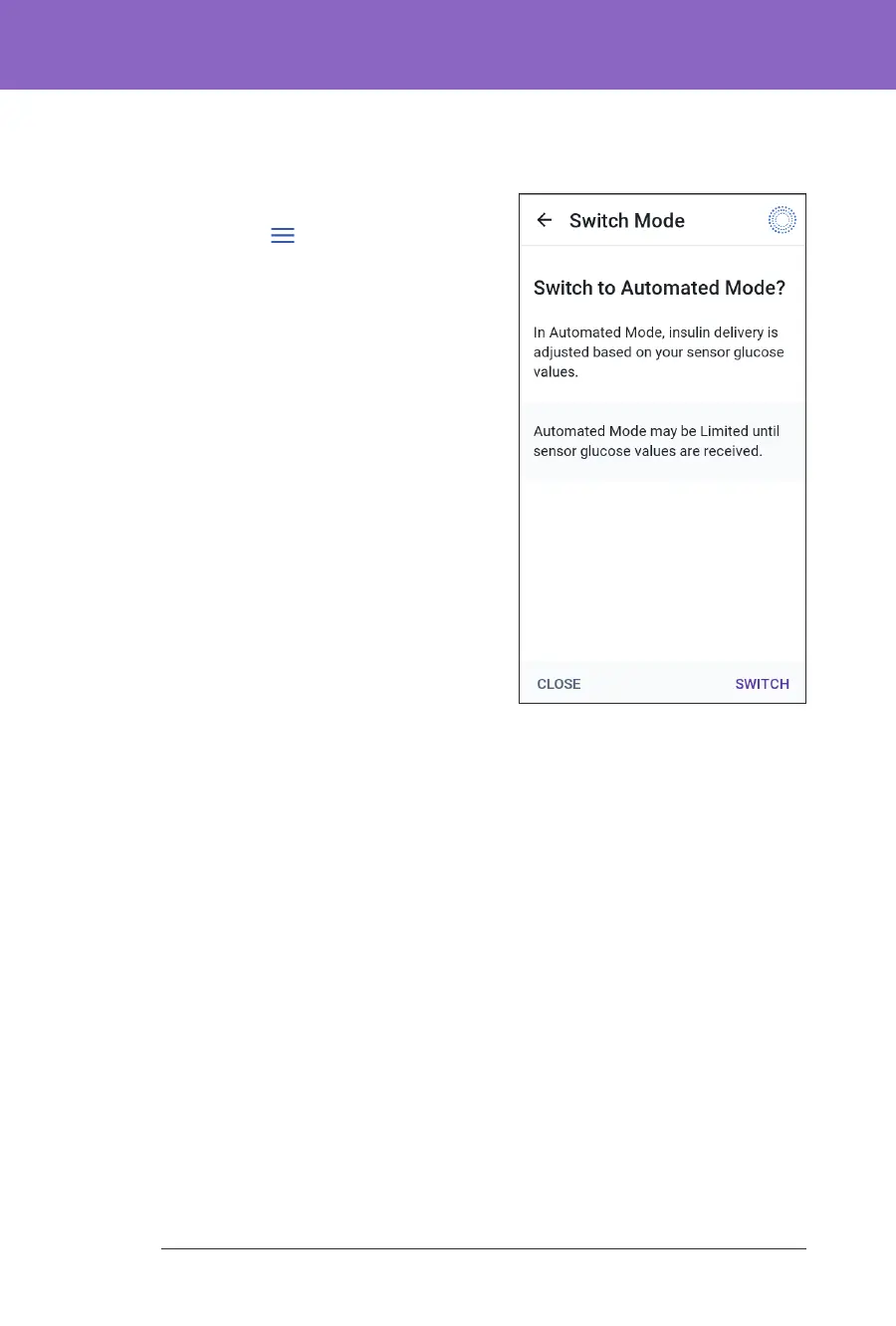
To switch to Automated Mode
To switch from Manual Mode to Automated Mode:
1. From the Home screen, tap the Menu
button (
) > Switch Mode.
Note: If the screen displays a red
circle with an exclamation mark and
SWITCH TO AUTOMATED is disabled
(greyed out), take the corrective action
described on the screen before you try
again.
2. Tap SWITCH.



 To Next Page