153
Alarms, Action and Reminder Notications 1313 Alarms, Action and Reminder Notications
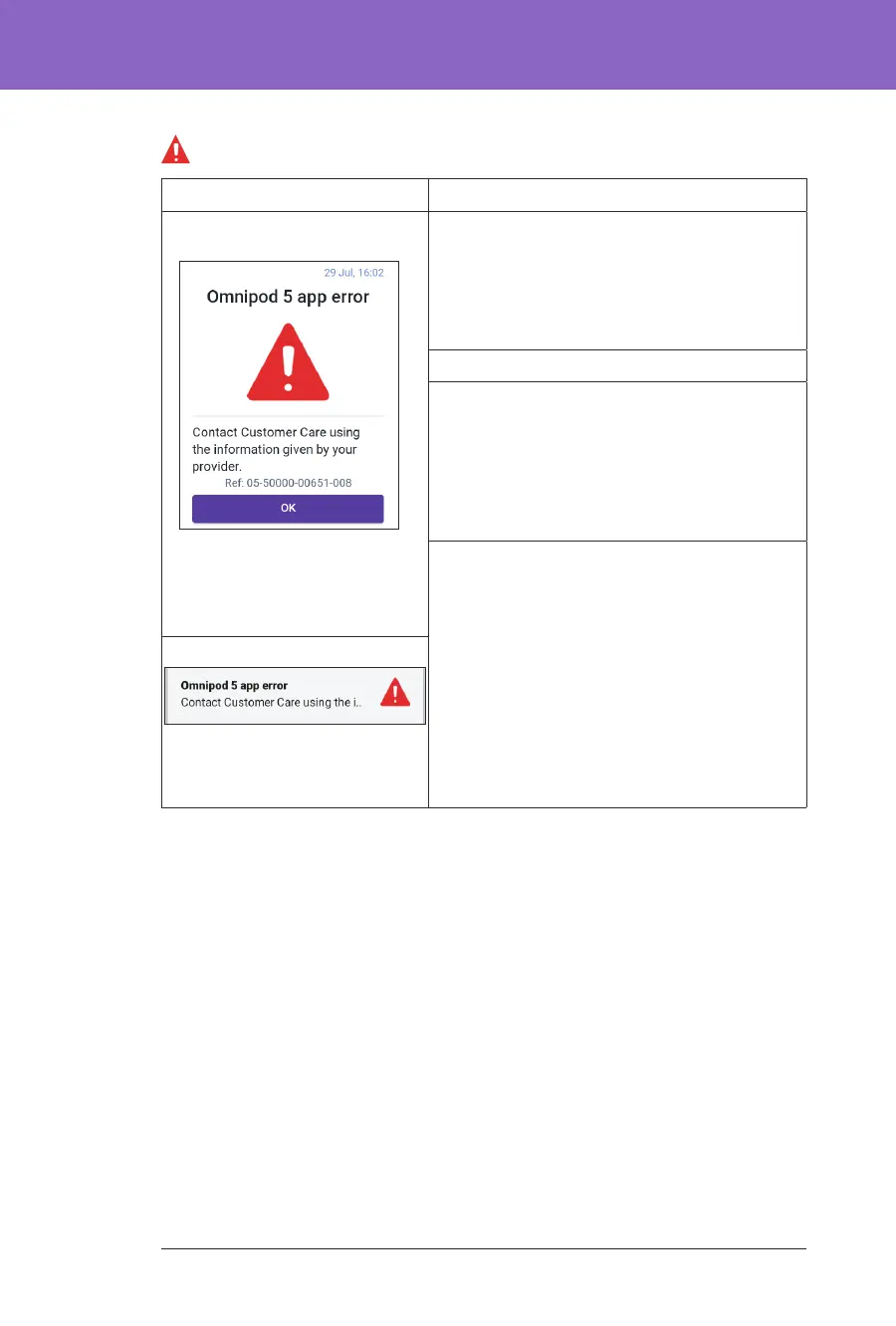
Omnipod5 App Error
Screen Alert Description
Omnipod 5 App: Why it occurs: An unexpected error is
detected in the Omnipod 5 App.
Note: If your Omnipod App stops and
restarts on its own, you may notice the app
ashing white before this screen appears.
Pod sound: None
Controller sound and vibration:
• 30-second tone
• 30-second vibration
• Vibration and tone repeat every
15 minutes until acknowledged
What to do:
1. Tap OK to acknowledge or silence the
alarm.
Note: Depending on the cause of this
error, the Controller may restart aer you
tap OK. Whether or not that happens,
continue with the following steps.
2. Contact Customer Care immediately.
3. Check your blood glucose.
Lock Screen:



 To Next Page