Activity Feature 23
278
23 Activity Feature
23.1. About the Activity Feature
Warning: ALWAYS monitor for symptoms of hypoglycaemia while the
Activity feature is enabled. Hypoglycaemia can still occur when using the
Activity feature. Follow your healthcare provider’s advice on hypoglycaemia
avoidance and treatment. If untreated, hypoglycaemia can lead to seizure, loss
of consciousness or death.
While in Automated Mode, you cannot start a temp basal or manually pause
insulin delivery. e Omnipod 5 System provides an option for modied
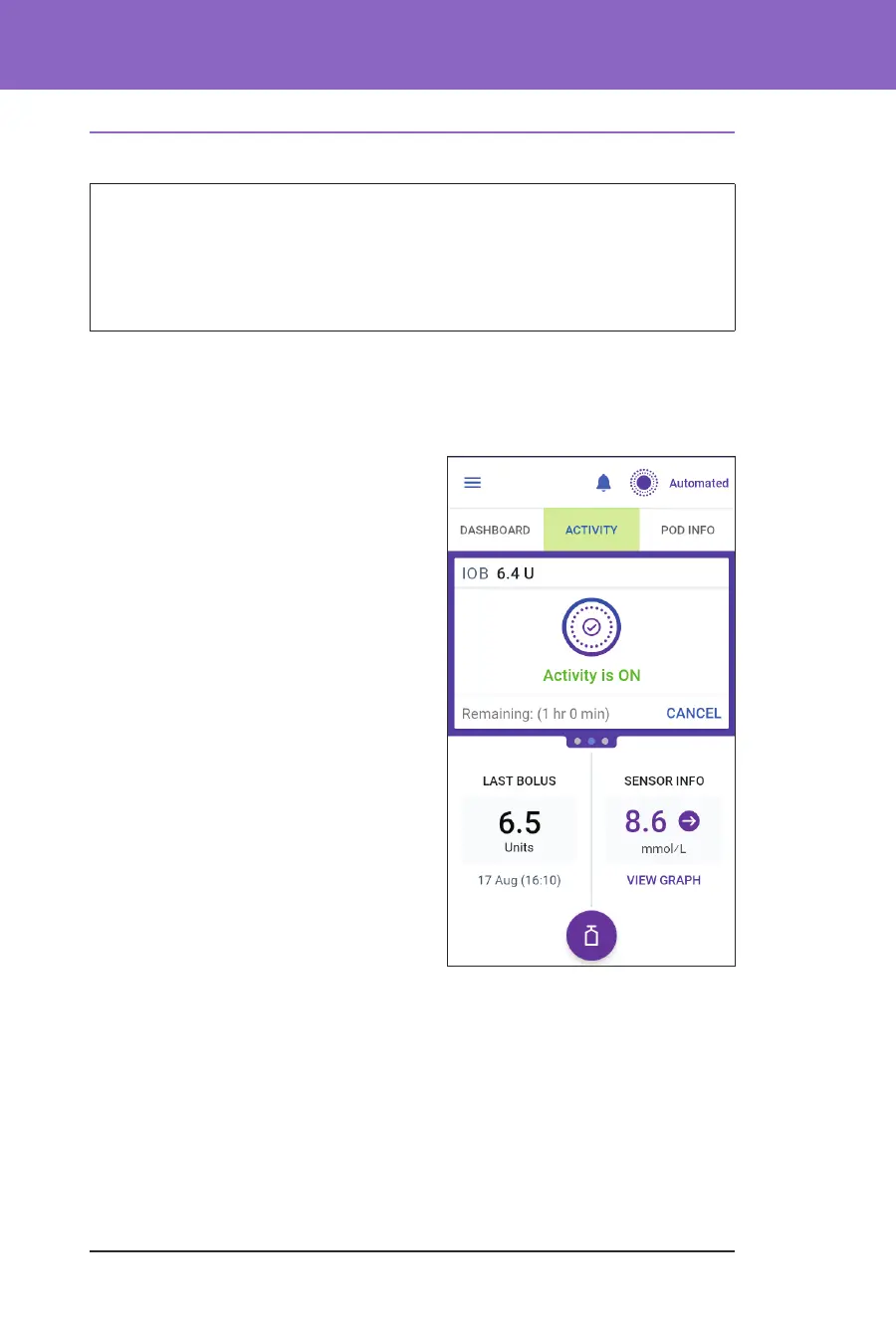
automated insulin delivery through the Activity feature. e Activity feature
can be useful in times when you need less insulin, for example, when you are
exercising.
While Activity is enabled, the Omnipod 5
System does the following:
• Reduces automated insulin delivery
• Sets your Target Glucose to
8.3 mmol/L, regardless of your target
settings
With the Activity feature enabled, you can
still deliver a bolus as you normally would.
Activity can be set for a duration of
1-24 hours, in increments of 1 hour. You
can cancel Activity at any time. Upon
cancellation or expiration of the dened
time period, full automated insulin
delivery starts on its own and SmartAdjust
technology returns to using the Target
Glucose dened in your settings.
e Activity feature ends if the Pod
is deactivated. You need to re-enter
Automated Mode and then enable Activity
with your new Pod.
Talk to your healthcare provider about the timing of starting the Activity feature to
address your anticipated period of decreased insulin needs.
Note: In the event that there is a loss of Pod and Sensor communication and the
Omnipod 5 System enters Limited state, Activity remains enabled.
Note: You may see an increase in your displayed IOB when the Activity feature
starts and a decrease in your IOB when the Activity feature time period ends
because of the way insulin is calculated.



 To Next Page