165
Alarms, Action and Reminder Notications 1313 Alarms, Action and Reminder Notications
13.8. Action Item Notication List
Action Item notications are for technical System tasks that need your attention.
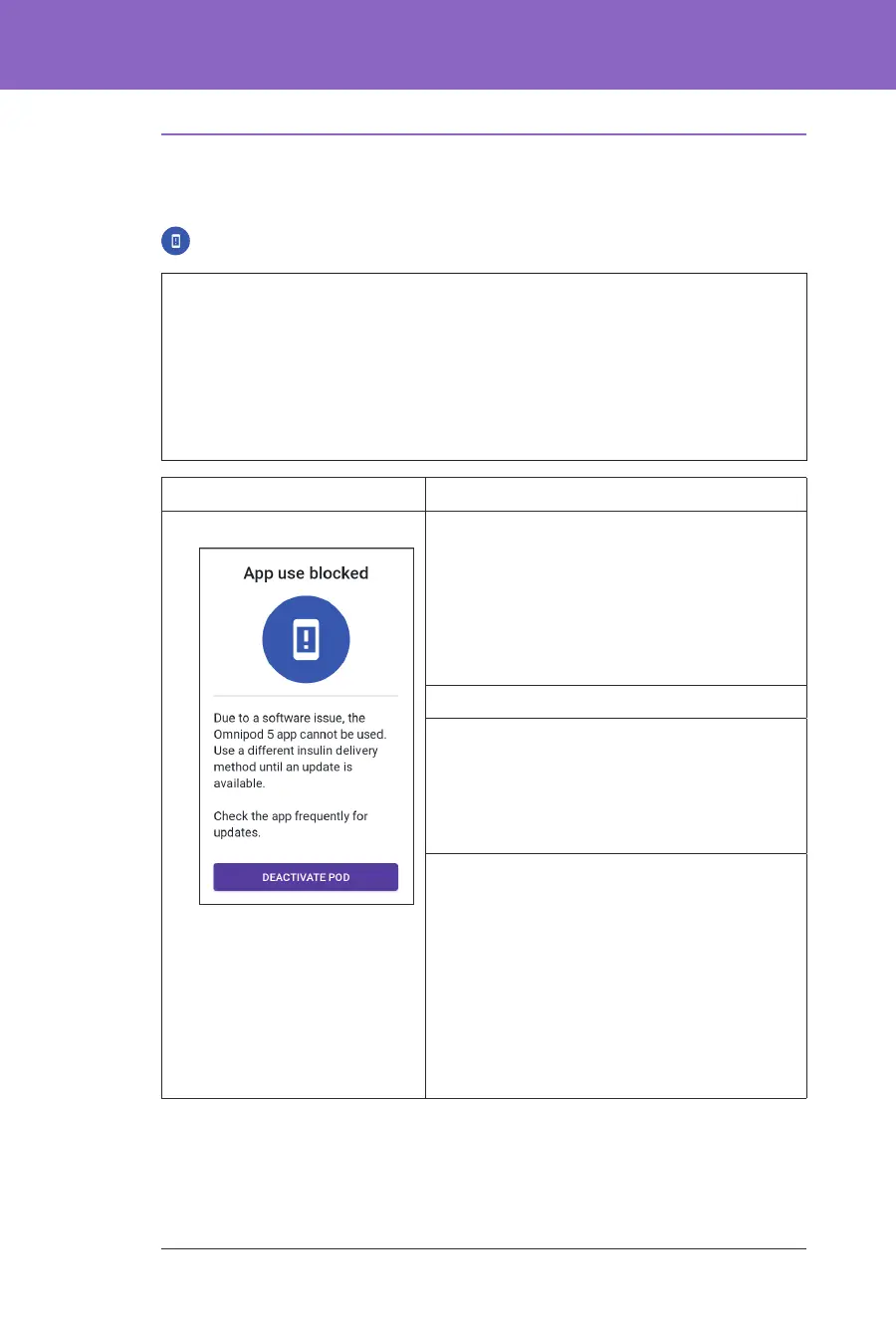
App Use Blocked
Warning: You will NOT be able to use the Omnipod 5 App if:
• You have not installed a required update to the Omnipod 5 App
• An update for the Omnipod 5 App is not yet available to x a known issue
Use a dierent insulin delivery method. Failure to deactivate your Pod and use
another form of insulin delivery could result in over-delivery or under-delivery
of insulin. is can lead to hypoglycaemia or hyperglycaemia.
Screen Alert Description
Omnipod 5 App: Why it occurs: e installed version of the
Omnipod 5 App is no longer supported for
use. You will not be able to use the App until
an update becomes available.
is message may appear whether you have
an active Pod or not.
Pod sound: None
Controller sound and vibration:
• 3-second tone
• 3-second vibration
• No repetition
What to do:
1. If you have an active Pod, tap
DEACTIVATE POD. (is option only
appears if you have an active Pod.)
2. Check your Omnipod 5 App frequently
for available updated notications. When
you see a notication for an available App
update, follow the instructions to install
the update.



 To Next Page