175
Alarms, Action and Reminder Notications 1313 Alarms, Action and Reminder Notications
4. Tap the back arrow ( ) in the upper le of the screen to mark the
notications as acknowledged.
Note: Putting the Omnipod 5 Controller to sleep by pressing the Power
button does not mark the notications as acknowledged. You must tap the
back arrow (
) to acknowledge the notication.
13.11. Reminder Notications List
Reminder Notications remind you about various diabetes management actions
you may want to perform. Some are automatically generated and others have
settings that you control (see “10.2. Reminder Settings” on page 120).
Tip: Use the Sound/vibrate button on the right side of the Controller to control
whether the notication sounds a tone or vibrates (see “e Sound/vibrate button
on your Controller” on page 147).
e reminder notications are:
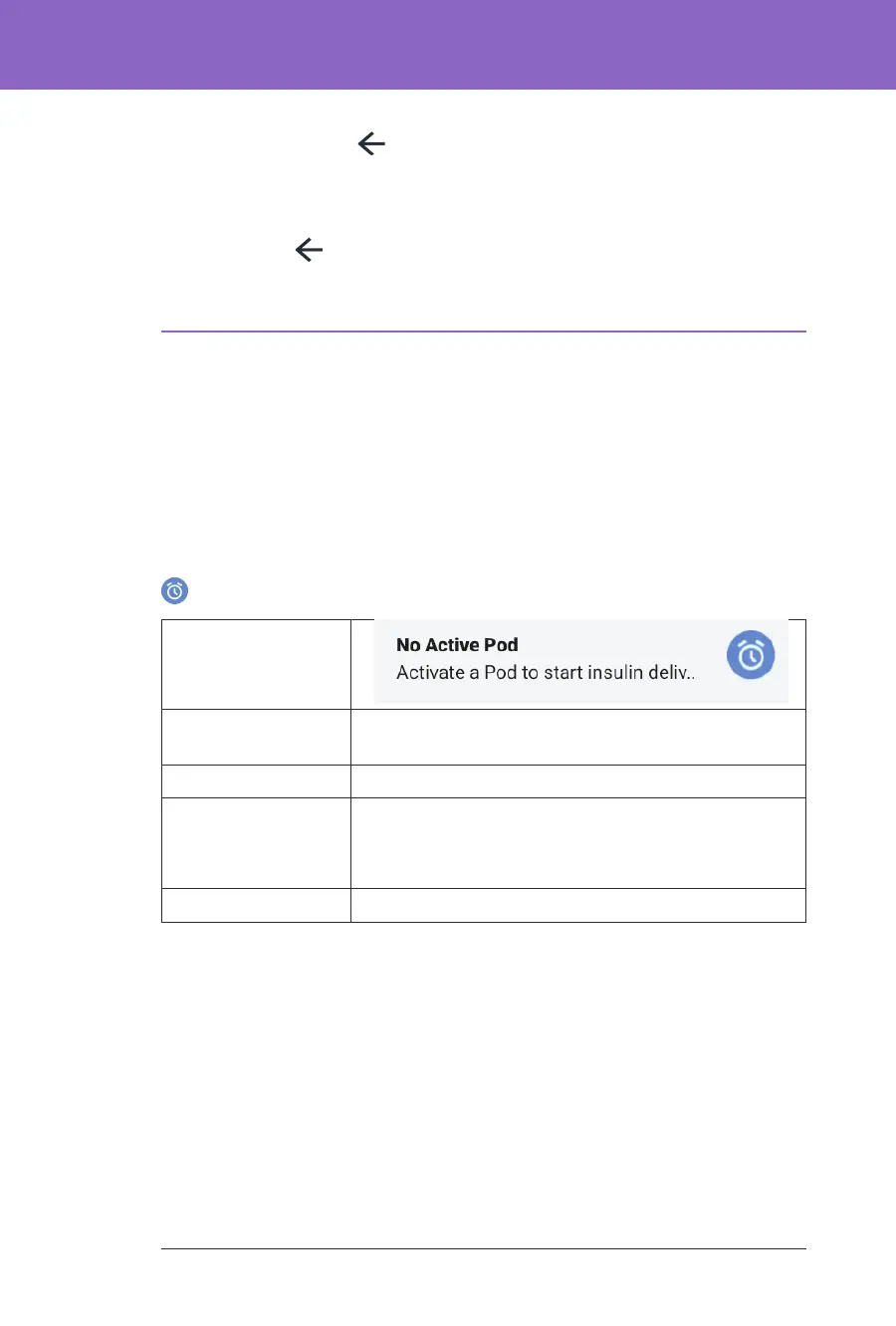
No Active Pod
Screen Displayed
Cause
Reminds you to activate a new Pod to begin basal
insulin delivery
Pod sound:
None
Controller
sound and
vibration:
Repeats once, 15 minutes aer the initial notication,
unless acknowledged.
What to do
Unlock the Omnipod 5 App. Activate a new Pod.



 To Next Page