45
Omnipod 5 System Overview 33 Omnipod 5 System Overview
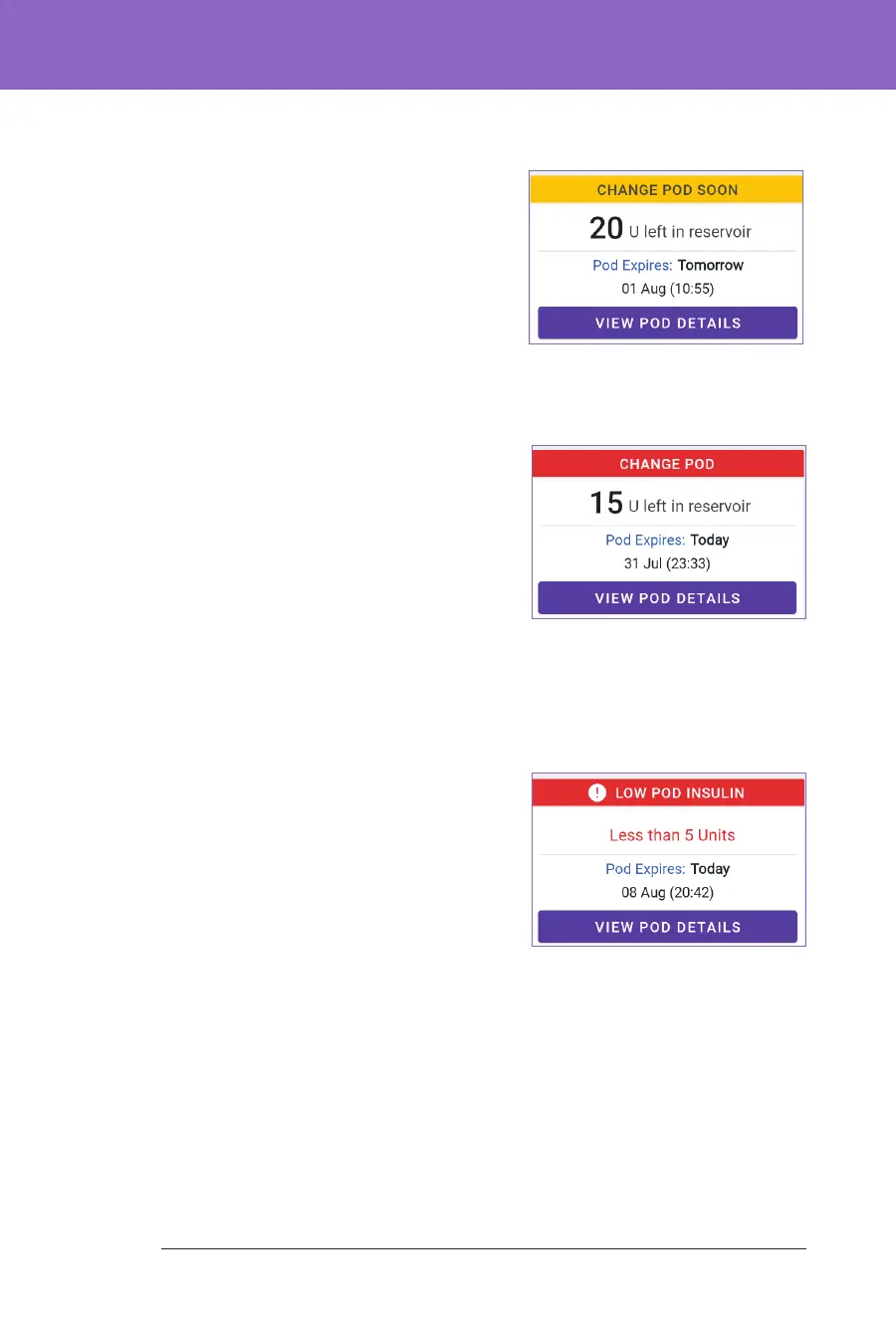
POD INFO banners
When your Pod will expire soon, a yellow
CHANGE POD SOON banner appears on the
POD INFO tab. e yellow banner appears
12 hours before Pod expiry or at the time
of your Pod expiry reminder, whichever is
earlier.
At 6 hours before Pod expiry, a red CHANGE
POD banner appears on the POD INFO tab.
When less than 5 units of insulin remain in
the Pod, a red LOW POD INSULIN banner
appears on the POD INFO tab. If the Pod will
expire soon and there are less than 5 units of
insulin in the Pod, the red LOW POD INSULIN
banner is displayed on the POD INFO tab.
Note: If you change the time zone, the Pod
expiry time is adjusted to match the new time
zone selection.



 To Next Page