29
System Terminology and Navigation 22 System Terminology and Navigation
SmartAdjust™ technology Pod soware used to calculate automated insulin
delivery, as oen as every 5 minutes, to bring
your glucose to your customised glucose target,
or Target Glucose.
Target Glucose e user-customisable glucose target used
by both SmartAdjust technology and the
Omnipod5 SmartBolus Calculator to calculate
how much insulin you need based on both your
manually entered blood glucose readings and
the sensor glucose values from your Dexcom G6.
Target Glucose can be set from 6.1–8.3 mmol/L
in 0.55mmol/L increments.
Transmitter Component of a sensor glucose monitoring
system that sends sensor glucose values to the
Pod.
Units How insulin is measured.
2.2. Using the Touchscreen and Entering Information
is section explains how to use the touchscreen, how to enter numbers or text
into the Omnipod 5 App, and how this User Guide describes moving between
Omnipod 5 App screens.
Touchscreen Basics
e Omnipod 5 App displays messages and options for you on its touchscreen.
Tapping and swiping
e basic instructions for interacting with the touchscreen are explained here.
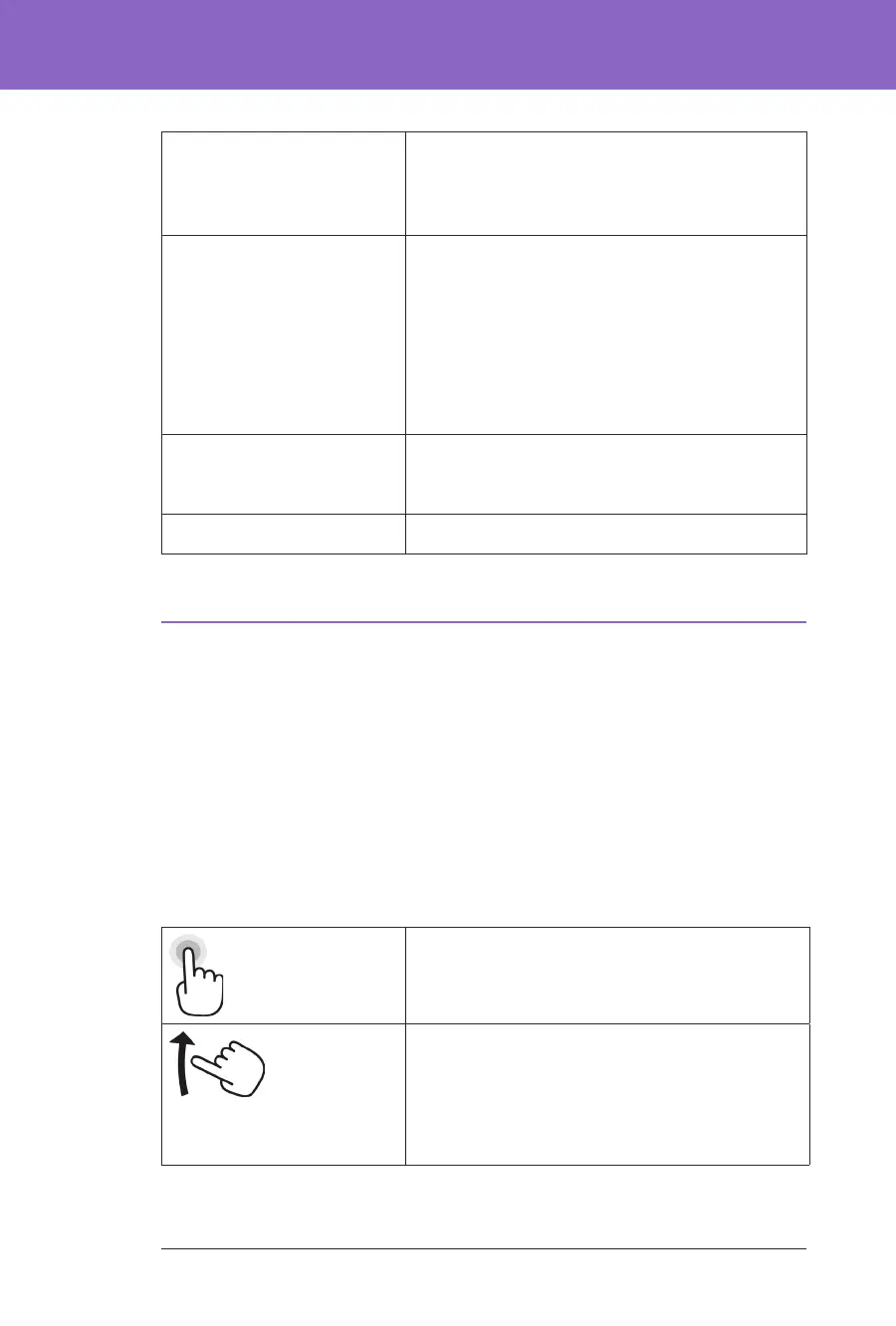
Tap Touch the screen, then li your nger up.
Swipe Touch a starting point and move your nger up,
down, le or right.
Note: Scrolling and swiping are related actions.
When you swipe up, the screen display scrolls up
to show items that are currently o-screen.
Note: A screen protector may decrease the touchscreen sensitivity.



 To Next Page