73
Activating and Changing Your Pod 55 Activating and Changing Your Pod
Aer initial Omnipod 5 App set-up, you will activate your rst Pod. Your Pod
should be changed at least once every 48 to 72 hours (2 to 3 days) or aer depleting
the insulin in the Pod. Consult with your healthcare provider to determine if you
should change your Pod more oen.
Before activating a Pod, do the following:
1. Gather the necessary supplies:
• A vial of rapid-acting U-100 insulin cleared for use in the Omnipod 5
System. See “1.4. Compatible Insulins” on page 7 for a list of the approved
insulin types that can be used with the Omnipod 5 System.
• An unopened Omnipod 5 Pod
• Alcohol prep swabs
• Controller with the Omnipod 5 App
2. Wash your hands before starting and keep them clean throughout the Pod
change process.
3. Check the insulin for signs of deterioration according to the manufacturer's
instructions for use.
4. Check the Pod's packaging for damage. If undamaged, open it and inspect the
Pod for signs of damage.
5. If the insulin or Pod is below 10°C (50°F), allow it to warm up to room
temperature before proceeding.
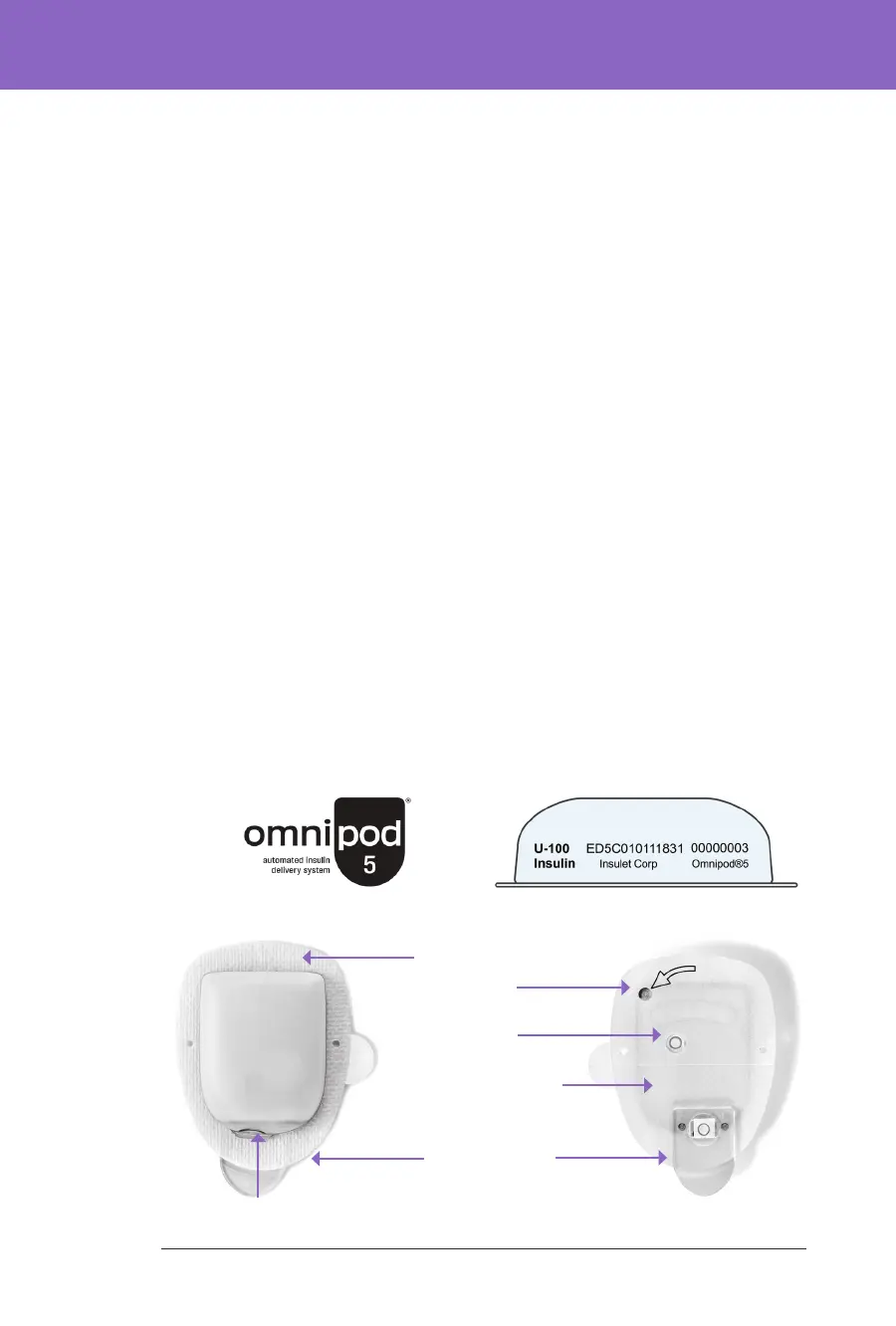
Conrm that you are using an Omnipod 5 Pod prior to beginning Pod activation.
Look for the Omnipod 5 logo on the Pod tray lid and the words “Omnipod 5®” on
your Pod.
Top Bottom
Adhesive backing
Fill port
Air vent
Clear needle tab
Viewing window
Paper covering for
adhesive backing



 To Next Page